Anthropic Skills: How SKILL.md Works + the Official Repo

Anthropic skills are folders with a SKILL.md file Claude loads on demand. Copy a real SKILL.md, install it in Claude or Claude Code, and use the official repo.
Anthropic skills are folders that teach Claude a task once: each holds a SKILL.md file with a short name and description up top and plain Markdown instructions below, and Claude loads the full file only when your request matches that description. Anthropic's own collection lives in the anthropics/skills repository on GitHub, which had passed 184,000 stars when we checked it on October 28, 2026, and installs into Claude Code with one command.
Key Takeaways:
- The smallest working skill is one folder and one
SKILL.mdwith two required frontmatter fields,nameanddescription. - In claude.ai you upload the folder as a ZIP under Customize > Skills; in Claude Code you drop it into
~/.claude/skills/and Claude Code reads it from there. - The official repo is
anthropics/skills. Add it in Claude Code with/plugin marketplace add anthropics/skills, then installdocument-skillsorexample-skills. - Custom skills don't sync between claude.ai, the API and Claude Code, so a skill you upload in one place has to be added again in the others.
- The
descriptionline decides whether a skill ever fires. Most "my skill doesn't work" problems start there.
A Minimal SKILL.md You Can Copy
Hi, I'm Vera, and I found out what skills are for the slow way. For about four months I kept a text file on my desktop with the same block of instructions (the summary format I wanted, the columns, the tone) and pasted it into every new chat. Then one week I pasted an old version, got a format I'd dropped back in February, and didn't catch it until after I'd sent it. That's what finally pushed me to look at what skills actually are.
So skip the theory for a minute. Here is a complete skill that turns messy call notes into a client follow-up email, the kind of thing you'd otherwise paste the same instructions for every week.
The folder looks like this:
client-recap/
├── SKILL.md
└── references/
    └── tone.md
And this is the whole SKILL.md:
---
name: client-recap
description: Turns raw call or meeting notes into a short client recap email with decisions, next steps and dates. Use when the user pastes call notes, meeting notes, or asks for a follow-up or recap email to a client.
---

# Client recap

1. Read the notes and pull out: decisions made, open questions, and next steps with an owner and a date.
2. Write the email in this order: a one-line thank-you, "What we agreed", "Next steps", "Open questions".
3. Keep it under 200 words. No bold text, no emoji.
4. If a next step has no date, write "date TBC". Never invent a date.
5. Match the voice described in references/tone.md.
That's it. The references/tone.md file is optional; delete the last step if you don't want one.
A few rules from the Agent Skills specification are easy to trip over. The name can only use lowercase letters, numbers and hyphens, tops out at 64 characters, and has to match the folder name exactly. The description can run to 1,024 characters and should say both what the skill does and when to use it. Anthropic's Agent Skills overview adds one more: the name can't contain the reserved words anthropic or claude, so claude-recap will be rejected even though it looks harmless.
Everything below the second --- is free-form. Numbered steps, examples of good output and a list of things to avoid tend to work better than paragraphs of prose, because Claude follows them more literally.
That desktop file of mine is now a skill built exactly like this. I don't paste it, and I can't grab the wrong version, because there's only one version now. The format I was protecting by re-pasting is just the default.
How to Install Anthropic Skills in Claude, Claude Code and the API
Where you put the folder depends on which Claude you use, and each surface keeps its own copy.
claude.ai (no code needed)
Anthropic's help article on using skills in Claude lists the steps for individual Free, Pro and Max accounts:
- Turn on code execution: Settings > Capabilities > Code execution and file creation (shown as "Create and edit files" in the newer settings layout). Skills don't run without it.
- Zip the skill folder, so
client-recap/with itsSKILL.mdsits inside the ZIP. - Go to Customize > Skills, click +, then Create skill, then Upload a skill, and pick the ZIP.
- Toggle the skill on.
On Team and Enterprise plans an owner first has to allow skills under Organization settings > Plugins & skills. Skills you upload stay private to you until you share them.
Claude Code
Claude Code reads skills straight from disk, so there's nothing to upload. Per the Claude Code skills docs:
~/.claude/skills/client-recap/SKILL.mdmakes the skill available in every project on your machine..claude/skills/client-recap/SKILL.mdinside a project shares it with anyone who works in that repo.
Claude picks the skill up on its own when a request matches the description, or you can call it by name with /client-recap. The same docs note that the old custom commands folder has been folded into skills, so .claude/commands/deploy.md and .claude/skills/deploy/SKILL.md both create /deploy.
Claude API
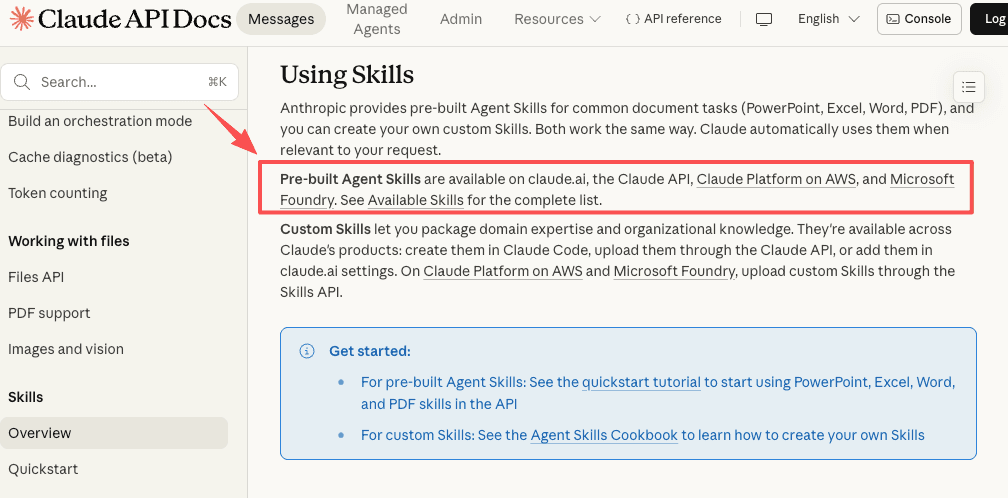
On the API, skills run inside the code execution tool's container. You pass a skill_id in the container parameter: pptx, xlsx, docx or pdf for Anthropic's pre-built document skills, or the ID of a custom skill you uploaded through the /v1/skills endpoints. API skills run with no network access and can't install packages at runtime, which rules out anything that needs to call a website.
The catch that surprises most people: custom skills don't sync across these three. Upload client-recap to claude.ai and the API has never heard of it; Claude Code only sees what's in its folders. Anthropic says so directly in the overview's limitations section.
The Official Anthropic Skills Repo on GitHub
The anthropic skills repo is github.com/anthropics/skills, described on GitHub as the "Public repository for Agent Skills." Anthropic created it on September 22, 2025, and it had 184,331 stars on October 28, 2026, with the latest push on October 9. There's no application code in it. It's a library of example skills plus the scaffolding to make your own.
What's at the top level today:
| Folder | What's in it |
|---|---|
skills/ |
19 example skills, each in its own folder with a SKILL.md |
template/ |
A bare SKILL.md with name: template-skill to copy |
spec/ |
A one-line pointer: the spec now lives at agentskills.io/specification |
.claude-plugin/ |
The marketplace file that lets Claude Code install the skills as plugins |
The 19 skills split roughly into four groups. Document skills: docx, pdf, pptx, xlsx. Creative and design: algorithmic-art, canvas-design, brand-guidelines, theme-factory, slack-gif-creator, frontend-design. Writing and work: doc-coauthoring, internal-comms, discernment-nudge, academy-guide. Builder tools: skill-creator, mcp-builder, claude-api, web-artifacts-builder, webapp-testing. If you only open one, open skill-creator; it's a skill whose job is to help you write and test other skills.
Installing the repo in Claude Code
The README gives the command. Inside Claude Code, run:
/plugin marketplace add anthropics/skills
That registers a marketplace called anthropic-agent-skills. Then either browse it (Browse and install plugins > anthropic-agent-skills) or install a bundle directly:
/plugin install document-skills@anthropic-agent-skills
/plugin install example-skills@anthropic-agent-skills
document-skills holds the four Office and PDF skills; example-skills holds twelve of the others. The marketplace file also lists claude-api, academy-guide and discernment-nudge as separate plugins. After installing, you can ask for a skill by name ("use the PDF skill to pull the form fields out of this file") or let Claude choose. For a walk through the plugin system itself, see our Claude Code plugin marketplace guide.
The repo is also listed on skills.sh, where npx skills add anthropics/skills installs it through Vercel's open-source skills CLI into other agents too. We tested that tool in npx skills: one command, 90+ agents.
You don't need to install anything in claude.ai: the README says these example skills are already available to paid plans there.
Licensing, read per folder
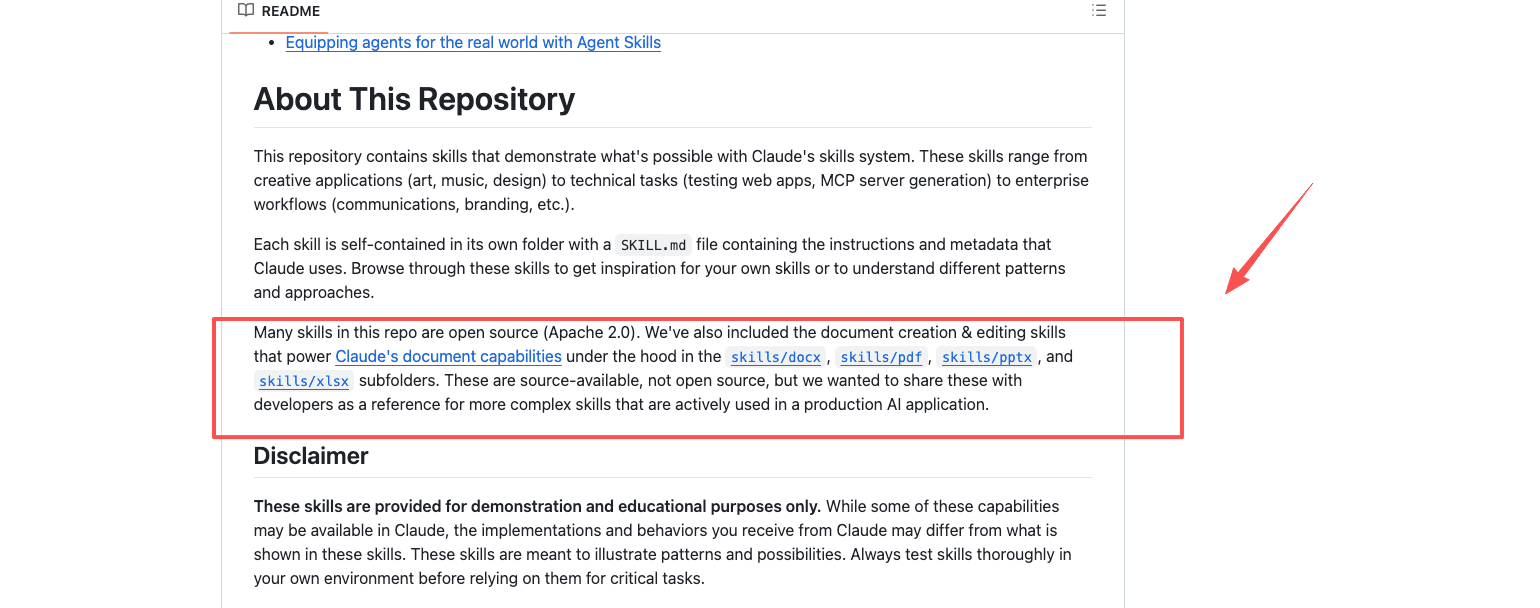
There's no LICENSE file at the root, so GitHub shows no licence for the repo. The README fills the gap: many skills are open source under Apache 2.0, but docx, pdf, pptx and xlsx are "source-available, not open source," shared as a reference for skills that run in production. If you plan to copy one into something you sell, check the licence inside that specific folder. The README also carries a disclaimer that these are demonstrations, and the behavior you get from Claude itself may differ.
If you're after a ranked shortlist rather than the raw repo, our roundup of the best Claude skills to install covers that.
How Claude Decides When to Load a Skill
Anthropic calls the loading model progressive disclosure, and it's the reason you can keep dozens of skills installed without slowing anything down.
| Level | When it loads | Rough cost |
|---|---|---|
name and description |
Always, at startup | About 100 tokens per skill |
The SKILL.md body |
When a request matches the description | Under 5,000 tokens recommended |
| Extra files and scripts | Only when the instructions point to them | Nothing until read; scripts return only their output |
Figures from Anthropic's Agent Skills overview. In practice it means Claude sees a one-line menu of every skill you have, and opens the full instructions only for the one that fits. Your references/tone.md file costs nothing on the days you don't ask for a recap.
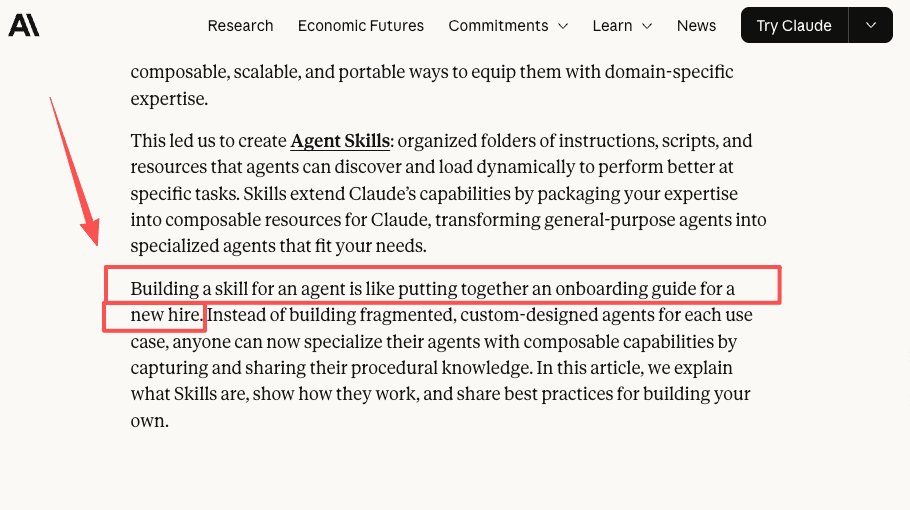
Anthropic's engineering write-up on Agent Skills compares a skill to the onboarding guide you'd hand a new hire, and the analogy holds up: short enough to read on day one, with appendices they look up only when a task needs them. That analogy did more for me than any feature list. The spec suggests keeping SKILL.md under 500 lines and moving anything longer into separate files one level down.
Writing a Description That Actually Triggers
Since the description is the only part Claude sees before deciding, a vague one means the skill sits there unused. "Helps with emails" will almost never fire. Compare it with the client-recap description above, which names the input (call notes, meeting notes), the output (a recap email) and the phrases a user would actually type.
Some habits that help:
- Put the main use case in the first sentence. Claude Code truncates long listings, and the Claude Code docs advise front-loading the key use case.
- Include the words people really say: "follow-up," "recap," "after the call." Synonyms are cheap and widen the match.
- Say when not to use it if two of your skills overlap, otherwise Claude has to guess between them.
- Test it by asking for the task in a fresh chat without naming the skill. If it doesn't load, the description is the first thing to rewrite, not the instructions.
Skills vs Prompts vs MCP
People mix these up because all three change what Claude does. I had it wrong too: I thought a skill was just a saved prompt with a nicer name. They sit at different layers.
| What it gives Claude | Lasts beyond one chat? | Example | |
|---|---|---|---|
| Prompt | An instruction for this conversation | No | "Summarize these notes as an email" |
| Skill | A saved procedure it loads when relevant | Yes | client-recap with your format and tone |
| MCP server | Access to an outside system | Yes | A connection to your inbox or CRM |
| Tool | A single action it can take | Yes | Send the email |
A prompt is something you'd have to say again tomorrow. A skill is the procedure that stops you repeating yourself; it's what you write once you notice you've pasted the same block of instructions a dozen times. That's the real difference for me. Prompts drift, because I drift: I phrase things slightly differently, forget a rule, grab an old version. A skill doesn't have my memory problem.
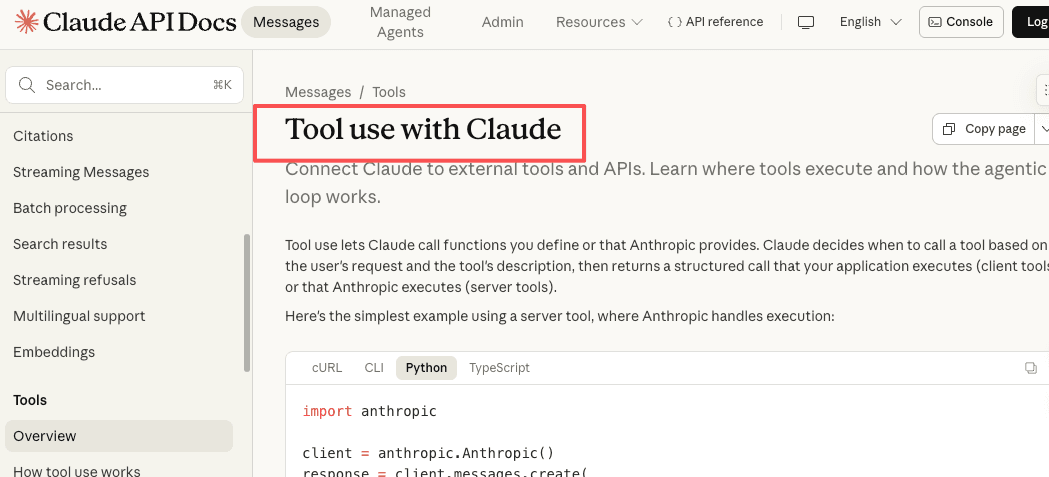
MCP answers a different question, which is whether Claude can reach the system at all. A real workflow often uses both: the skill says how to write the recap, an MCP connection lets Claude send it. Anthropic's tool use overview has the technical detail on the tool side, and our guide to AI agent skills looks at the same split across agents other than Claude.
For a one-off question, a skill is overkill. Just ask.
When a Skill Will Not Upload or Will Not Fire
Anthropic's help center lists the usual upload failures in claude.ai, and they match what tends to go wrong in Claude Code too:
- The folder name and the
namefield don't match. SKILL.mdis missing, misnamed, or sitting one folder too deep inside the ZIP.- The name or description contains characters the validator refuses (uppercase letters, spaces, XML-style tags).
- The ZIP is over the size limit. Anthropic doesn't publish the number in that article, so move large reference files out if you hit it.
If it uploads but never runs, check that code execution is switched on, that the skill is toggled on under Customize > Skills, and then go back to the description. In Claude Code, frontmatter is only read if the opening --- is the very first line of the file, so a stray blank line at the top quietly breaks it.
One warning worth repeating from Anthropic's docs: a skill can carry scripts, and a malicious one can tell Claude to run code you didn't intend. Install skills from people you trust, and read the files before you install anything from a stranger's repo.
FAQ
What is the official Anthropic skills GitHub repo?
It's anthropics/skills. It holds 19 example skills, a SKILL.md template, a pointer to the Agent Skills spec, and a plugin marketplace file for Claude Code.
Do I need to know how to code to use Anthropic skills?
No. In claude.ai you write a Markdown file, zip the folder and upload it. Skills that bundle scripts need some comfort with code, but plenty of useful ones are only instructions.
Which Claude plans support skills?
Anthropic's help center lists Free, Pro, Max, Team and Enterprise, with code execution switched on. Team and Enterprise owners have to enable skills for the organization first.
Can I use a skill from claude.ai in Claude Code?
Not automatically. Custom skills don't sync between surfaces, so copy the same folder into ~/.claude/skills/ for Claude Code and upload it separately to the API if you use that.
Is SKILL.md only for Claude?
No. The format is published as an open standard at agentskills.io, and tools such as the skills CLI install the same folders into other coding agents. How well each agent follows a given skill varies.
Where do I find good skills to start with?
The official repo is the reference set. Start with skill-creator if you want help writing your own, or the four document skills if you mostly make files.
Where Anthropic Skills Stop: One Surface at a Time
Skills fix the "stop re-explaining" problem well. What they don't do is follow you around. The client-recap skill you uploaded to claude.ai isn't in Claude Code, isn't on the API, and certainly isn't in whichever other AI you opened this afternoon; each copy has to be added and kept up to date by hand, and none of them learns from the edits you make to its output.
That gap is the one Zentor is built around. Zentor keeps a workspace memory that belongs to you and plugs into any AI through Zentor MCP, and its skills adjust as you use them rather than staying frozen at the version you wrote. If you're already writing SKILL.md files because you're tired of repeating yourself, it's the same instinct taken one step further. You can see what the plan includes; new accounts get a 3-day trial.

Zentor Field Notes Hands-on automation playbooks
Field notes from the Zentor team. We compare the agent stack we run in production against the alternatives we evaluated and dropped. Production stories with real numbers, not vendor decks.
Ready to put this into practice?
Zentor runs browser tasks, research, and schedules automatically. Try it free.
References Anthropic: Equipping agents for the real world with Agent Skills · Claude: Agent Skills overview · Anthropic: Open-source skills repository · Claude: Tool use overview · OpenClaw: Skills documentation