ChatGPT Chrome Extension Now Controls Your Tabs

The ChatGPT Chrome agent can read and act in signed-in tabs. Check October 2026 availability, site permissions and the evidence before giving it access.
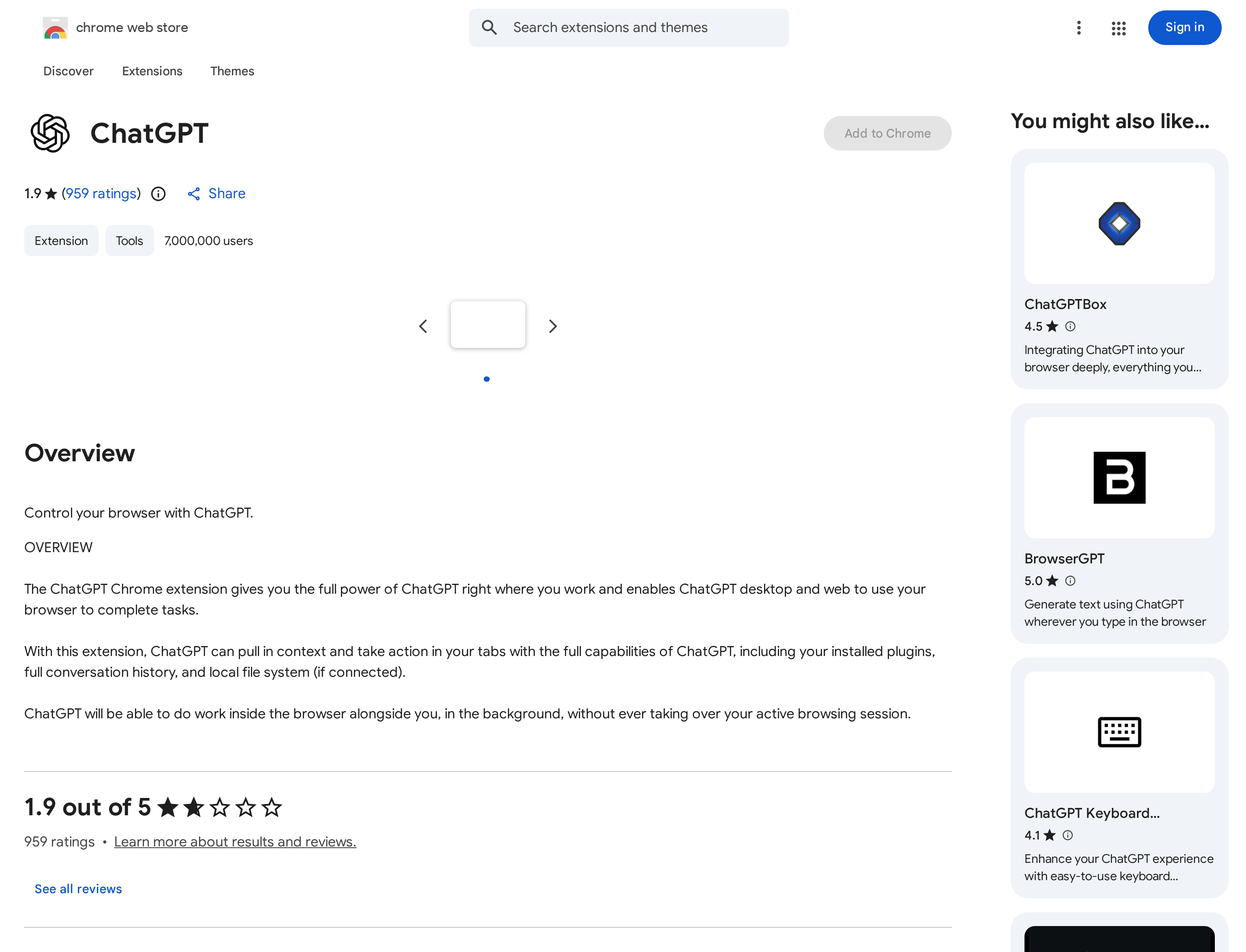
The ChatGPT Chrome agent can now read and act in your existing browser tabs, including websites where you're signed in; website permission is the decision that matters. OpenAI's Chrome Web Store listing showed 7,000,000 users and an October 15, 2026 update when checked on October 18. That's listed users, not successful runs.
Key Takeaways:
- The extension brings ChatGPT's browser actions into the Chrome profile you already use, rather than an isolated browser.
- A site approval can be one-time, persistent for one host, or global; global access skips later website prompts.
- OpenAI's plan guidance and browser-support documents conflict with broader availability claims. Check your own account before relying on them.
- There is no independently established success rate for this October update. Keep consequential actions under your review.
What changed in the ChatGPT Chrome extension?
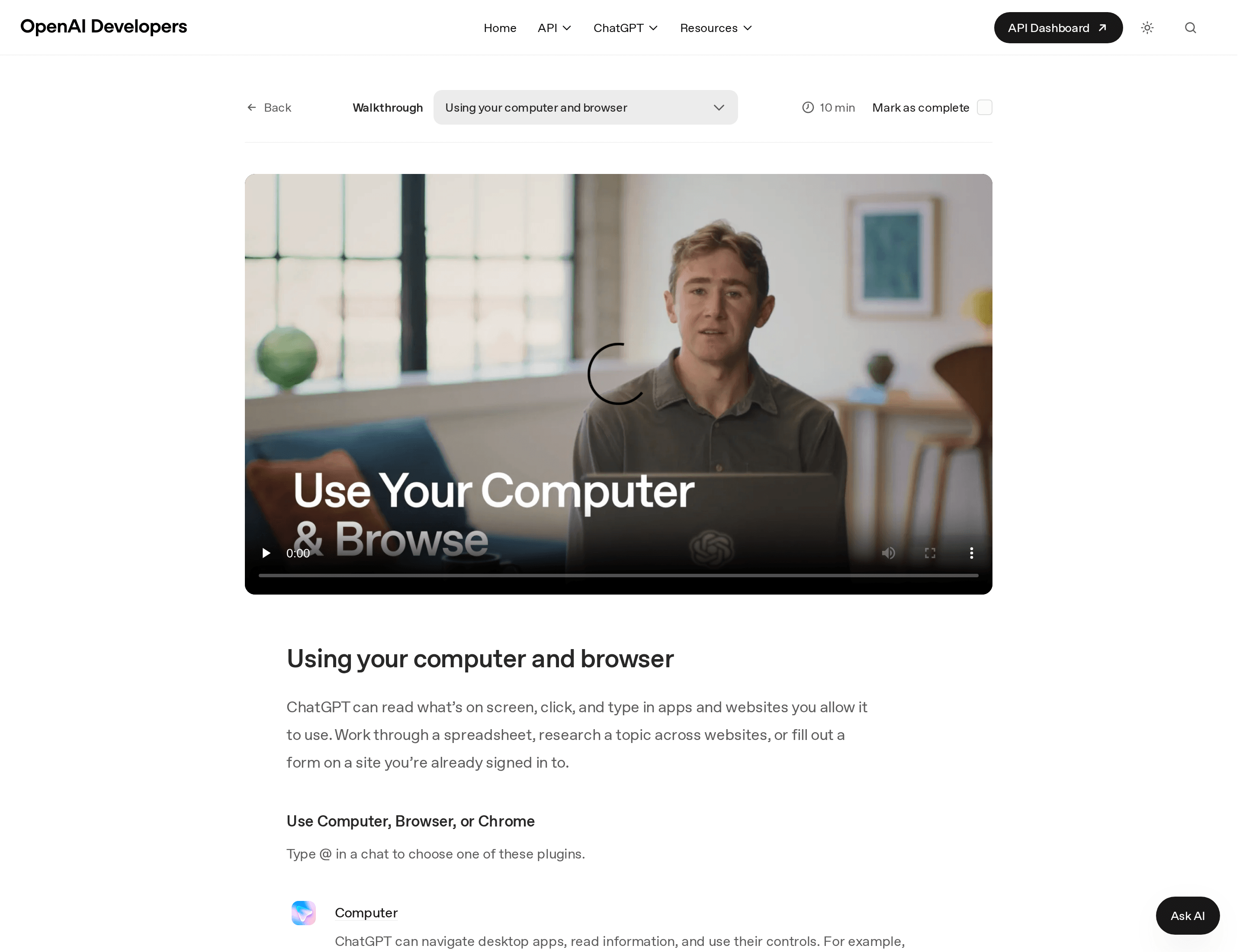
As of October 2026, OpenAI's listing identifies version 1.26.1005.11759, updated October 15, and describes an extension that brings context and actions into your tabs. OpenAI's training walkthrough distinguishes three surfaces: Computer controls permitted desktop apps; Browser works in the desktop app's built-in browser; Chrome works in your regular signed-in browser.
This is narrower than saying ChatGPT automatically controls every tab. The install-time extension permissions make operations possible; ChatGPT's separate website approvals determine where a task may operate. Our ChatGPT Work guide covers task design; this ChatGPT Chrome agent article addresses account access.
What can it actually do across your open tabs?
OpenAI says Chrome can start a tab, read an internal dashboard, use page controls and fill a form. Its extension listing also advertises data entry, bulk downloads and tab cleanup; these are vendor-described capabilities, not independently measured outcomes. OpenAI's Codex release notes say the Chrome extension can work in parallel across background tabs without taking over your active browser.
Imagine comparing open supplier pages and copying prices into a sheet. Reading differs from writing to a signed-in sheet. Sending messages, downloading files and grouping tabs also change your workflow; review targets before allowing action.
Which plans and browsers get it?
Don't treat a third-party 'all plans, five browsers' headline as a support matrix. As of October 18, 2026, OpenAI's Work availability guidance says Work runs on web and mobile for eligible paid plans and in the desktop app when your plan and workspace include it. That does not substantiate a claim that Chrome actions in Work are available to every ChatGPT plan. Workspace policies can limit them further.
OpenAI's Chrome-extension setup guide says other Chromium-based browsers aren't currently supported for its desktop-plugin setup. Yet the OpenAI-owned Chrome Web Store listing names Edge, Brave and Opera as compatible. Neither first-party page establishes Vivaldi support. Verify browser and Work access in your installation.
How do the per-site permissions work?
OpenAI's Chrome extension guide documents four choices when ChatGPT requests a website: Allow once, Allow for this site, Allow for all sites, and Decline. The guide says website prompts use the host, and its settings let you review allowed and blocked domains. As of October 2026, Allow for all sites removes future website confirmation prompts. Treat it as a high-risk choice even if you only meant to finish one task; OpenAI explicitly advises choosing it only if you trust ChatGPT on any site open in Chrome.
Chrome's install prompt isn't a runtime approval; the extension requests page debugging, website data and downloads. For managed accounts, OpenAI's enterprise controls can block sites or file transfers even after a member allows a site. An approved website is a permitted surface, not proof that every instruction printed on its pages is trustworthy.
Is it reliable yet?
No independent, reproducible success-rate study for this October Chrome update was identified in the sources reviewed. A store listing's install figure measures distribution, not successful form submissions or accurate cross-tab extraction. OpenAI's walkthrough and listing show intended behavior; they don't publish a trial count, failure definition or per-site breakdown.
A hidden form field or wrong active account can spoil a result. Start read-only, inspect sources and verify the saved record. Zentor's personal AI agents explainer likewise separates an assistant describing work from one changing state.
What should you check before letting it act on signed-in sites?
For a small business, the first browser test shouldn't be a live customer email or an inventory change. Before approval, name the exact site and account, what ChatGPT may read, what it may write, and the point where it must stop for review. Start the ChatGPT Chrome agent with Allow once. If you later save a site approval, revisit Settings > Computer Use > Manage next to Chrome and remove access you no longer need, as OpenAI's setup instructions describe.
Keep passwords out of chat. Review form values, attachments and recipients on the actual site; request drafts, not sends. Stop if the browser opens a surprising account. Page text can misdirect agents; never use automation to evade site security or CAPTCHA.
Zentor keeps workspace memory portable across AI through Zentor MCP; that doesn't enforce OpenAI's browser permissions. Keep reusable context separate from a ChatGPT Chrome agent's access to signed-in sites. If you want to organize your own work before granting any browser access, visit Zentor; early access is limited.
Keep your workspace context yours
Zentor connects your workspace memory across AI tools. Decide separately which browser sites an agent may touch.
Get early access →
FAQ
Does it work on all ChatGPT plans?
OpenAI's Work help page says eligible paid plans get Work on web and mobile, while desktop availability depends on plan and workspace. The Chrome Web Store listing doesn't establish that Chrome actions in Work are available to every plan. Check the Work switcher and plugin access in your own account.
Can it act on sites where I'm already logged in?
Yes, on permitted sites: OpenAI says the extension uses your regular Chrome session, including signed-in websites. You still need to approve the requested site unless a broader approval is already saved, and your workspace administrator may impose additional limits.
Is there independent data on how often it succeeds?
Not in the sources reviewed for this update. The seven-million figure is listed users, not successful runs. Test a low-stakes, reversible task on your own sites and verify the saved result before expanding access.

Zentor Research Public data on the AI ecosystem
Zentor Research publishes quarterly data studies on the AI tools ecosystem, drawing on public registries (npm, GitHub, Hugging Face, arXiv, Google Trends). All charts and datasets ship under CC-BY 4.0.
Turn insights into action.
Zentor automates the recurring work your analysis points to. No engineering required.