Gemini 4 Argon for Work: Chat to Task Review
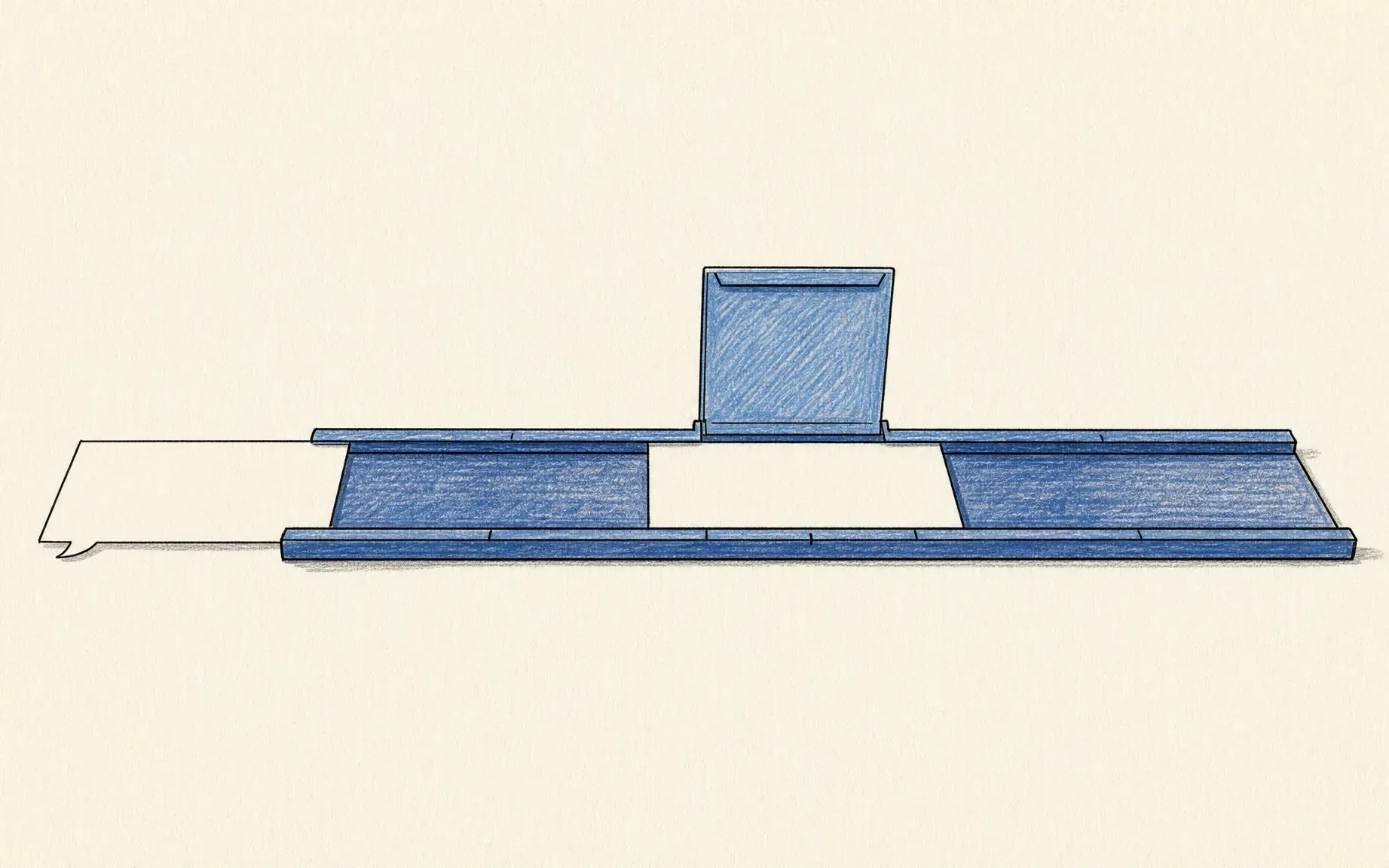
Gemini 4 Argon for work: see how to frame one client task, review its progress, and check the result before it enters your workspace.
Gemini 4 Argon for work means using Google's new model in the Gemini app; turning a request into a reviewable job requires the separate Task mode. For a freelancer, the question is whether the resulting update reflects the right files and the latest client decision.
That is where a Gemini work assistant earns its keep: it can assemble a first draft without getting the right to speak for your business.
Key Takeaways:
- Argon is a model choice; Task mode handles the job. Both require eligible access.
- Name the sources, output, and stop point before work begins.
- Progress is visible, but client approval remains yours.
Picture a Friday update for a design client. The brief says the homepage is due Monday; a later meeting note moves review to Wednesday. The useful task drafts the update and surfaces that conflict. This is an illustrative scenario, not an Argon test.
Quick Answer for a Client Task
Create one Task: read the approved brief, meeting note, and status file; draft an internal update; flag conflicting dates; stop before sending. Argon arrived in the Gemini app on October 13, 2026, alongside a chat-to-tasks switch. Task mode supplies the work thread and review surface.
If Friday's update has to reuse checked decisions across later projects or AI tools, consider a separate workspace-memory record rather than assuming this Task has approved the next one.
Keep approved client context for the next task
If you need reusable workspace memory across AI tools, Zentor keeps that context yours through Zentor MCP. Check the approved source before anything goes to a client.
Get early access →
What Can Gemini 4 Argon Do Beyond Chat?
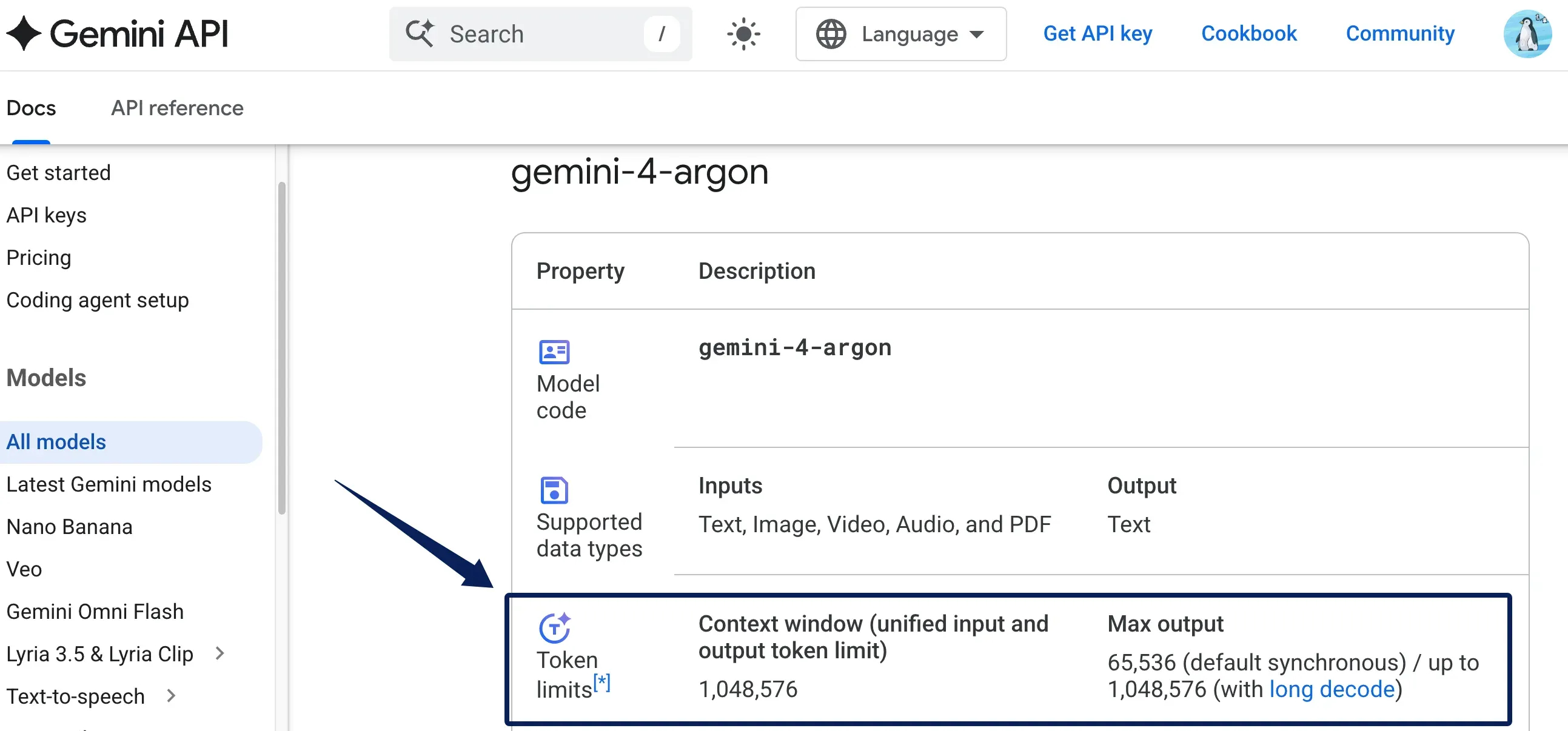
Where available, Argon is the model choice; Task mode plans and records the work. Argon's 1,048,576-token shared window describes API use, not a published per-task file allowance in the Gemini app. For a three-file client update, source selection matters more than the size of that window. Longer context isn't durable task state.
Gemini task automation records steps, not every future client decision. Google's work panel shows planned, current, and completed steps, plus files read or updated. An omitted meeting note becomes visible before you trust the draft. I checked published controls, not a logged-in Task run.
Prepare the Source Notes and Desired Output
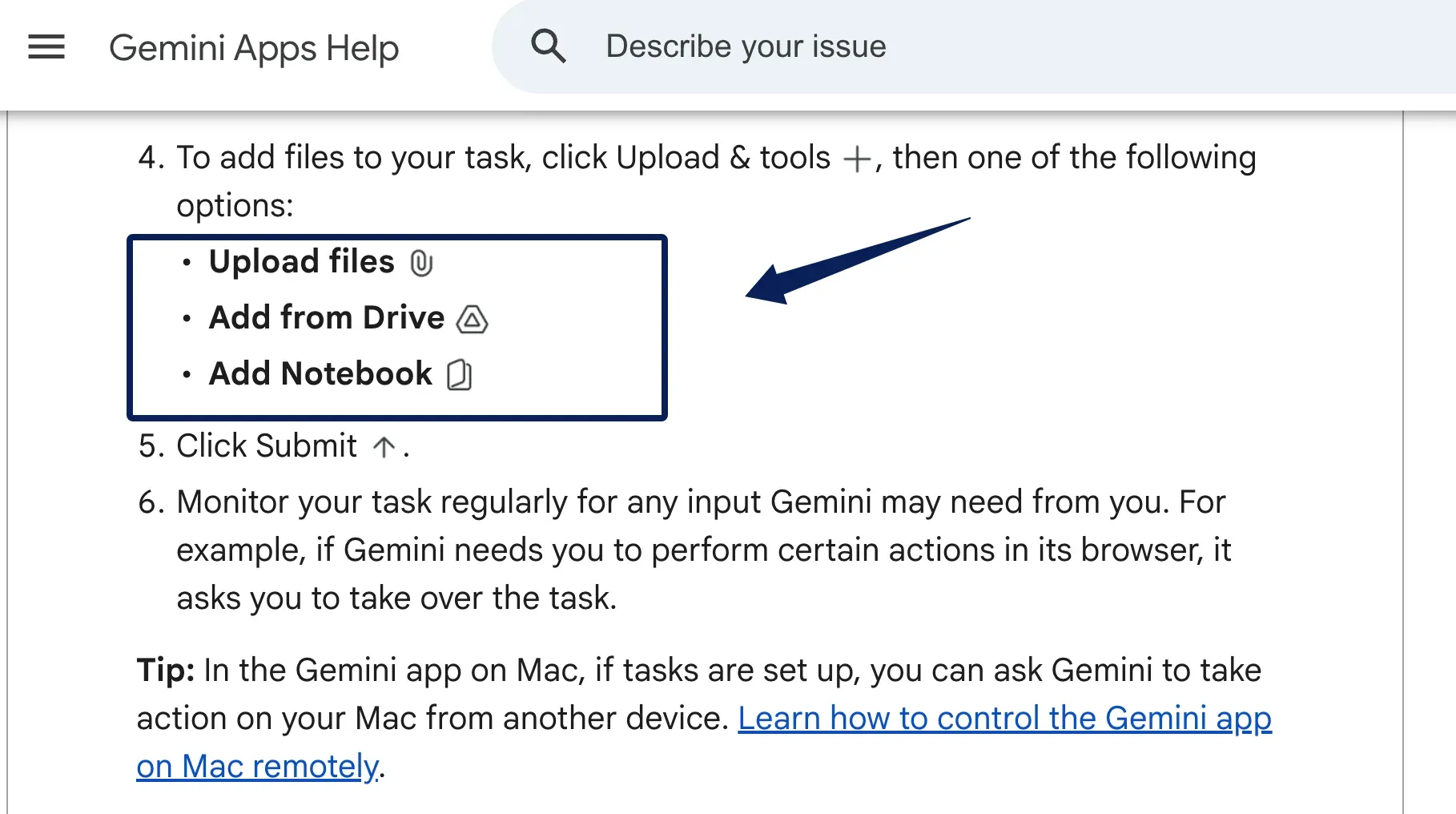
Use three bounded inputs: signed-off brief, newest meeting note, current milestone record. If client permission does not cover AI processing, use a redacted sample. Google's file-upload guidance also says Drive access requires connecting Google Workspace to Gemini Apps. Name the authoritative date source, or require Gemini to flag disagreement.
For example, the signed brief controls scope, while a later client-approved decision may change timing. An internal note saying "Wednesday looks possible" is not that approval. Make this hierarchy explicit before the model writes a confident sentence around it.
Request a "For review" draft covering completed work, next milestone, decisions needed, and sources. Tell Gemini: "Use only these three sources. Attribute each deadline. Mark conflicts 'needs confirmation.' Do not email, edit the board, or infer approval."
You can attach files or select Drive and Notebook material. Name the files instead of asking Gemini to "find everything about this client."
Run One Task and Review Its Progress
Choose Task, then select Argon if your eligible app offers it; the model menu also lets you change the thinking level. Argon's API documentation lists low, medium, and high, but does not promise those exact choices in every app account. Start with the default for this small task. More reasoning may help with a stubborn source conflict, but it does not repair missing evidence.
Open the progress chip to inspect steps and files. Gemini app tasks expose unexpected sources early. A sign-in request needs you; "completed" only means the run ended. In the Friday scenario, did Gemini use all three files and surface Wednesday? If it entered unrelated client material, stop and narrow the task. Created files remain in the task thread for review or export; only the approved copy belongs in the client workspace.
Check the Draft Before It Reaches the Client
Match dates and "done" claims to the underlying files. Check names, prices, scope, and whether approval was requested or granted. "We can review Wednesday" must not become "we will deliver Wednesday."
Client task review starts with a less technical question: can the recipient see the decision you need, or is it buried beneath reassuring prose? A tidy summary can still be a poor update.
Save the reviewed copy and source links in the client project, not solely in Gemini. Next Friday, you will need the accepted wording, not just a transcript of how it was drafted. This explanation of memory versus chat history distinguishes reusable context from a chat log; neither implies a Gemini integration or a client approval feature.
Where the Workflow Needs Human Control
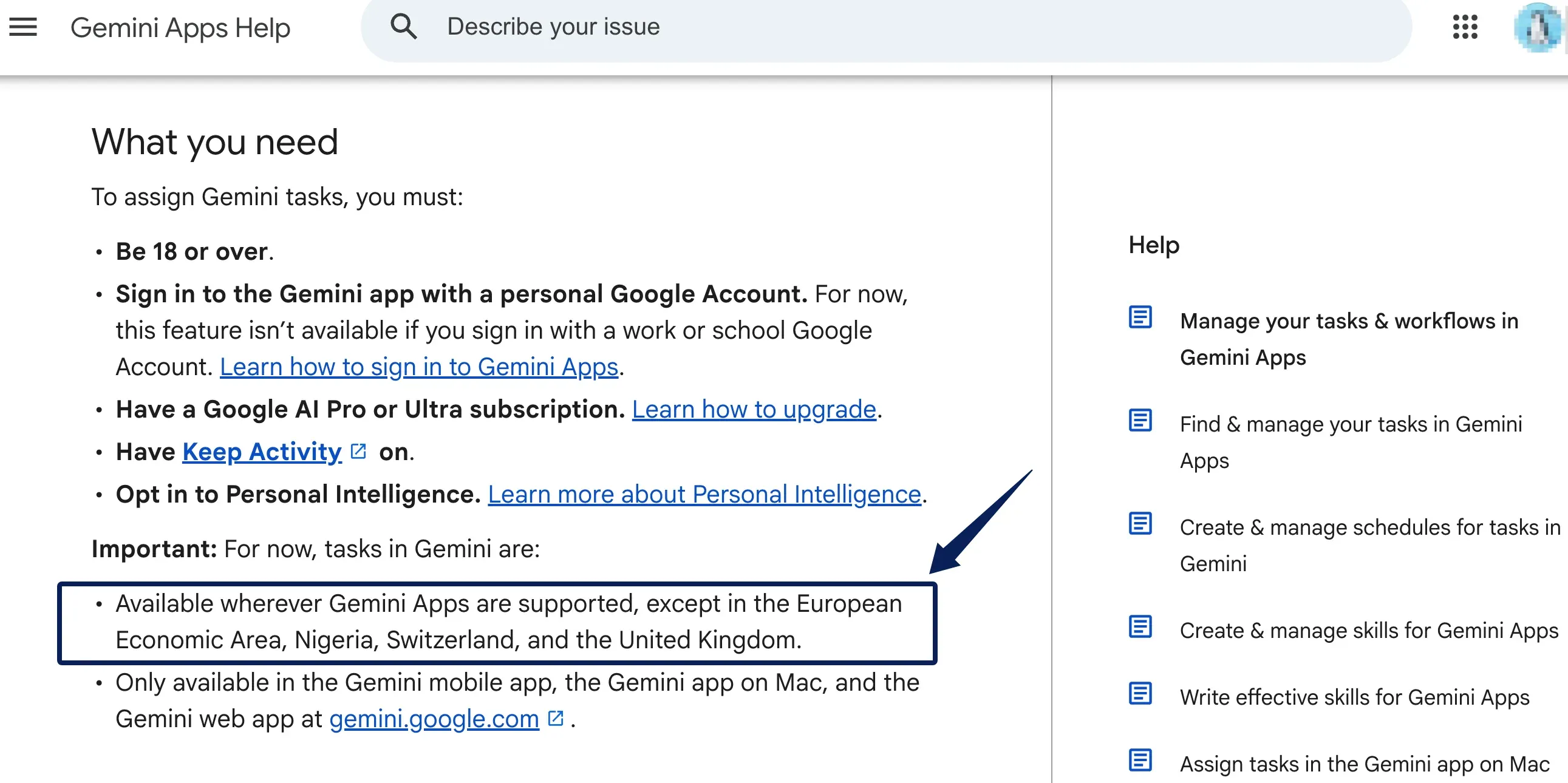
As of October 15, 2026, Task requires users to be at least 18 with a personal Google Account, Google AI Pro or Ultra, Keep Activity, and an opt-in to Personal Intelligence. Work or school accounts are excluded, as are the EEA, Nigeria, Switzerland, and the UK. Google's Task help lists the Gemini mobile app, Mac app and web app as supported surfaces. Google calls Task experimental; check eligibility before promising this workflow.
A person must approve the send, especially when dates change or private details appear. Built-in confirmation prompts are no substitute for that boundary.
FAQ
Can Argon Resume a Task After You Close the App?
Yes, a task using Google's remote browser can continue after you close the device; work in local Chrome needs the computer awake, though Gemini may switch to a remote browser if it becomes unavailable. A sign-in step may pause the run. If you use Gemini 4 Argon for work every Friday, check the unfinished thread before assuming the draft is ready. This is Task behavior, not a guarantee from Argon itself.
Can You See Which Connected App a Task Used?
Yes. The work panel can show relevant Connected Apps and files. It is a trail of tools used, not proof that every sentence cites the right client source.
Can You Stop a Task Before It Finishes?
Yes. Stop in the task text box cancels it. Stopping Chrome browsing alone may let Gemini continue with another tool; check the thread afterward.
Can a Teammate Review the Same Task?
Don't assume shared-thread review. Google's Task guidance describes the account holder's thread, not a co-review role. Export the draft and sources for a teammate's approval.
Does Argon Keep a Separate Record of Approved Outputs?
No separate approval archive is established in current guidance. Save the approved copy with approver and date in your project system. Deleting a thread does not delete files created elsewhere.
Let the Draft Earn Its Place in the Client Record
The Friday update belongs in the client record only after you resolve Monday versus Wednesday and approve the wording. One draft from three known inputs gives a clearer test of Argon's work value than an expansive agent demo. If the checked decisions must carry into later work in another AI, Zentor's user-owned workspace memory can be a separate option, not an automatic part of this Task.

Zentor Editorial Zentor editorial team
The Zentor editorial team writes about workflow automation, AI agents, and the tools we build. Default byline for industry overviews, listicles, and collaborative pieces.
Ready to put this into practice?
Zentor runs browser tasks, research, and schedules automatically. Try it free.