Hermes Mobile vs Zentor for Connected-App Work
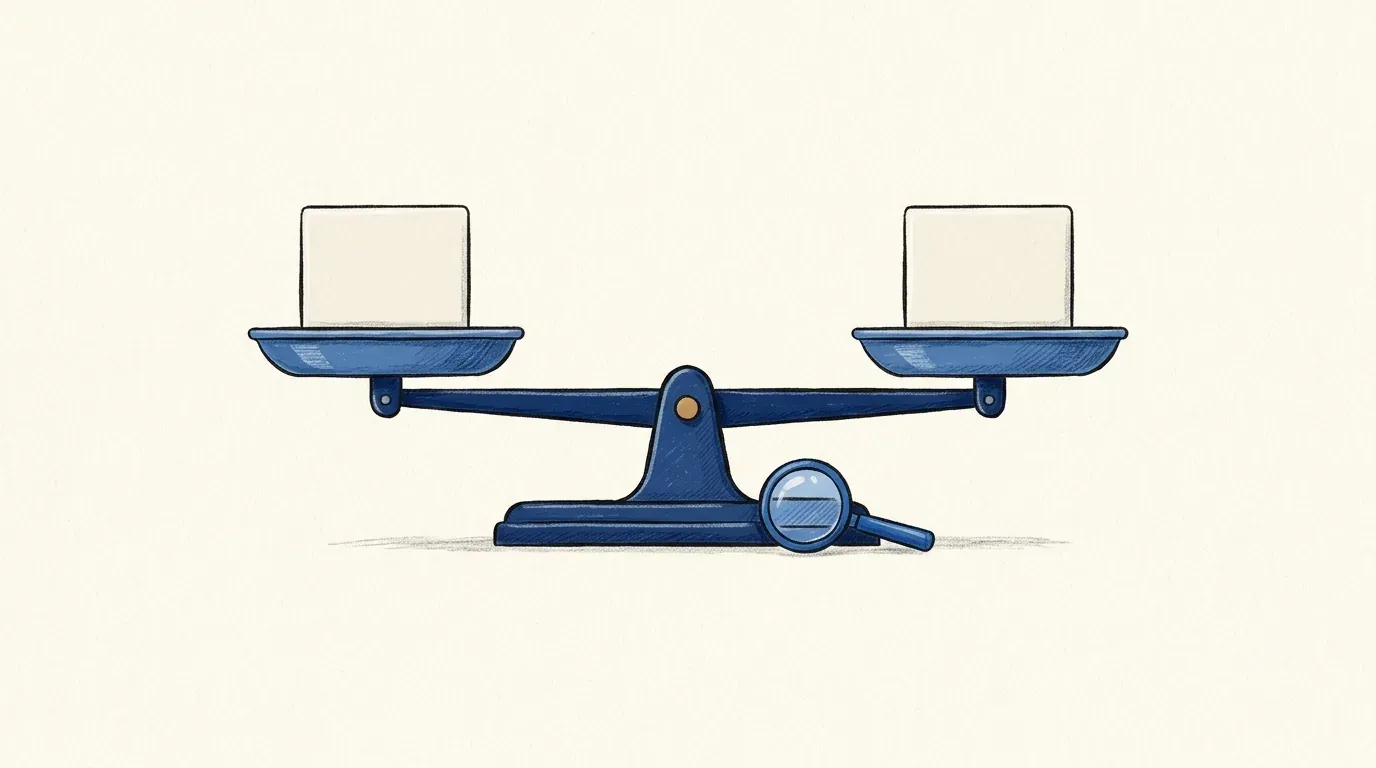
Hermes Mobile vs Zentor for one client follow-up: compare entry point, work context, and where a reviewed result can go.
Hermes Mobile vs Zentor compares a mobile beta entry point with a workspace positioned around ongoing client context. For connected app workflows, the useful test is whether one client update can become a checked draft and an accurate record in the existing workspace.
Key Takeaways
- The official Hermes Mobile page confirms a beta waitlist, but documents no task, connection, or handoff behavior.
- Hermes Desktop and session documentation describes the wider agent, not the Mobile beta.
- Zentor's Notion and Gmail pages describe workspace context and human-approved drafts. The exact cross-app write-back path still needs checking.
- A trial should show the source and prior commitment, pause for review, and record the next step.
Imagine a hypothetical freelancer whose client emails to move Friday's review to Thursday. The earlier commitment is in Notion. They need to check the dates, review a reply, and update that record.
Which Route Fits a Client Follow-Up?
Judge both routes by five steps: capture the email, find the commitment, draft, approve, and update the record. A chat response alone leaves the project out of date.
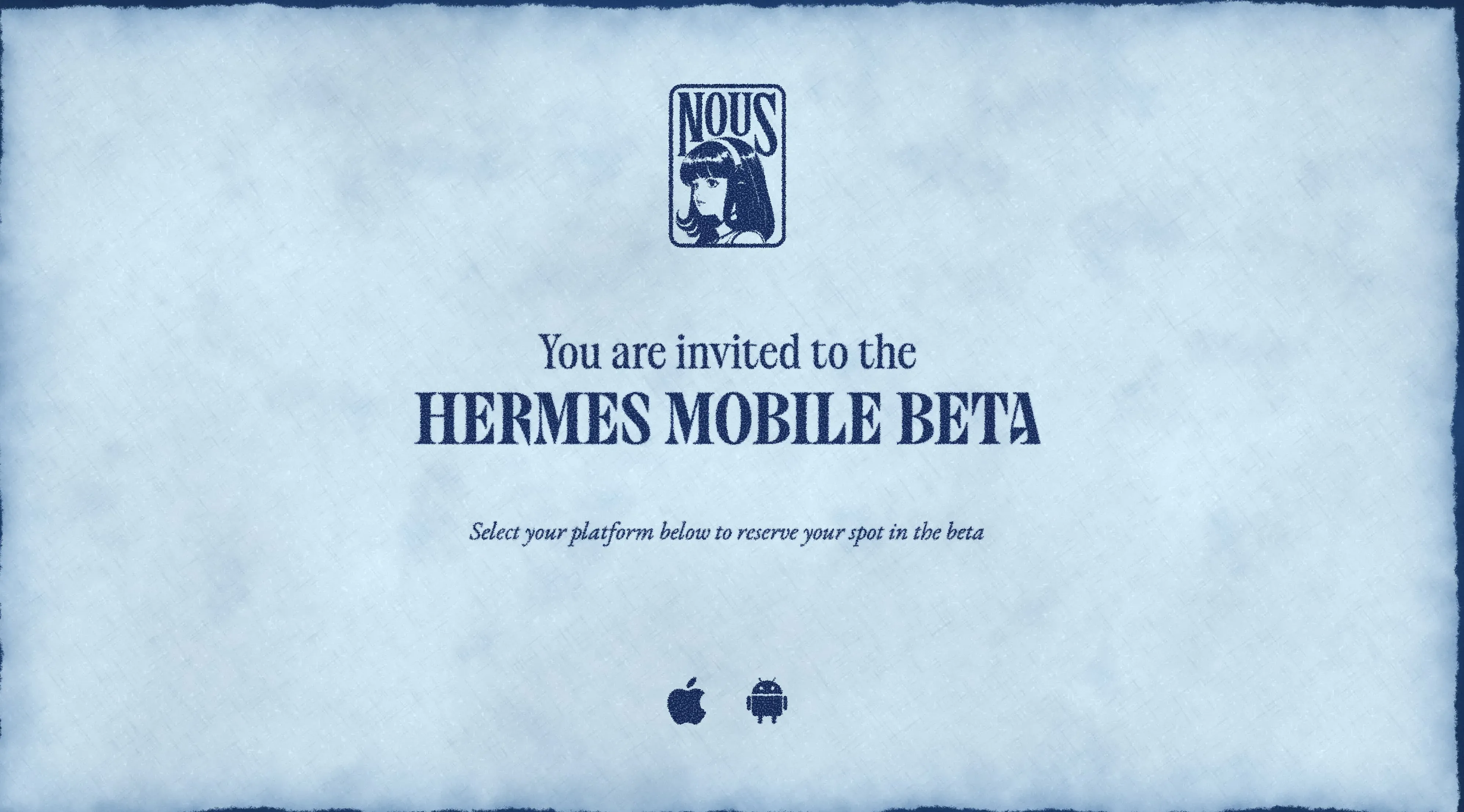
The official Hermes Mobile beta page invites visitors to join the waitlist by platform. It does not explain these steps. Zentor's Notion integration page describes retrieving page or database context and drafting a follow-up. That is published product scope, not a test of this exact client task.
| Step | Hermes Mobile beta: public evidence | Zentor: public evidence and check |
|---|---|---|
| Read the update | Email entry undocumented. | Gmail page describes reading client mail; verify account access. |
| Find the promise | Mobile source access undocumented. | Notion page describes retrieving context; verify the right page. |
| Review a draft | Mobile controls undocumented. | Gmail page describes approval before sending. |
| Record the result | Mobile write-back undocumented. | Notion page describes general write-back; this Gmail-to-Notion record and source link are untested. |
One client email, one checked draft, one updated record
Zentor reads the client mail, finds the prior commitment in Notion, and drafts a reply you approve before it goes out.
Get started →
Compare How You Start the Task
A phone entry sounds convenient away from your desk. For Hermes Mobile work tasks, first ask whether the beta can open a client email, select the right account, or resume a session. The waitlist page answers none of those questions.
Nous Research's Hermes Desktop guide says Desktop shares agent configuration and sessions with CLI and web surfaces. It doesn't mention the Mobile beta. Ask to see a Mobile-to-desktop continuation before planning around one.
Zentor's Gmail assistant page describes finding supporting emails, preparing a reply, and asking for approval before sending. In your account, check that the client's mailbox is connected with appropriate permissions. A feature page cannot establish which account you have authorized.
Compare What Context Each Route Can Use
The earlier promise is the hard part. A draft based only on the new email might miss the Friday commitment. Ask either route to show the message and Notion passage behind its proposed date.
Hermes Agent's session documentation covers conversation storage and resume for the broader system. Session history is not access to client records, and it does not establish Mobile beta connectors. Verify the beta's app access and what carries over between devices.
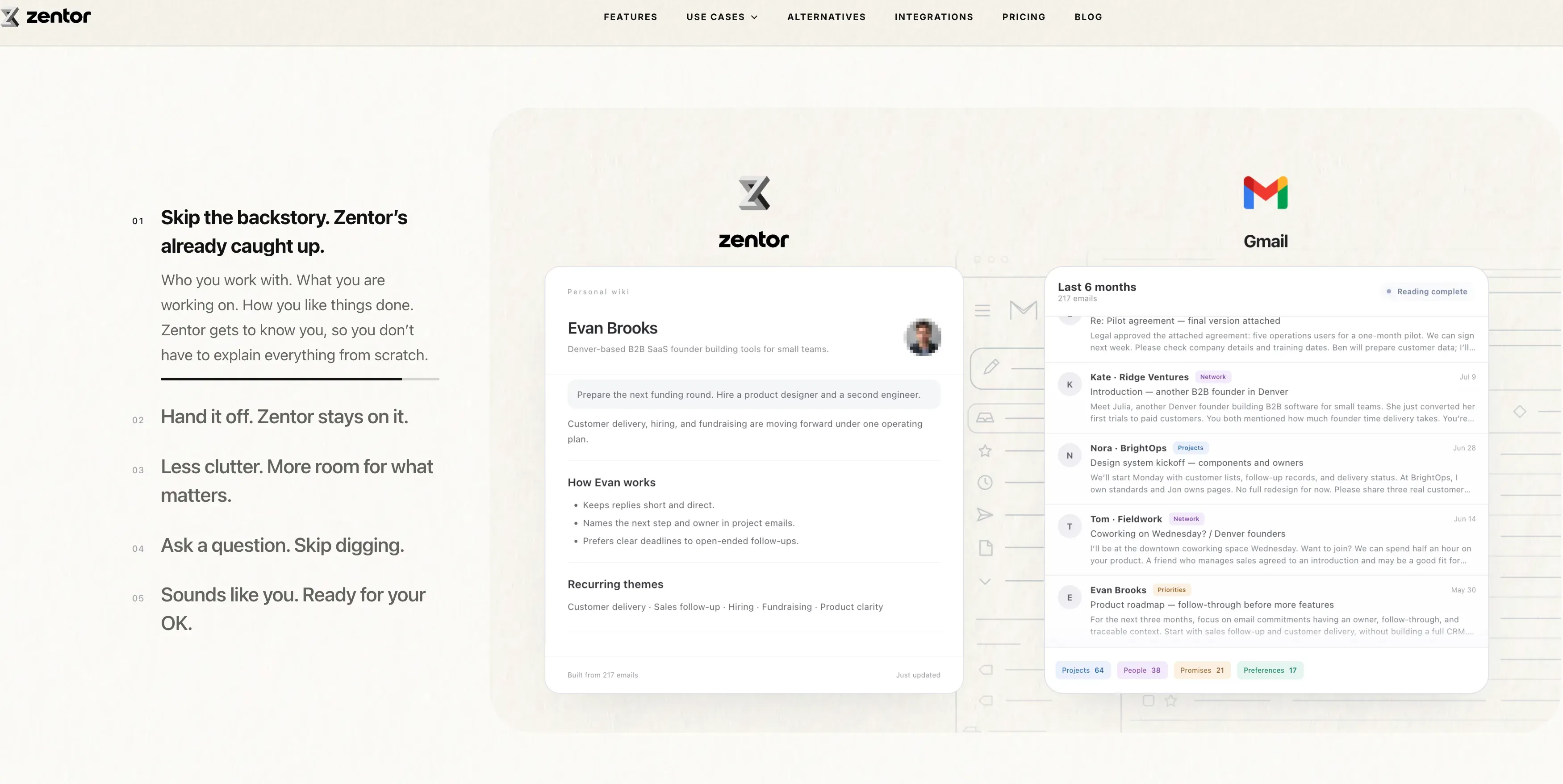
Zentor workspace memory matters if it retrieves the right work. Its Notion page describes context from Notion's hosted MCP server; its Gmail page describes email context. Compare the cited commitment with the real record. Do not assume every cross-app action is available.
Compare Review and Destination Options
Correct the draft's date and tone before sending. Then inspect the project record. Was the approved date added to the original Notion item or left in chat?
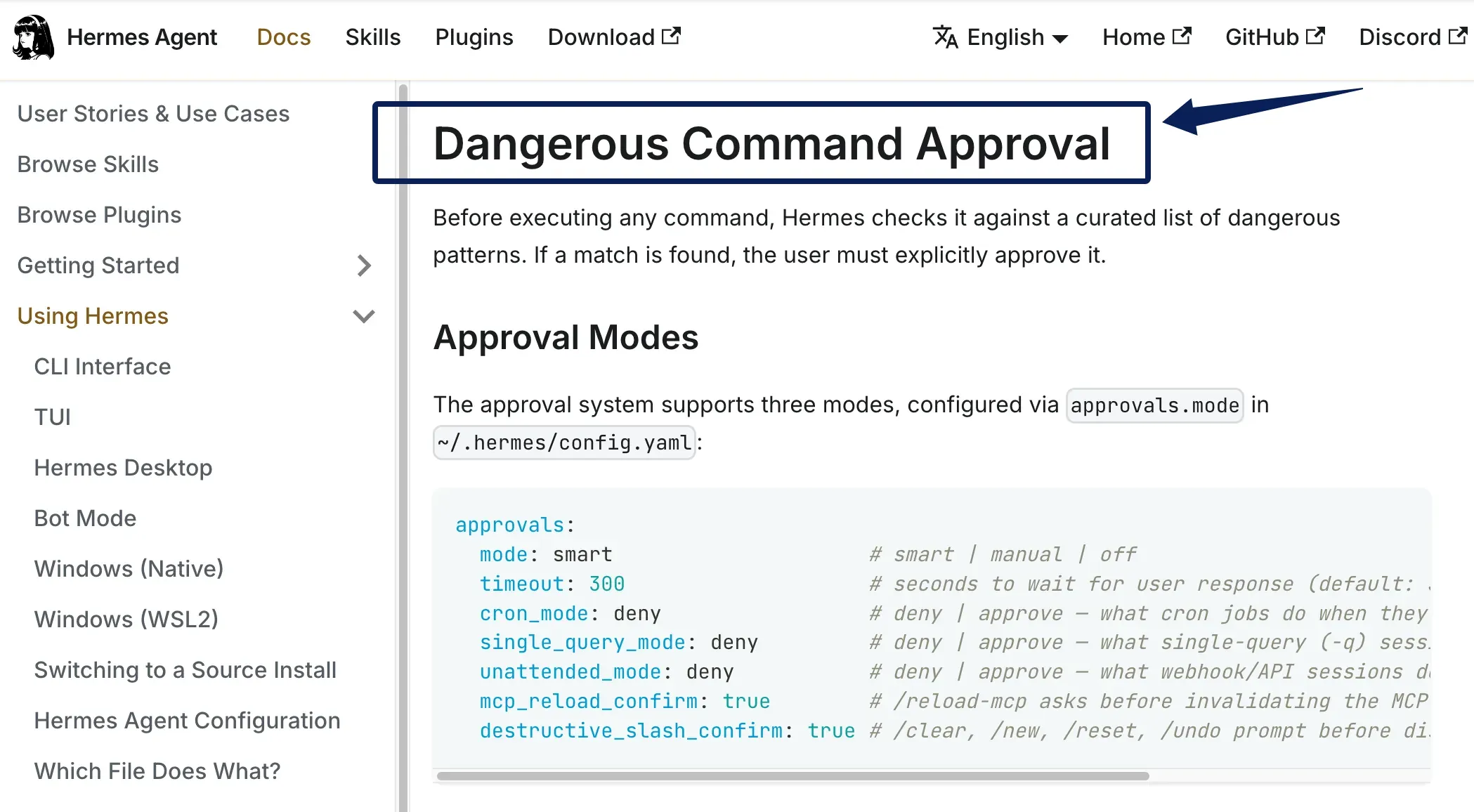
Nous documents approval controls for Hermes Agent, including dangerous-command checks. That does not establish the Mobile beta's email approval flow. Zentor's Gmail page specifically describes approval before email goes out. Neither source proves that an approved reply and Notion update remain linked. Keep the original email URL with the record if the workflow permits it.
When Should You Choose Each Route?
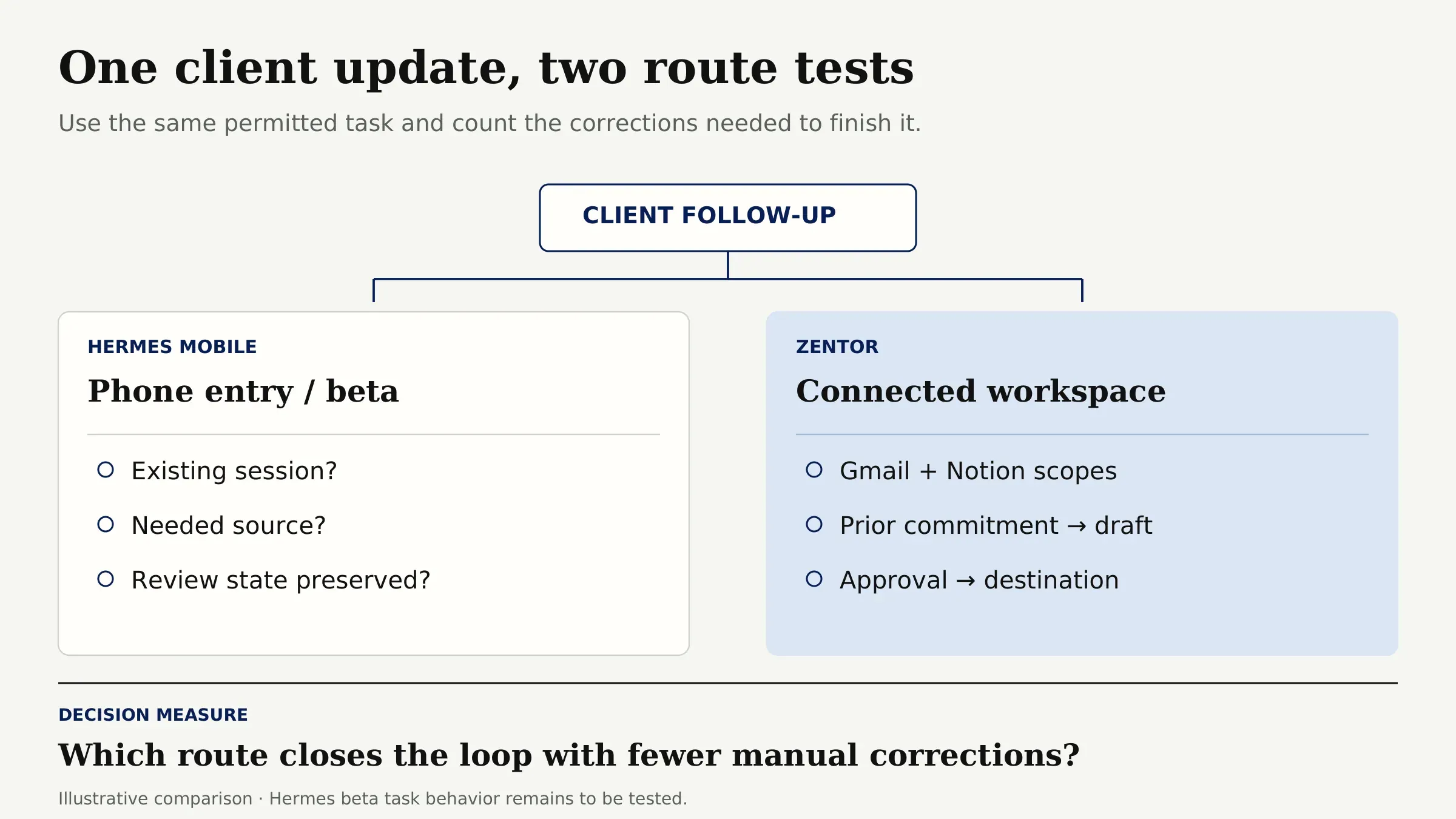
Consider joining or evaluating the Hermes Mobile beta if phone entry matters to you. Before choosing it for client work, test whether it can reach existing Hermes sessions, use the needed source, and preserve review state.
Try Zentor if you want to reuse connected workspace context. Connect the relevant Gmail and Notion scopes, request a draft grounded in the prior commitment, and check its destination after approval. The mobile agent vs workspace hub decision becomes concrete when one route closes that loop with fewer manual corrections.
What Remains Unverified?
The Mobile beta page does not confirm a gateway requirement, connectors, invitations, handoff, or write-back. Broader Hermes Agent documentation cannot fill those blanks. Zentor's public pages do not settle client guest access, source-link retention, or this exact Gmail-to-Notion task. Check with a non-sensitive sample before using client data.
FAQ
Does Hermes Mobile require a separately running gateway?
The public Mobile beta page does not say. Hermes Agent has gateway-based routes elsewhere, but its Desktop connection modes don't require a Mobile gateway. Check the invitation's setup steps and whether the beta connects to a local installation, remote gateway, or hosted service before choosing an architecture.
Can Hermes Mobile hand off a task started on desktop?
Mobile-to-desktop handoff is unverified publicly. In a beta trial, start a harmless named desktop task, then check whether Mobile opens that same session with its source context and pending approval state intact. A new summary of the task would not establish session handoff.
Can a Hermes Mobile beta invitation be used by a teammate?
The public waitlist page does not state whether an invitation is transferable or supports multiple people. Do not forward one as a client-work access plan. Ask Nous Research about account binding and teammate access, then give each person only the permissions needed for their role.
Can a Zentor workspace be shared with a client?
The public pages reviewed do not establish a client guest role or its permissions. Keep client-facing exchange in the agreed email and project tools until sharing is confirmed. If the client must enter the workspace, verify what they can view, edit, and retain before inviting them.
Can either product preserve the original source link in a follow-up?
That needs an end-to-end check. Require the original email or Notion URL in both the reviewed draft and destination record. Open each retained link to confirm it reaches the exact source and is accessible to the intended reviewer; a copied title alone is insufficient.
Hermes Mobile vs Zentor: Choose by the Verified Follow-Up Path
Use the same scenario for both trials. Choose the route that shows its source, respects the commitment, provides review, and leaves an accurate record. Zentor publishes more about connected-app steps; Hermes Mobile's beta behavior remains open.

Zentor Editorial Zentor editorial team
The Zentor editorial team writes about workflow automation, AI agents, and the tools we build. Default byline for industry overviews, listicles, and collaborative pieces.
Choosing between tools? Let Zentor run the work.
An always-on AI assistant that does the work. No switching required, no setup.