n8n Standalone Agents Explained

n8n standalone agents have their own sessions, tools and schedules. Learn what preview supports, how turns are billed, and who keeps the system running.
n8n standalone agents are reusable agents that live alongside workflows, with their own instructions, sessions, tools and published versions. Unlike an AI Agent node inside a particular flow, the same published agent can answer through a channel, run on a schedule or take a message from a workflow. n8n announced the feature in its September 2026 release, and its documentation still labels agents Preview.
Key Takeaways:
- The new agent is a separate project object; the older AI Agent workflow node still works.
- Schedules, bounded sub-agent delegation and workflow calls already exist. Preview does not mean those features are forbidden.
- A turn counts as one n8n execution; approvals and per-tool credentials limit what the agent can do.
- The deployment decision includes monitoring, upgrades and ownership when a run fails, not just the first successful conversation.
What changed: an agent is its own object
Previously, you could assemble an agent with an AI Agent node, memory and triggers inside a workflow. That design remains available. The new Agent Builder instead keeps the agent as a separate object in a project: its model, instructions, memory, tools and sessions follow it across the places that call it. n8n's launch post draws the distinction explicitly. A workflow can still call an agent, and an agent can call a workflow.
Drafts and published versions matter more than the label “standalone.” You can test a draft without changing the published version used by a channel or schedule. Publish again to roll out your edits; review a session to see messages and tool calls. If you support a recurring customer question in chat and in a scheduled morning check, those are two entry points to one maintained agent, not two copies of its instructions.

The official agent documentation also makes a useful operational distinction: disabling agents stops new runs from chat, schedules, channels and workflow messages, but doesn't delete saved agents and sessions. It doesn't turn off the older AI Agent node.
Who keeps it running after launch?
An agent design is one decision; who owns the recurring work is another. See Zentor’s approach and check whether it fits your job.
Get early access →
What n8n standalone agents can use as tools
Agents can choose among built-in n8n integrations, existing workflows, custom tools or code, and external MCP servers. The distinction is control. A broad service connection may expose actions you didn't intend; a workflow tool can restrict the agent to a specific operation while the workflow keeps the underlying credential. n8n describes this bounded-workflow pattern in its launch explanation.
Suppose you want a reply drafted from information in a customer record but never want an agent to edit the record freely. Give it a read-only lookup and a separate workflow that writes a note to a specified field, with approval for that write. This is a proposed design, not a report of an actual deployment. Test the permissions with a record you can safely change.
The secondary DailySynapse report says “500+ integrations.” n8n's official feature pages we checked describe built-in integrations but don't substantiate that precise count for agent-compatible tools, so treat the number as a secondary-source estimate, not a guarantee that every integration supports every agent action.
What the agents preview actually limits
The Preview badge warns that behavior can change and that an agent can make mistakes. It does not mean agents can't run on schedules or delegate to other published agents: n8n documents both. Nor is every outside path blocked. Published agents accept supported channels, and the Message an Agent node lets a workflow call one. A workflow with a connected webhook can pass an incoming request into that node; that isn't the same as promising an unrestricted public agent API.
Another claim to retire: the secondary report says external systems can't discover agents. n8n's instance-level MCP documentation describes explicit per-agent exposure to MCP clients for management. That does not, on its own, prove arbitrary third-party invocation of the agent's chat interface; check the actual supported entry point before designing around it. Likewise, a recurring schedule isn't a continuous event-stream watcher. If you need uninterrupted listening to a particular feed, verify the trigger and runtime against that feed rather than treating a scheduled check as equivalent.
The concrete self-hosted caveat is sharper: n8n says agents need a supported version and, for now, queue mode isn't supported for agents. Channel connections can fail in that setup. Those constraints deserve an acceptance test before anyone promises round-the-clock coverage.
Human approval, credentials and execution billing
For a tool that changes data, require approval before the call. The agent pauses and a person can approve or reject it. n8n's docs say credentials attach to individual tools, so the agent does not inherit an all-access instance credential simply by existing. Approval still needs a real owner: if a refund request waits overnight, who sees it, and what happens when they say no?

Billing also needs a more precise unit than “one conversation.” n8n says one turn, a sent message and its response, counts as one execution; multiple turns in the same stored session count separately. Agent and workflow executions share a plan quota. The launch post says workflow-tool and sub-agent calls don't count as separate executions under this rule, although model and other service costs are a separate budgeting question. If a person keeps asking follow-ups, count the turns rather than treating the entire chat as one run.
Who operates the agent after it ships?
A published agent isn't a guarantee that someone notices a failed trigger. Assign ownership for the schedule, tool credentials, approval inbox, session review and recovery path before calling the work “always on.” Which person checks the first missed run? Who updates credentials when a connected service revokes access? Those questions are as much part of the purchase as the feature list.
n8n Cloud and self-hosting don't place the same burden on you. Cloud removes instance hosting from your task list, but you still own agent instructions, access choices, approvals and follow-up on errors. With self-hosting, you additionally own the n8n instance and the supported runtime configuration. The n8n setup notes explicitly call out a public webhook URL for channel connections and the queue-mode restriction. The actual uptime of either deployment wasn't independently tested for this article.
Zentor's developer-facing page pitches a managed place for recurring agent work, while its comparison hub asks buyers to account for maintenance time. Read that as an alternative operating model, not as a claim that Zentor hosts an unchanged n8n agent or imports its session history. Its current product positioning is a workspace memory hub with always-on work as one capability; check the specific workflow and access requirements before migrating anything. For a solo operator who needs work completed in their existing tools rather than a server to tend, that distinction may be the entire decision.
FAQ: cost, preview settings and hosting
Are n8n standalone agents free?
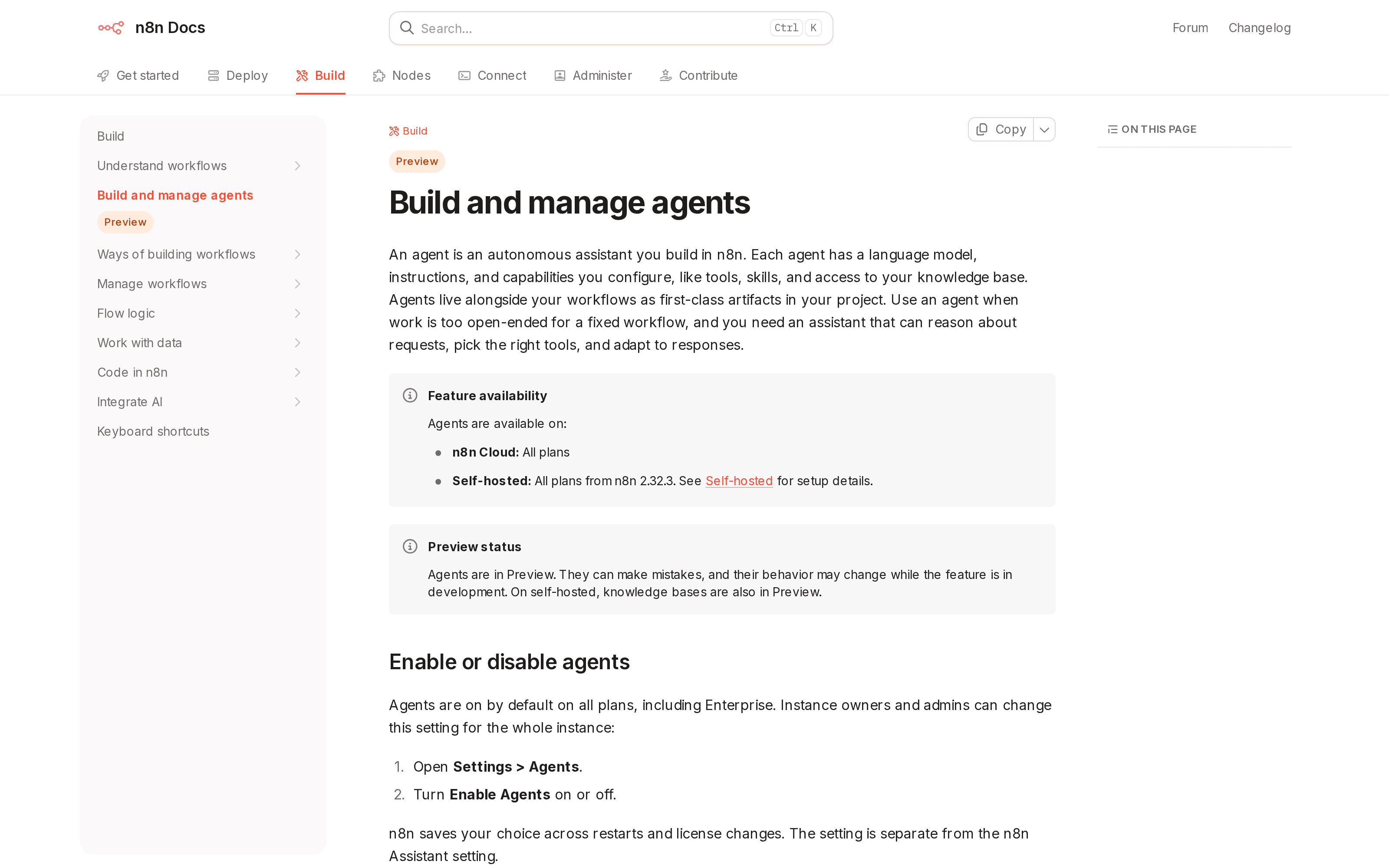
n8n says agents are available on all Cloud plans and on all self-hosted plans from version 2.32.3. That is availability, not a promise of unlimited free usage. Each turn uses a shared execution quota; confirm the limits and any model or service charges for your chosen deployment before budgeting.
Do I need to turn on a preview flag?
The feature remains labeled Preview, but n8n's current documentation says agents are on by default on all plans, including Enterprise. An instance owner or admin can disable them in Settings > Agents. Older accounts or an admin policy may differ, so inspect your own instance instead of following an old “enable the preview flag” instruction.
Should I use n8n Cloud or self-host n8n agents?
Choose based on who will maintain the instance and handle incidents. n8n Cloud avoids running the server yourself; self-hosting offers more control but adds deployment work, including the documented agent restrictions above. Neither choice takes away the need for a human approval owner or a way to spot a failed run. The most useful pilot isn't a polished chat demo: it's a missed schedule, an expired permission and a rejected write, with named people responsible for each outcome.

Zentor Editorial Zentor editorial team
The Zentor editorial team writes about workflow automation, AI agents, and the tools we build. Default byline for industry overviews, listicles, and collaborative pieces.
Ready to put this into practice?
Zentor runs browser tasks, research, and schedules automatically. Try it free.