Personal AI Agents in 2026: What They Are and Are They Safe

What is a personal AI agent, and is it safe? Compare 2026 launches, memory, permissions and privacy, then test an agent without handing over your accounts.
A personal AI agent is software that remembers useful context, uses connected tools and carries a task through several steps rather than merely answering a question. It can be useful, but it isn't safe by default: the authority you give it matters more than how natural its replies sound. On October 12, 2026, Meta introduced two Muse Wonder models for personal and professional agent tasks; the company says the model will power Muse experiences later, not that the personal agent shipped that day.
Mateo· built by the Zentor team
Let an agent find the life admin you missed
Mateo checks your inbox and calendar, finds the trial, the refund and the form you forgot, and handles them. Works in any browser, anywhere.
Ask Mateo →
Free in early access
Key Takeaways:
- A personal AI agent combines memory, tool access and a sequence of actions; chat alone isn't enough.
- Meta announced an agent-oriented model, Hark released a consumer app, and Kakao has shown AI inside everyday messaging. Those are different kinds of launches.
- Read-only access and draft-only outputs are sensible first permissions. Require approval before sending, buying, deleting or publishing.
- Judge safety by the actual connector scope, approval screen, activity record and memory controls, not by a vendor's privacy slogan.
What Is a Personal AI Agent, Exactly?
A chatbot answers a prompt. An agent can take the goal, choose a tool, inspect the result and continue until it has an output or needs your decision. Anthropic's description of agents stresses this loop of tools and feedback. In personal use, the state belongs to your everyday work: the appointment you moved, the message awaiting a reply or the document you want filed.
The difference isn't whether an app calls itself an agent. Ask what happens after it drafts the email. Can it check a calendar conflict, save a draft in the right place and stop before pressing Send? If it only prints a suggestion in chat, you are still doing the work. If it silently sends the message, you may have handed it too much authority.
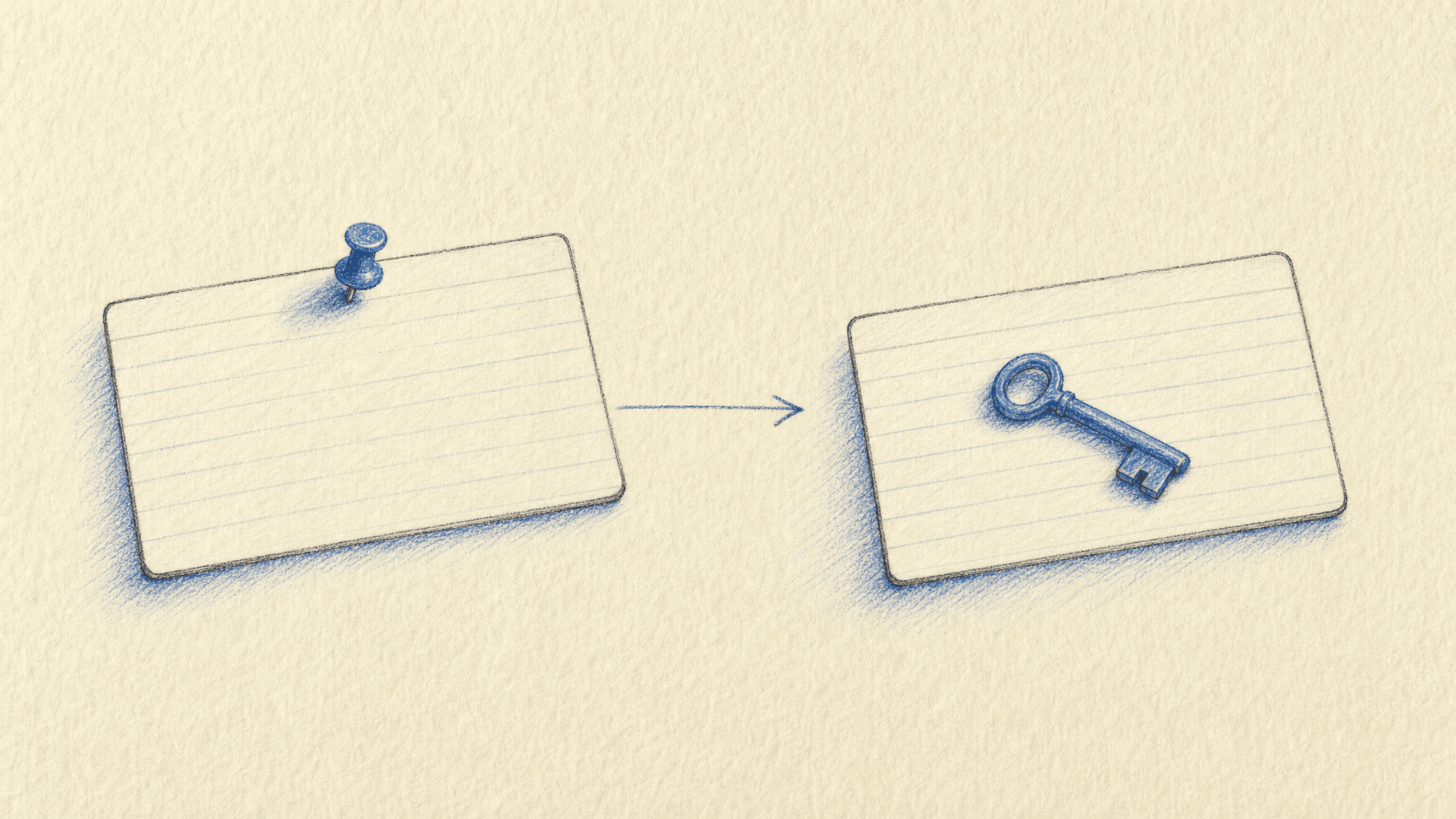
Memory and permission solve separate problems. A system can remember your preferred meeting hours without being allowed to invite anyone. Zentor's workspace memory is designed to travel through Zentor MCP to different AI tools instead of trapping context in one chat; it doesn't itself grant every connected tool the right to act. See our guide to agent memory versus chat history for the distinction between remembered facts and a transcript.
What Actually Arrived in the 2026 Personal Agent Wave?
The October announcements are easy to blur. Meta's Muse Wonder release describes Active Memory, which retrieves relevant details across conversations, and Active Focus, which changes approach when stuck and checks in before important actions. Meta made Muse Wonder available through its Model API and Muse Code on October 12; its own post says Muse-powered consumer experiences will come later. A model release isn't proof that you can delegate a personal errand to a finished Muse agent today.
Hark's announcement describes Hark Pro as a web and mobile app available at launch. Hark says its Handoff computer can use websites and that its system remembers preferences. The same post describes an encrypted vault and claims that users can delete their data. These are vendor descriptions, not an independent security audit. More capable browser access also creates more ways for a mistaken click to matter.
Kakao is a different case again. Its official April 2026 Kanana demonstration describes schedule briefings, gift recommendations, conversation summaries and Kakao Tools linking services. The upstream brief mentions a new Kanana Space and Kanvas announcement at the October conference, but I couldn't verify those particular product names or launch terms in a Kakao release. Don't treat them as confirmed features here.
What Can a Personal Agent Do Without Taking Over?
A useful first job has a clear finish line and an output you can inspect. Suppose you run a one-person shop and have a crowded inbox: ask an agent to list orders that need replies, draft those replies, then leave them unsent. Check the recipient, facts and tone before anything leaves your account. A student could ask for deadlines extracted from class mail, with a link back to the original notice. Neither task requires payment access.
The larger promise crosses apps. A change in your calendar could affect a travel booking, a customer appointment and a draft message. Hark describes browser actions as part of its own product, but availability and approvals differ across services; a provider's demo is not a universal feature list. For a repeatable output, Zentor's always-on workspace can keep work available while your laptop is off, with its self-adaptive workspace fitting a task rather than forcing everything into a new chat window. You still decide what source is authoritative and which changes need your approval.
This is also where Mateo makes sense. If the real problem is the trial expiring in your inbox or the rescheduled meeting you never updated, Mateo, built by the Zentor team, focuses on inbox and calendar life admin. That is a more specific job than promising a single agent will manage your entire life. Its early access is free worldwide; start with a narrow task and check what it proposes to do.
Why Memory Makes Agents Useful and Risky
Without persistent context, an agent has to ask for the same preference every week. But stored context can go stale. Suppose you once said that Friday afternoons were free, then changed your work hours; a later booking based on the old rule could be wrong even if the agent remembered it perfectly. Review the memory it uses, correct outdated entries and check whether deletion removes the stored item as well as the visible chat.
Zentor's memory belongs to the user and can connect to other AI through MCP, a different direction from asking you to rebuild your working context in each product. That portability does not imply that every third-party AI has the same privacy settings. Ask separately where each provider processes data and which connector permissions it requests. Our AI workspace guide explains why memory, synchronization and action rights shouldn't be conflated.
Are Personal AI Agents Safe? Check the Action Boundary
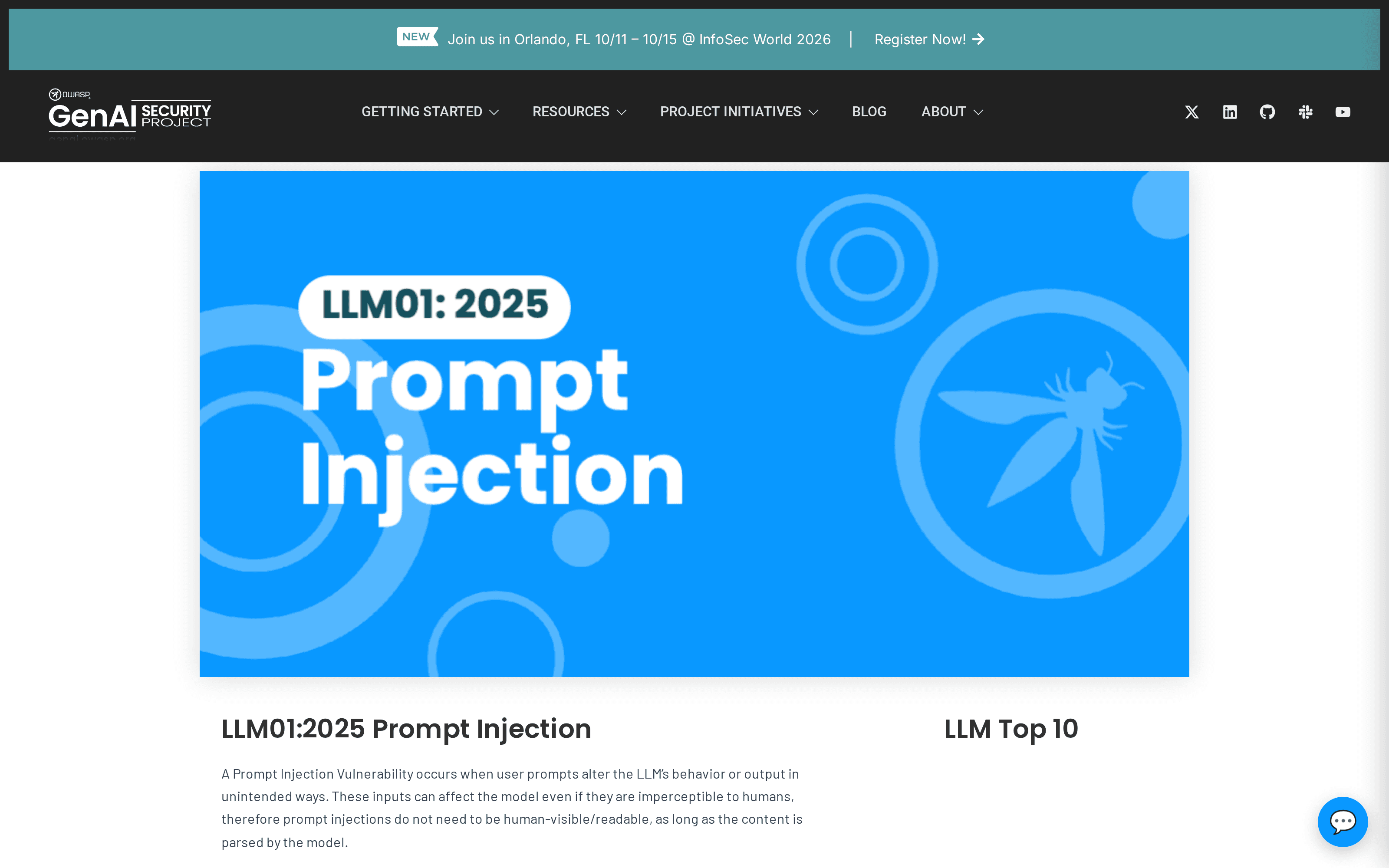
No blanket yes. A personal agent can read an untrusted email or webpage, mistake its contents for an instruction and use an authorized tool in the wrong way. OWASP's prompt-injection guidance documents this risk and recommends minimum privileges and human approval for high-risk actions. Its excessive-agency guidance gives a particularly apt example: an inbox summarizer should not receive Send permission merely because the email integration also offers it.
The report circulated upstream about an agent sending bank details to the wrong Slack channel came through secondary coverage. I couldn't establish the full incident and remediation from the affected person's own account or a product incident report, so it isn't presented as a verified case here. The general failure mode needs no embellished anecdote: a correct document plus an incorrect recipient equals a privacy breach. Before a personal agent posts to a shared channel, inspect both the attachment and the destination.
Zentor's cost-efficient Smart Routing selects a suitable model per task, but model choice isn't a substitute for permission boundaries. When you connect an app, ask whether its access is read-only; if not, require a review step for outbound messages, purchases and file deletion. Anthropic's agent safety framework similarly distinguishes autonomous work from human control over high-stakes decisions.
A Small Test Before You Connect Sensitive Accounts
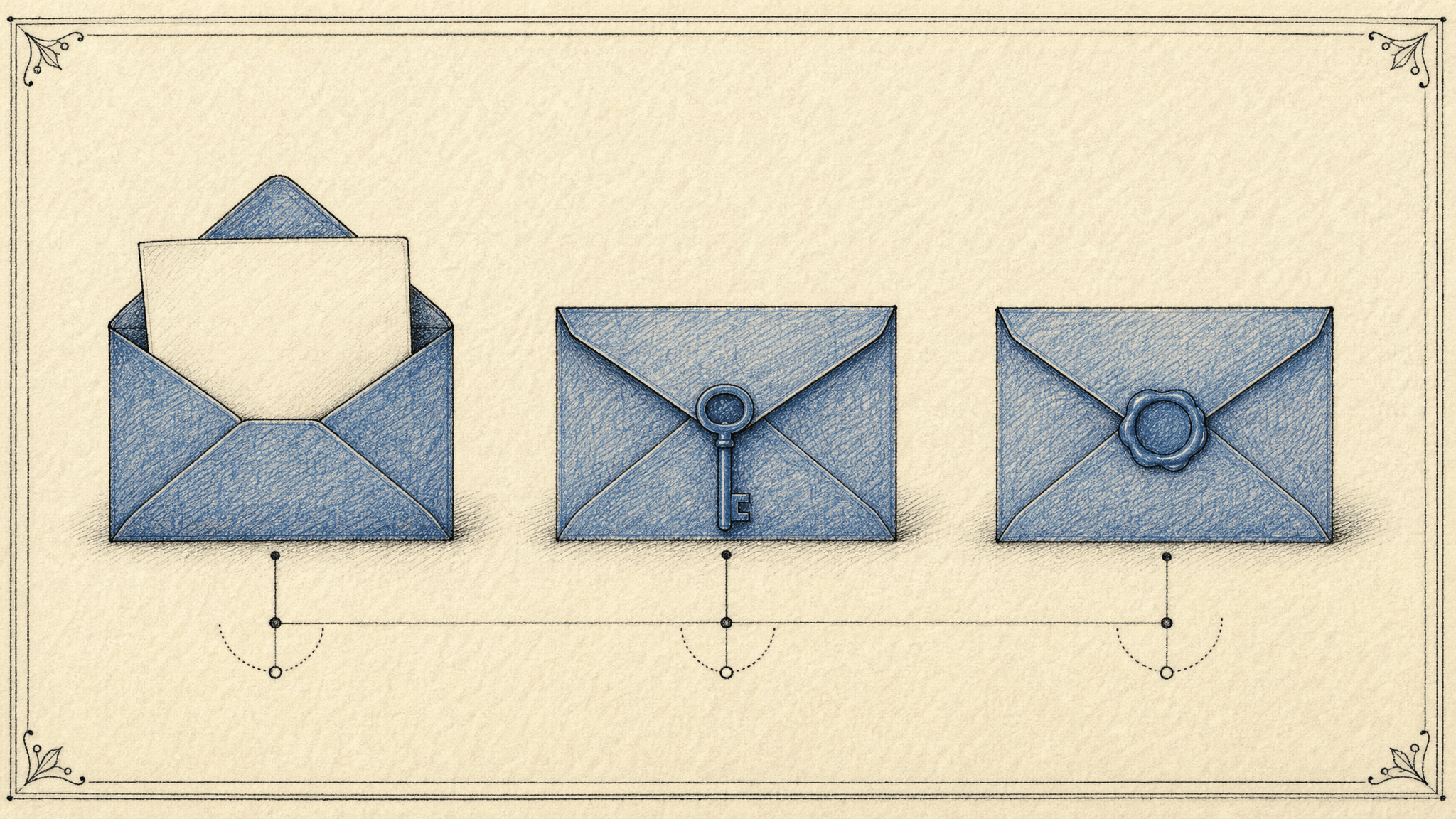
Start with a task you can verify in two minutes: find appointment conflicts, summarize unread class notices, or draft responses to routine customer questions. Give the agent the smallest folder or account scope that works. First, inspect whether it identifies the right source; then check how it handles an ambiguous name, a missing attachment and an outdated preference. A refusal to guess is useful evidence.
Next, try the controls. Can you revoke one connection without closing your account? Does the approval screen name the exact recipient and action? Can you see what it read and changed, and can you edit or delete memory? If those answers are unclear, don't connect financial records or authorize outbound messages. Zentor's self-learning skills can adapt to your working habits, but you should correct the habit that the system learned incorrectly. Gradually expanding a proven task beats granting your whole inbox on day one.
Keep your working memory usable across AI tools
Zentor holds workspace memory you can bring to different AI through MCP. Keep final approval for actions that reach other people.
Get early access →
FAQ: Personal AI Agent Privacy and Control
Is a personal AI agent the same as a chatbot?
No. A chatbot can answer and draft; an agent can use connected tools across steps and keep track of a task. Check what it actually does, not its label.
Should I give an agent my entire email account?
Start with the narrowest available read access and a draft-only workflow. If the provider can't separate reading from sending, don't assume a prompt to “never send” enforces that boundary.
Does encrypted storage make a personal agent safe?
Encryption protects stored data under particular conditions; it doesn't stop a mistaken outbound message or a valid tool call aimed at the wrong recipient. Check approval and revocation as well.
How do I compare personal agents in 2026?
Run the same low-risk task in each product. Record whether the agent cites the right source, asks before a consequential action, shows an activity trail and lets you fix or remove remembered facts. The safest useful agent is the one whose mistakes you can catch before they leave your workspace.

Zentor Editorial Zentor editorial team
The Zentor editorial team writes about workflow automation, AI agents, and the tools we build. Default byline for industry overviews, listicles, and collaborative pieces.
Ready to put this into practice?
Zentor runs browser tasks, research, and schedules automatically. Try it free.