Payment Reminder Email for Invoices Nobody Answered
A payment reminder email drafted in the original thread. Zentor does not create invoices or take payment.
Runs on managed cloud. No scripts, no Zapier.
Look through sent mail for invoice threads, skip ones that already have a reply, and draft in the same thread.
Used 2 tools
Gmail messages list in:sent newer_than:30d invoice
12 invoice threads. 7 already answered.
Gmail drafts create from overdue-invoice-threads.json
5 drafts saved. 0 sent.
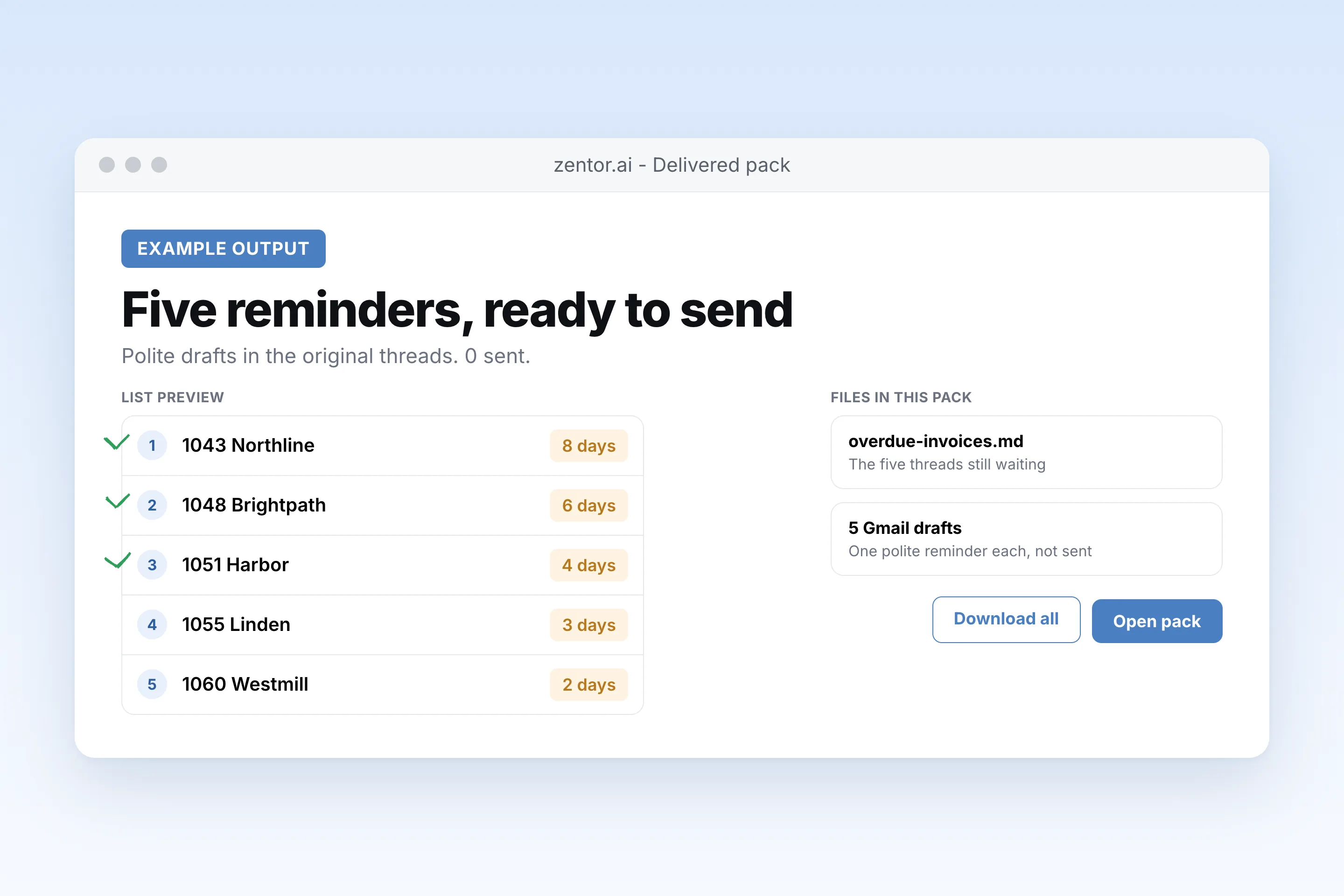
5 invoices are past due with no reply. A polite payment reminder is in Drafts for each one. Nothing was sent.
- *5 invoices are past due with no reply.** A polite payment reminder is in Drafts for each one. Nothing was sent.
How the payment reminder email works
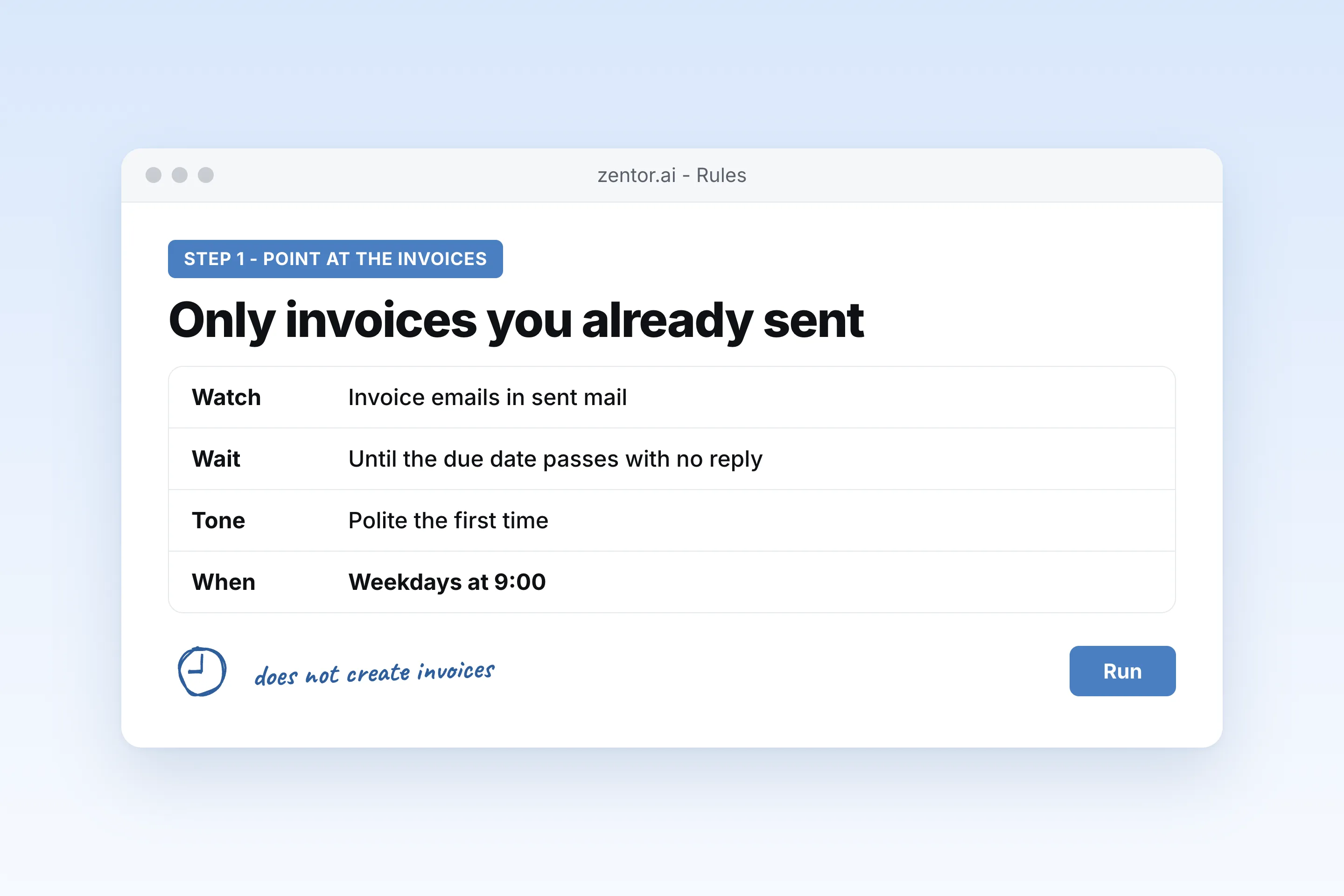
Point it at invoices you already sent
Zentor does not create or send invoices. It reads the invoice emails in your sent mail.
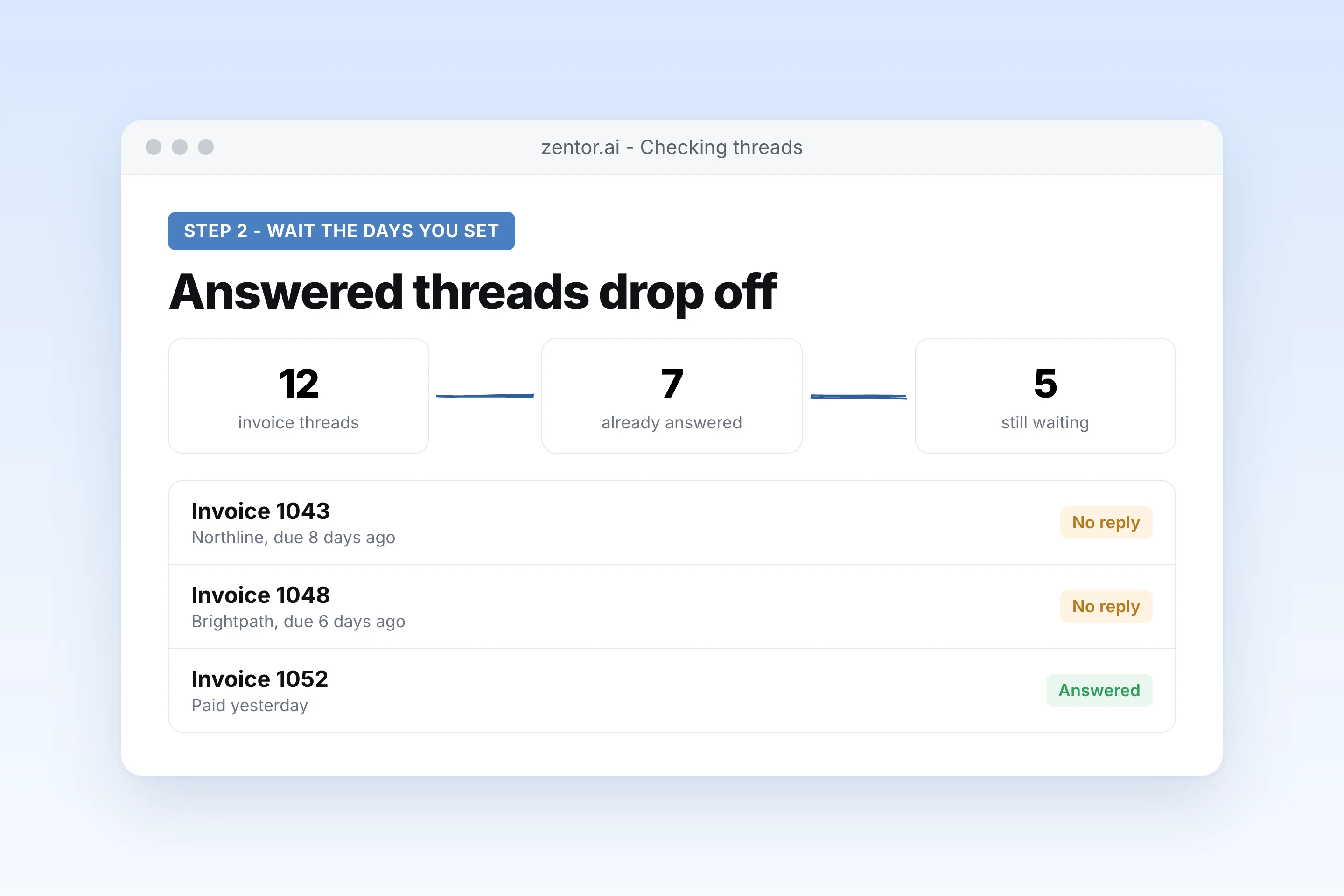
It waits the number of days you set
A common first nudge is a few days after the due date. The second is firmer. You pick both.
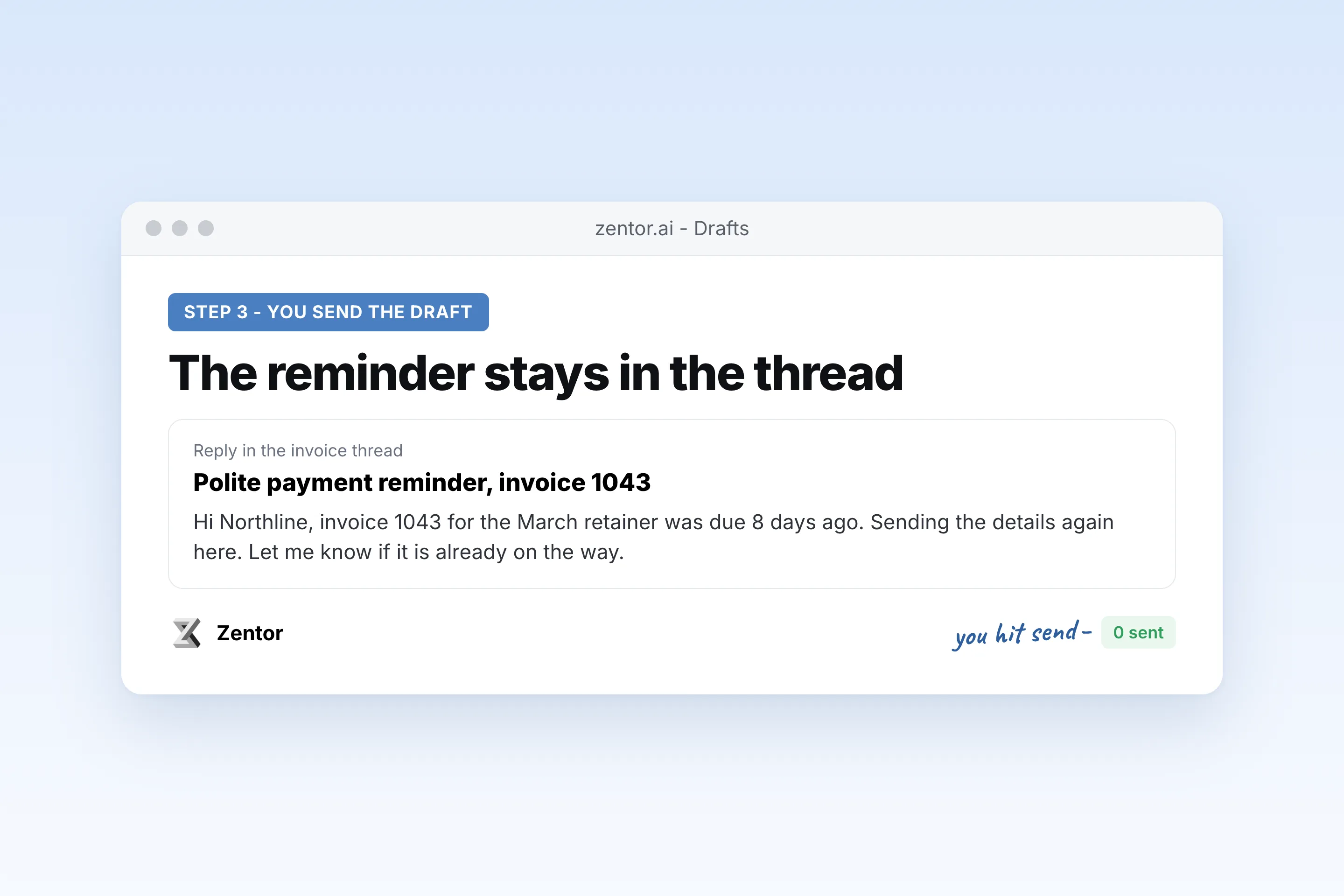
You send the draft
The overdue invoice reminder email lands in the original thread. You read it, edit it, and send it.
Which invoices to chase
What your payment reminder email sends you
A real example of what Zentor hands back, shown before you sign up.
payment reminder email: Zentor vs writing it yourself
See how Zentor's AI-powered approach differs from traditional tools.
| Feature | Writing it yourself | A template you paste | Zentor |
|---|---|---|---|
| Knows which invoice | You remember | You fill the blanks | Reads the thread you sent |
| Tone | Whatever you write that day | One tone for every client | Friendly, polite, or firm, per your rule |
| Sends it | You do | You do | Draft only, unless you ask |
| Creates the invoice | Your billing tool | No | No. Zentor does not send invoices or take payment |
Weighing other tools for payment reminder email?
Side-by-side comparisons of the tools people weigh against Zentor for this kind of work.
Why a payment reminder email should come from the original thread
A pasted template does not know the amount, the due date, or what the client already said.
It uses the invoice you sent
The payment reminder email template is filled from that thread: number, amount, and due date.
The tone matches how late it is
First note friendly, second note polite and specific, later note firm. You set the days.
You still send it
An overdue invoice reminder email sits in Drafts. A client not paying an invoice is your decision to chase, not the tool's.
Ways to extend your payment reminder email
Click one to load it into the box above, ready to run.
payment reminder email FAQ
How do you politely remind a client to pay?
Restate the invoice number, the amount, and the due date, and assume the first miss was an oversight. Zentor drafts that polite payment reminder email in the original thread for you to send.
How many days after the due date should I send a reminder?
A few days for the first note is a common default. Wait longer before the firm one. You set both numbers.
Can Zentor send invoices?
No. It does not create invoices, send them, or take payment. It drafts a payment reminder email about an invoice you already emailed.
How to ask for payment in an email?
Name the invoice, the amount, and the date, and say how to pay. That is the whole note. Zentor drafts it from the thread.
How to ask for payment professionally in an email?
Keep it short, use the invoice number, and leave out apologies. A professional payment reminder states the facts and the next step.
How to send a payment reminder email?
Open the original invoice thread and reply there, so the client has the invoice above your note. Zentor saves that reply as a draft.
How to reply to a payment reminder email?
If you are the one who received it, reply in the same thread with the date you will pay or the reason you cannot. Zentor can draft that reply for you to send.
What if a client is not paying an invoice?
Send the reminder, then a firmer one, and keep both in the same thread. Chasing beyond that, including a lawyer, is your call. Zentor only drafts the emails.
How to ask for upfront payment by email?
Say the amount, when you need it, and that work starts after it arrives. Zentor drafts it. Your billing tool still creates the invoice.
Who it's for
Who uses payment reminder email
Related email automation use cases
See also
Try Payment Reminder Email for Invoices Nobody Answered for free
No credit card required