Mass Unsubscribe in Gmail
Mass unsubscribe Gmail: find promotions you do not read and clear them, without deleting mail you might need.
Runs on managed cloud. No scripts, no Zapier.
Group unread promotions by sender and wait for a pick before unsubscribing.
Used 2 tools
Gmail messages list category:promotions older_than:60d
40 senders. 11 you have not opened in 60 days.
Gmail unsubscribe from the 6 senders you picked
6 unsubscribe requests sent. 0 emails deleted.
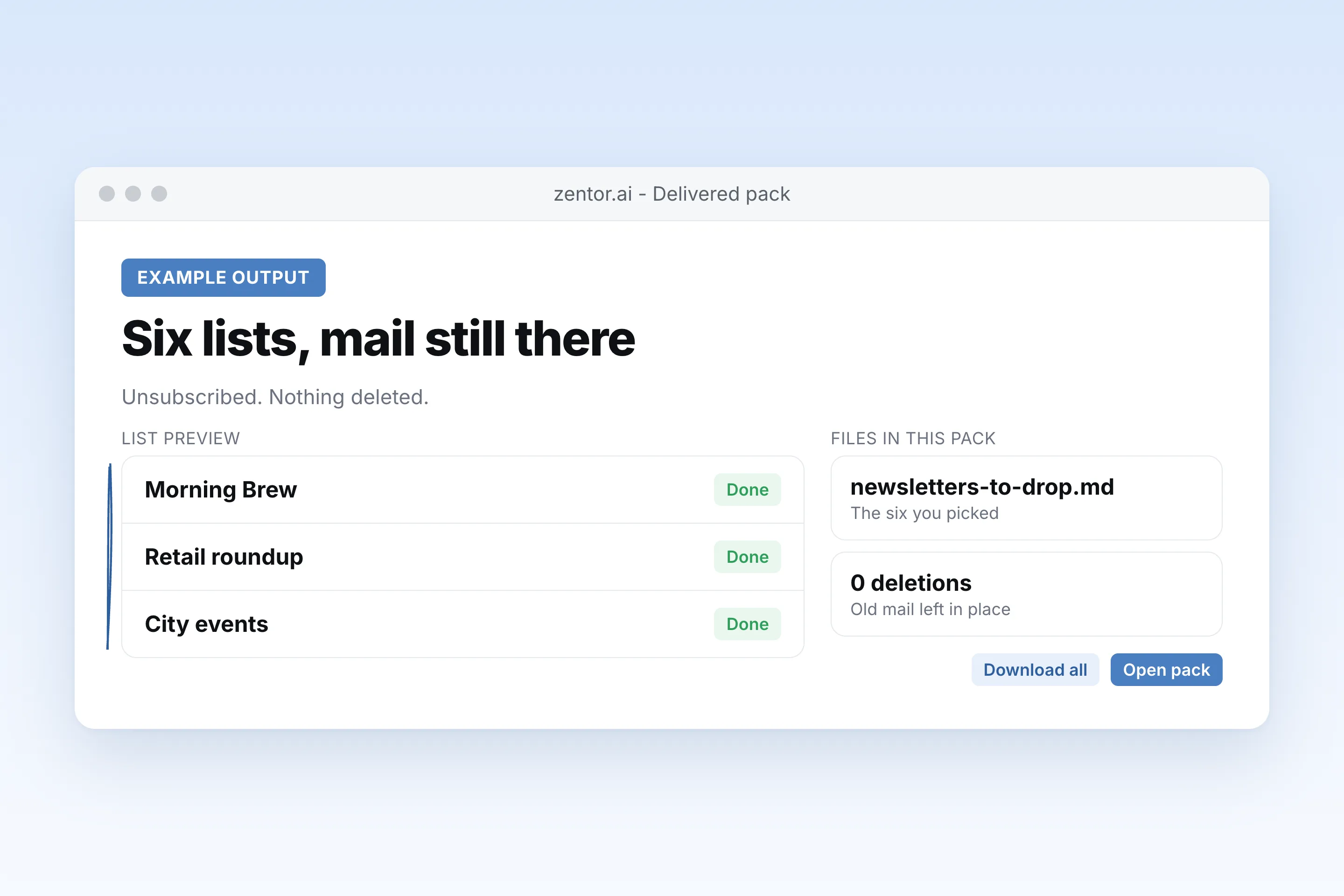
6 newsletters unsubscribed. I left the old messages in place. Say if you also want them deleted.
- *6 newsletters unsubscribed.** I left the old messages in place. Say if you also want them deleted.
How the mass unsubscribe gmail works
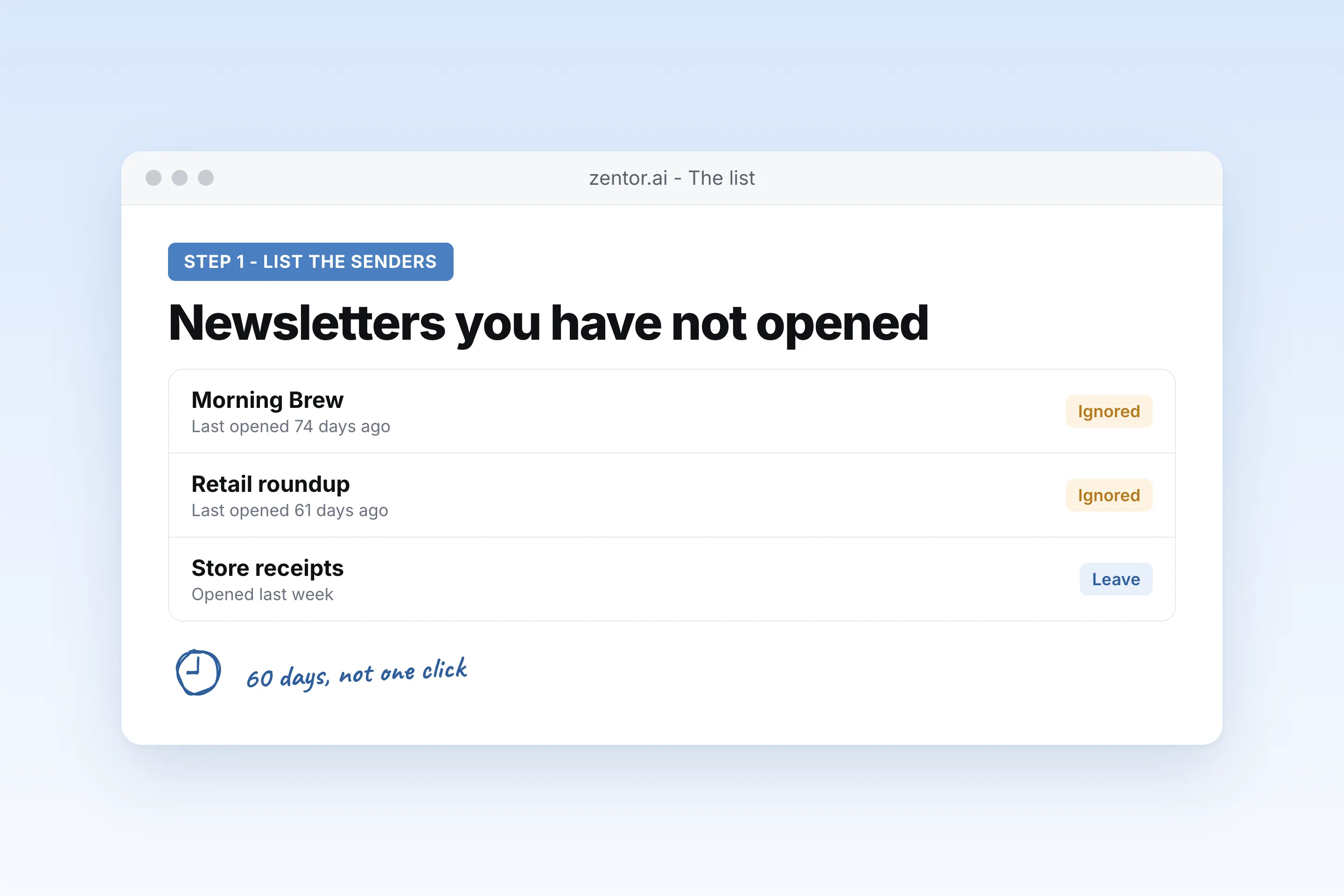
It lists senders you do not read
Promotions and newsletters, grouped, with how long since you opened one.
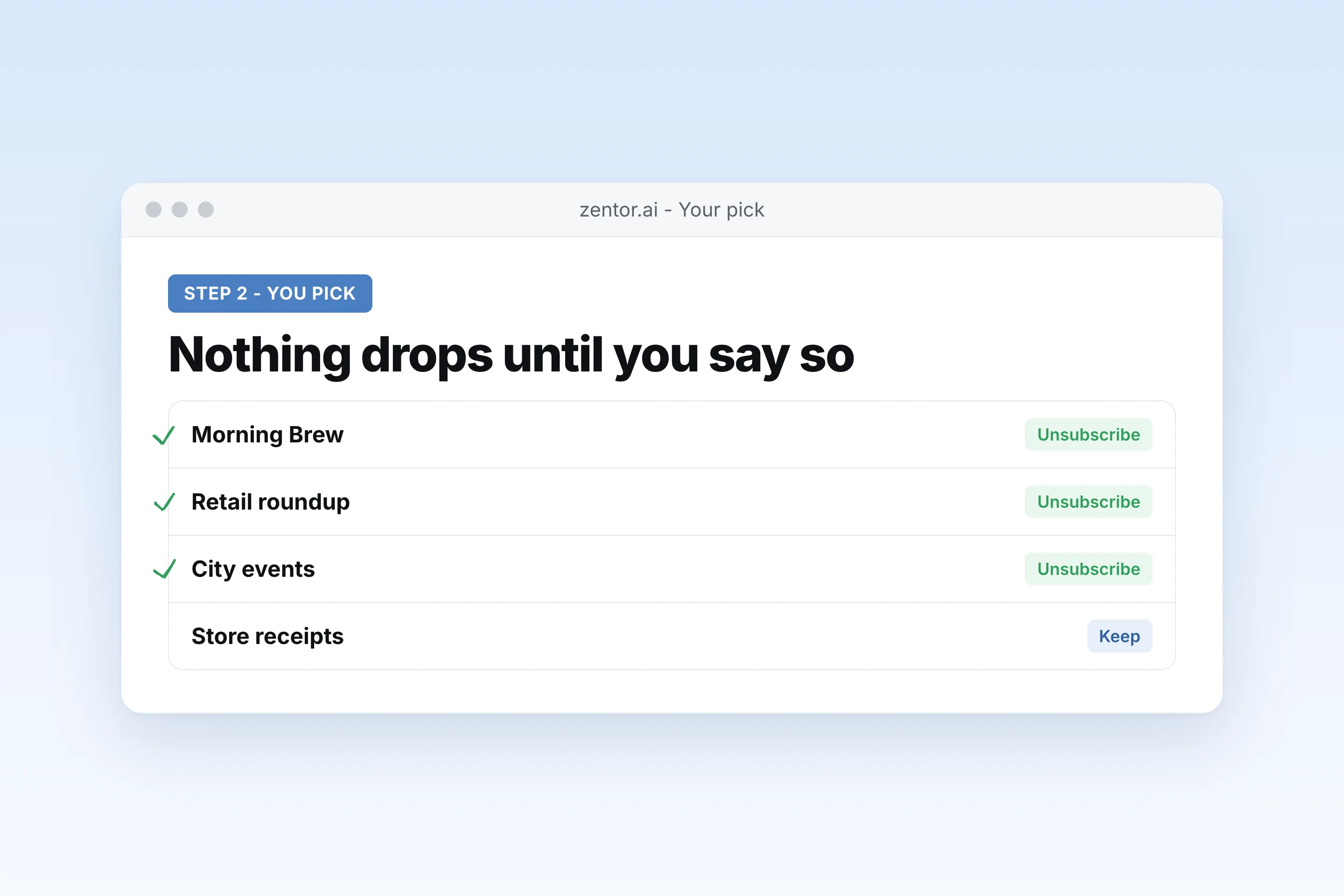
You pick
Nothing is unsubscribed until you say which senders.
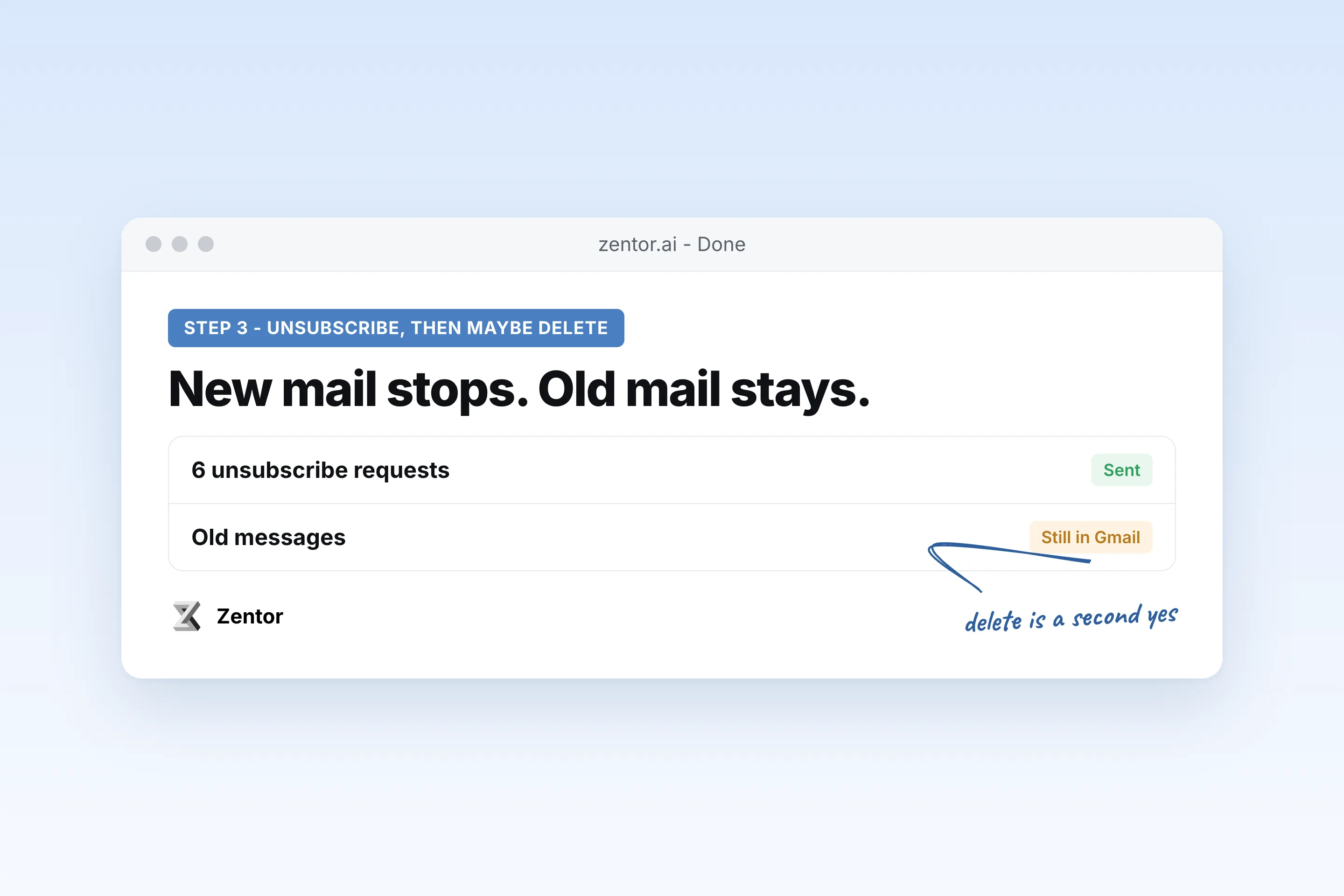
Unsubscribe, then optionally delete
How to unsubscribe from emails on Gmail is the first step. Deleting the old copies is a separate yes.
What you can clear
What your mass unsubscribe gmail sends you
A real example of what Zentor hands back, shown before you sign up.
mass unsubscribe gmail: Zentor vs doing it by hand
See how Zentor's AI-powered approach differs from traditional tools.
| Feature | By hand | A cleanup extension | Zentor |
|---|---|---|---|
| Finds ignored lists | You scroll | It guesses | Senders you have not opened |
| Unsubscribe | One email at a time | Often in bulk | Only the senders you pick |
| Deletes mail | You do | Sometimes together | Only if you ask, after the list |
| Account access | Your login | Often a broad grant | The Gmail access you already approved |
Weighing other tools for mass unsubscribe gmail?
Side-by-side comparisons of the tools people weigh against Zentor for this kind of work.
Why mass unsubscribe in Gmail is a list, not a button
One click that drops every promotion also drops receipts and shipping mail you may need.
It starts from what you never open
The mass unsubscribe Gmail list is senders, not a pile of individual emails.
You pick the senders
Unsubscribe from emails in Gmail only for the rows you mark.
Delete is a second step
How to clean up Gmail storage comes after you have seen the list, not before.
Ways to extend your mass unsubscribe gmail
Click one to load it into the box above, ready to run.
mass unsubscribe gmail FAQ
How do I mass unsubscribe in Gmail?
List the senders you have not opened, pick the ones you are done with, and unsubscribe from those. Zentor does the listing and the unsubscribe. You make the pick.
How to unsubscribe from emails on Gmail?
Open a message from that sender and use the unsubscribe link or Gmail's unsubscribe prompt. For many senders, Zentor runs that step after you approve the list.
How to delete all promotions in Gmail?
Unsubscribe first, then delete. Zentor can delete promotions older than a date you set, and it shows the list before it does.
How to clean up Gmail?
Drop the newsletters you do not read, then delete the old copies if you want the space back. Leave receipts and mail from people.
How to clean up Gmail storage?
Promotions and newsletters are usually the bulk. Delete them after you unsubscribe, and keep mail you may need for orders or taxes.
Is there a way to unsubscribe from all emails in Gmail at once?
You can, and you should not. A single mass unsubscribe also hits lists you still want. Pick the senders.
Does unsubscribing delete old emails?
No. Unsubscribe stops new mail. Deleting what is already there is a separate step.
How to clean up my Gmail inbox?
Unsubscribe from the lists, archive or delete what is left in Promotions, and leave the Primary inbox for people.
Who it's for
Who uses mass unsubscribe gmail
Related email automation use cases
See also
Try Mass Unsubscribe in Gmail for free
No credit card required