AI Email Reply in Your Voice
An AI email reply generator that writes from the conversation you are already in, not from a blank box.
Runs on managed cloud. No scripts, no Zapier.
Read the new thread, match the tone of mail you have sent this person before, and save a draft.
Used 2 tools
Gmail threads get latest unreplied
Sam asked for the revised timeline.
Gmail drafts create reply in Sam's thread
1 draft saved. 0 sent.
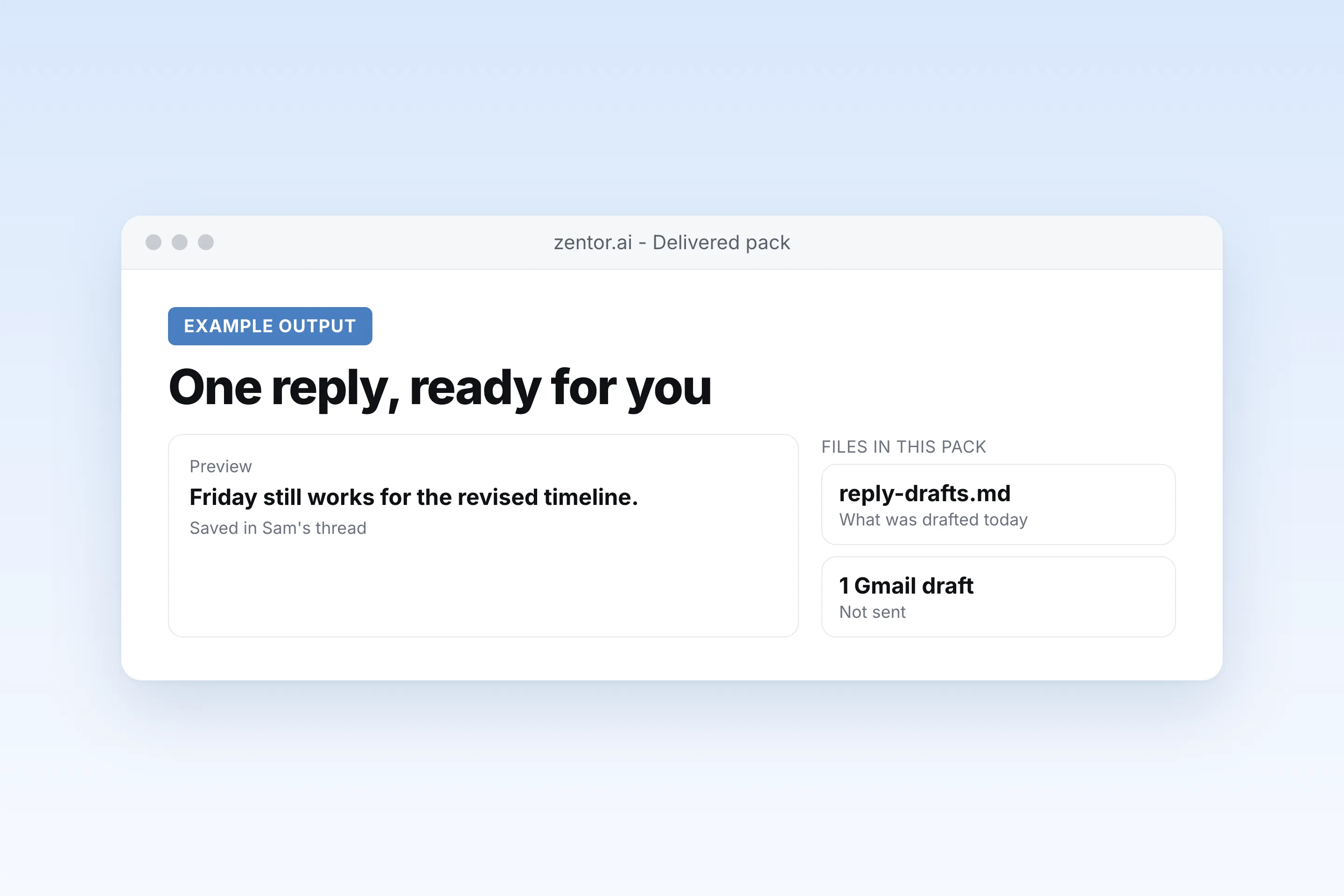
A reply to Sam is in Drafts. It confirms Friday for the revised timeline and asks nothing else. I did not send it.
- A reply to Sam is in Drafts. It confirms Friday for the revised timeline and asks nothing else. I did not send it.
How the ai email reply works
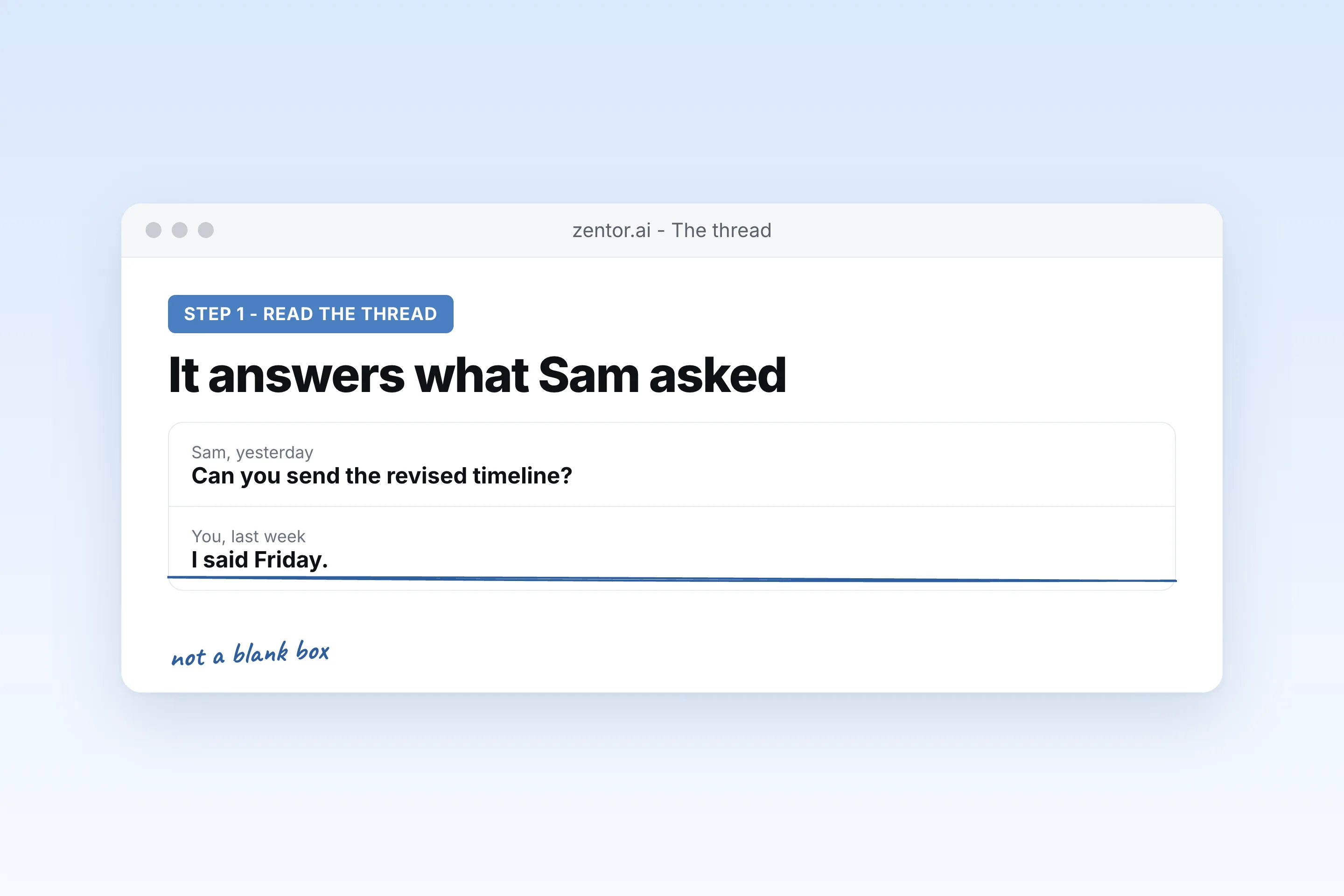
It reads the thread
An AI email reply that ignores the conversation above it is a guess. This one uses the thread.
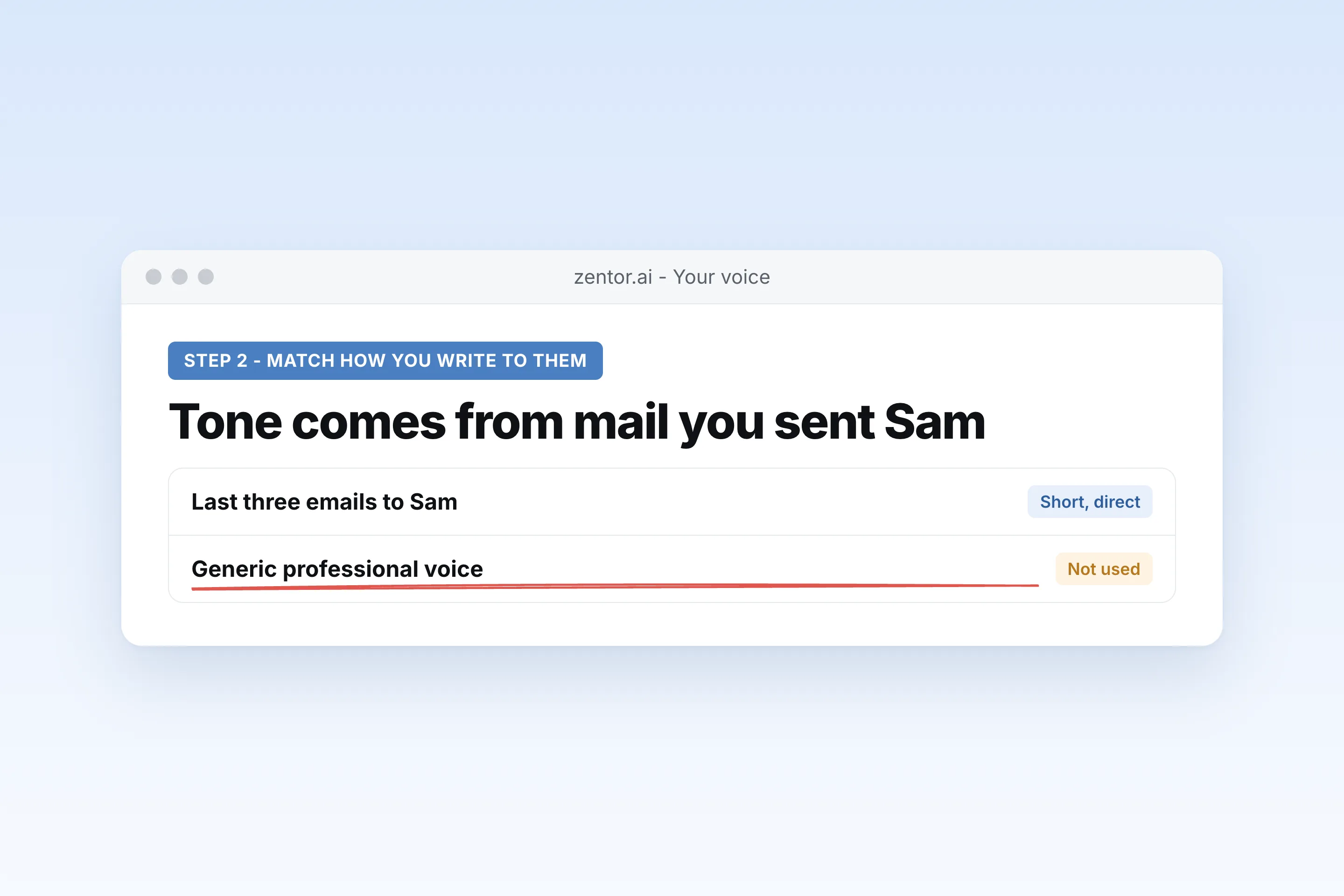
It matches how you write to that person
Tone comes from mail you have already sent them, not from a generic professional voice.
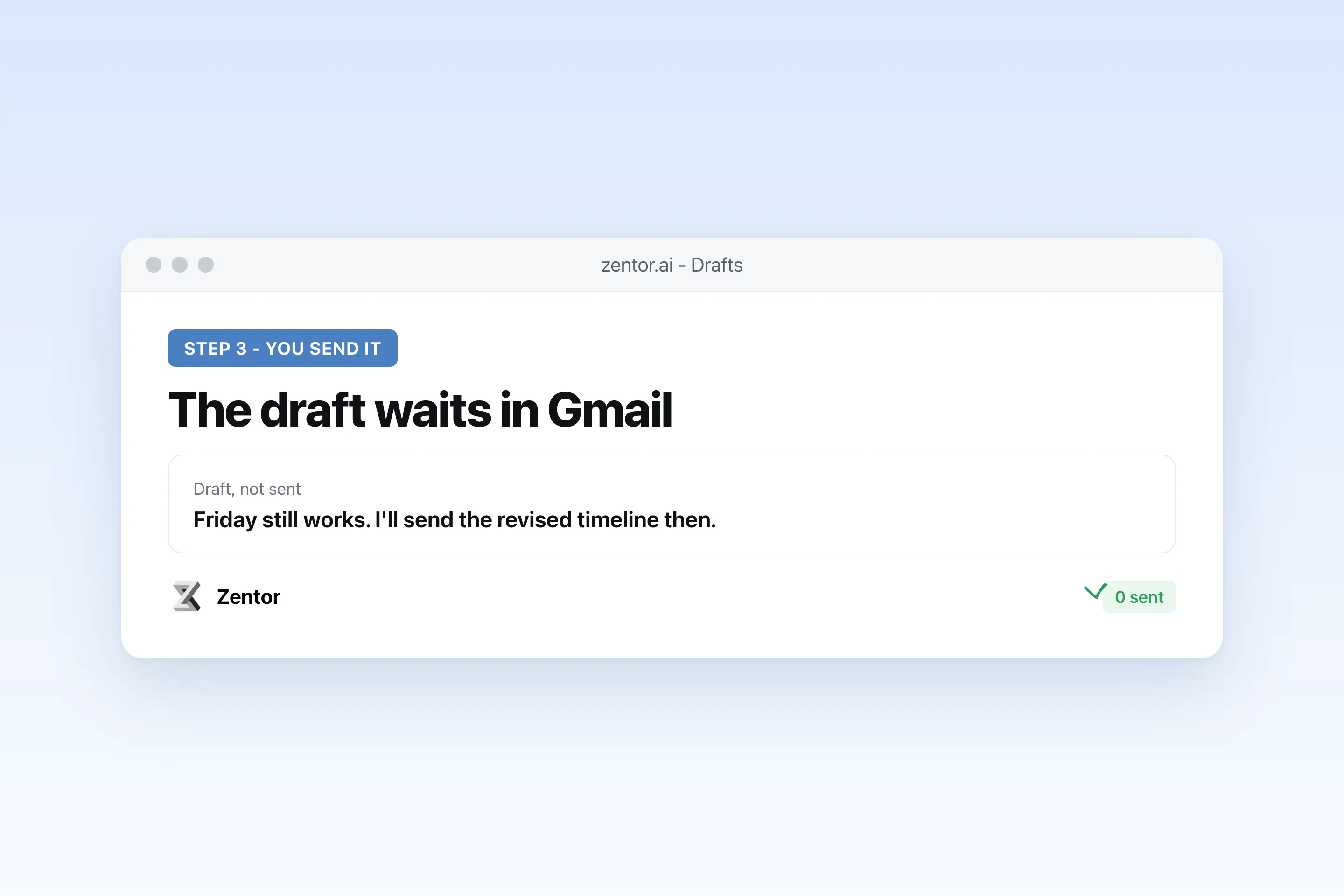
You send it
The draft waits. An AI reply to an email never goes out on its own.
Replies worth drafting
What your ai email reply sends you
A real example of what Zentor hands back, shown before you sign up.
ai email reply: Zentor vs a blank-box writer
See how Zentor's AI-powered approach differs from traditional tools.
| Feature | A blank-box AI email writer | Gmail's own suggestion | Zentor |
|---|---|---|---|
| Sees the thread | Only what you paste | A short suggestion | The whole thread |
| Your voice | A generic tone | A short phrase | How you write to that person |
| Sends | You copy it over | You accept it | Draft only, unless you ask |
Weighing other tools for ai email reply?
Side-by-side comparisons of the tools people weigh against Zentor for this kind of work.
Why an AI email reply should start from the thread
An AI email writer with an empty box can only sound generic, because it never saw the conversation.
It has the emails above
The AI email reply uses what was asked, what you already promised, and what is still open.
It sounds like you
Not a free AI email writer voice. The tone of mail you have sent this person.
Sending stays yours
Email reply AI that files a draft is useful. One that sends is a different product, and this is not that.
Ways to extend your ai email reply
Click one to load it into the box above, ready to run.
ai email reply FAQ
What is an AI email reply?
A draft answer written from the email you received. In Zentor it is saved to Gmail Drafts and sent only when you send it.
Will the AI send replies without me?
No. An AI reply to an email stays a draft unless you explicitly ask for it to be sent.
Does it learn my writing style?
It uses mail you have already sent, especially to the same person. It does not train a public model on your inbox.
Is there a free AI email reply tool?
Plenty of AI email writer free tools take a prompt and return a paragraph. They do not see your thread. Zentor's draft does, and the product has its own trial rather than an unlimited free writer.
How is this different from an AI email writer?
An AI email writer starts from a blank box. An AI email reply generator here starts from the message you were sent.
Can it reply in Outlook?
Zentor connects to Gmail. Outlook mail is not where these drafts are saved.
Who it's for
Who uses ai email reply
Related email automation use cases
See also
Try AI Email Reply in Your Voice for free
No credit card required