Copilot Studio Agent Accounts: What Persistent, Autonomous Agents Really Cost

Copilot Studio agent accounts bring shared memory and autonomous triggers. Check Frontier access, privacy exposure and Copilot Credits before publishing.
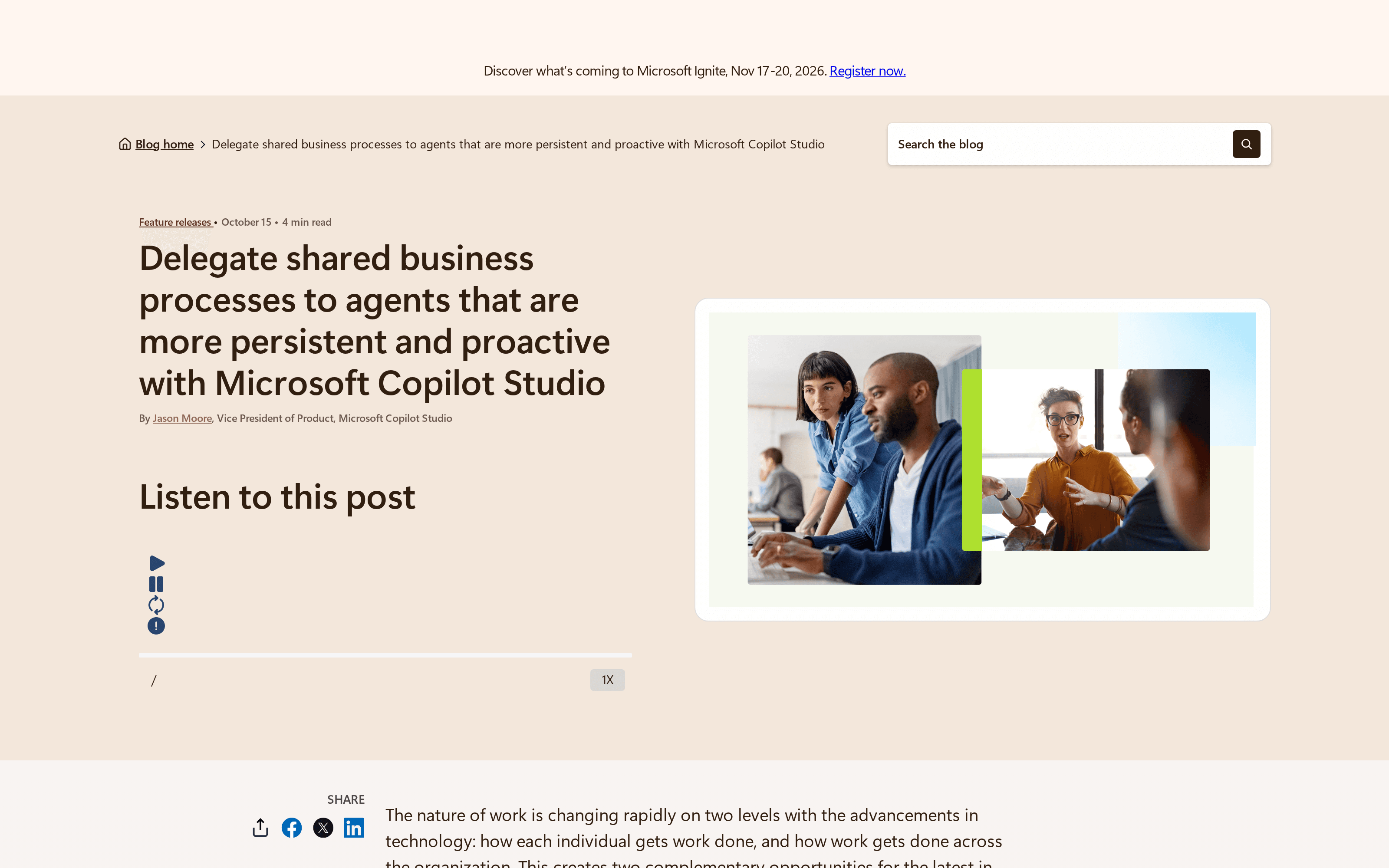
Copilot Studio agent accounts give a shared process its own Microsoft 365 identity, but they also give teams a shared-memory exposure and a metered workload to govern. Microsoft announced agent accounts, business process memory and GitHub Copilot harness triggers on October 15, 2026; these features are rolling out through Frontier, not generally available to every tenant.
Key Takeaways:
- An agent account has its own Entra identity and mailbox; it does not inherit blanket permission to every tool.
- Its memory is shared across users, including one-to-one chats, and cannot be switched off separately during preview.
- GitHub Copilot harness activity consumes Copilot Credits even if the people using it have Microsoft 365 Copilot licenses.
- Set an agent-level credit limit with Stop usage before publishing a frequent schedule; an Azure budget alert alone will not stop a run.
What agent accounts, process memory and harness triggers actually add
Microsoft's announcement combines three related changes. Agent accounts let an organization assign an agent its own approved credentials. Business process memory carries context from one review cycle to the next. Triggers in the GitHub Copilot harness start a cycle after an external signal, such as email, or on a schedule, without someone typing a new prompt. None of this means that a written instruction automatically creates a schedule or grants access: makers must configure triggers and permissions.
Keep the work in your own workspace
Zentor keeps your workspace memory available through Zentor MCP across the AI tools you choose. Start with one reviewable task.
Get early access →
An organizational identity, not another employee's password
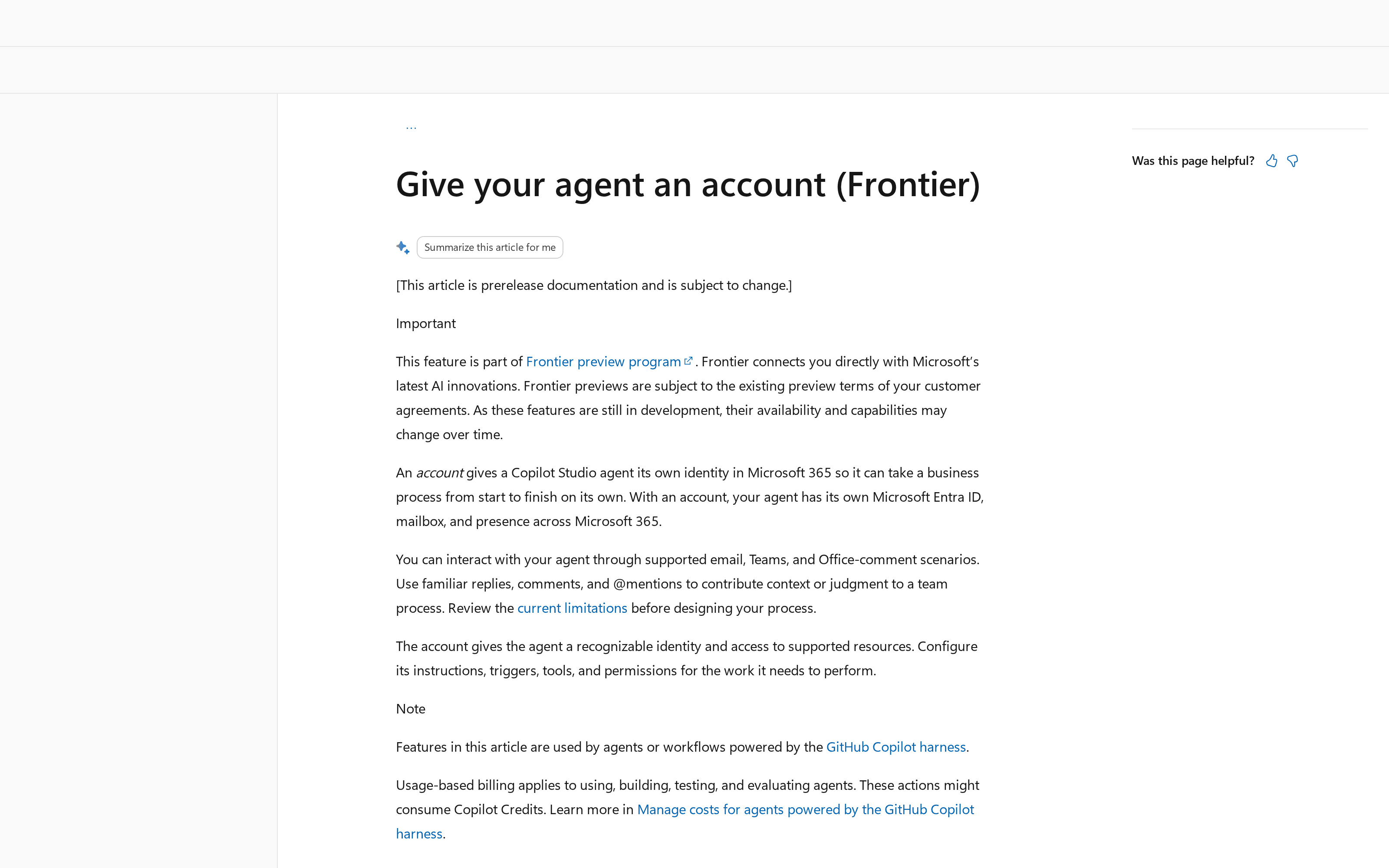
The Microsoft Learn account guide describes an independent Microsoft Entra account, a mailbox, directory presence and, where licensed, Teams presence. Colleagues can email the agent or @mention it in supported Teams and Office-comment interactions. Admins can attribute supported actions to the agent and restrict the resources it can use; an account does not automatically authorize every tool.
Suppose the maker of your weekly proposal agent leaves. An organization-owned account keeps the agent's identity reviewable without keeping the maker's credentials alive. Still, Microsoft says these agents can't read protected documents or co-author existing Office files in preview.
Shared memory is the privacy decision
The same account guide says agent-account memory is one shared memory across everyone who works with the agent. A one-to-one conversation does not turn it into private personal memory. Microsoft warns that a summary of a file or chat you shared may surface in an answer to another user, even if that user could not open the original. Its wording is unusually direct: shared memory has no privacy boundary between users. Users cannot opt out during preview; the agent-account FAQ adds that admins cannot independently turn off shared memory without turning off agent accounts.
Picture a client-service team whose customers have different access permissions. Could either group safely receive the other's summaries? If not, don't share one agent across them. Test with non-sensitive documents, and show contributors Microsoft's warning before they send files. Zentor's user-owned workspace memory, available through Zentor MCP, is a different design goal; it must not be presented as a drop-in replacement for Microsoft's tenant identity controls.
What Copilot Studio agent accounts cost in practice
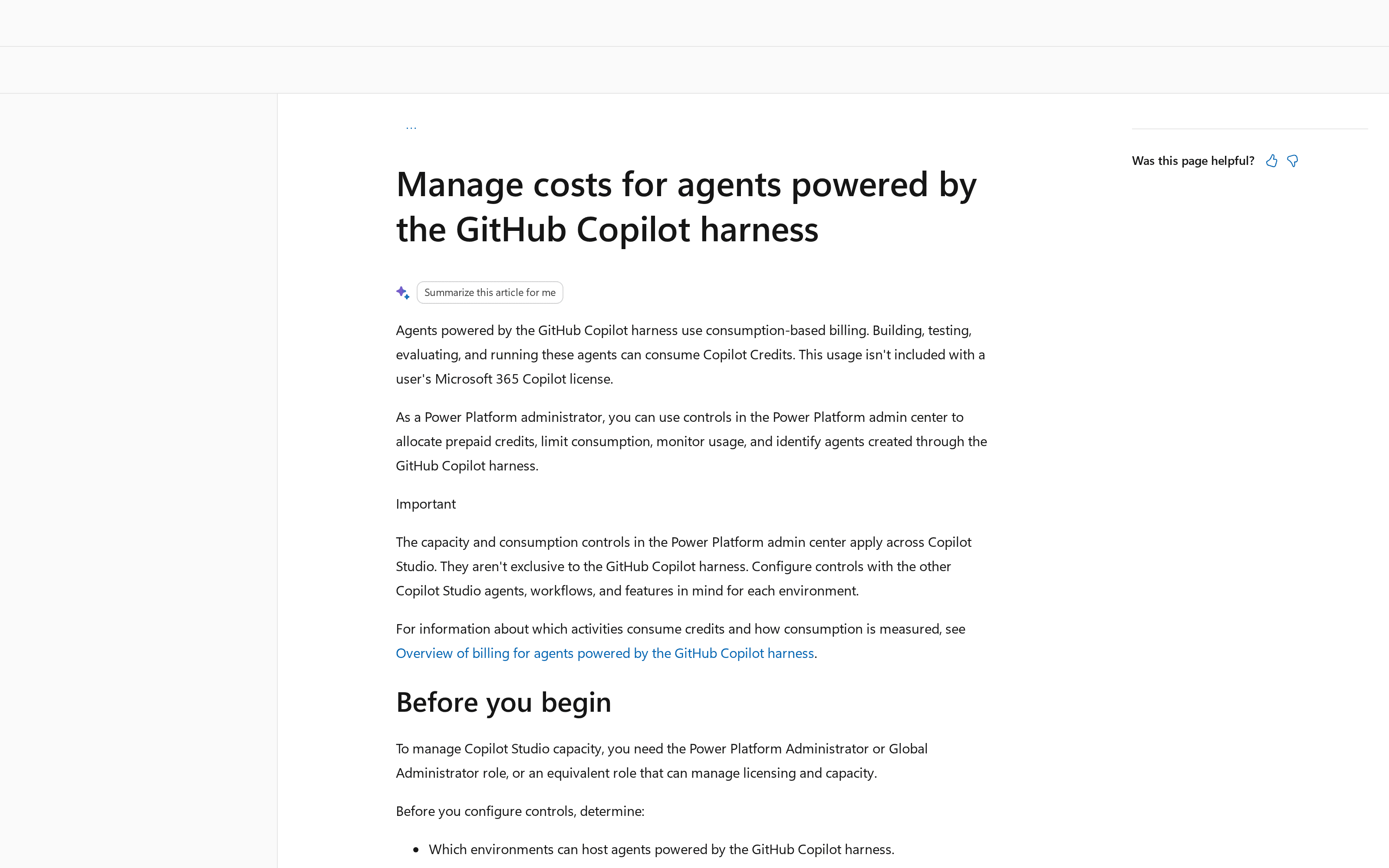
For GitHub Copilot harness agents, Microsoft's admin guidance says building, testing, evaluating and running can consume Copilot Credits regardless of a user's Microsoft 365 Copilot license. Don't generalize this into “all employee-facing Copilot Studio interactions cost extra”: Microsoft's table distinguishes standard-harness interactions in Microsoft 365 channels that can be included for licensed users. Account licensing and metered usage are separate.
Microsoft's licensing guidance lists a prepaid pack at 25,000 credits for $200 per month, billed annually; unused monthly credits do not roll over. That is a capacity option, not a fixed price for one agent or a promise that one pack will cover a busy schedule. Pay-as-you-go is another option, and procurement terms should be checked before a commitment. A third-party ESW deployment analysis calls schedule frequency the biggest cost decision.
The arithmetic explains why. Every ten minutes means six scheduled starts an hour, or 144 each day. That count is not a credit quote: the amount billed depends on what each run does, which features it uses, and the applicable meter. Choose a daily check if daily is enough; measure actual consumption before shortening the interval. For a small team, Zentor's smart routing chooses a model for each task on speed and cost grounds, but that does not alter Microsoft's credit meter or licensing.
How to cap an autonomous agent before it surprises you
Go to Power Platform admin center → Licensing → Copilot Studio → Manage Agents, select the agent, choose Set limit, enter a monthly Copilot Credit limit and notification threshold, then turn on Stop usage. Microsoft documents those steps and also cautions that allocating prepaid credits to an environment is not a hard boundary while it can draw from the tenant pool or an attached pay-as-you-go plan. Azure budgets alert; they do not halt usage.
Name the person who will inspect the first month's actual runs. Keep the initial trigger narrow and require a human decision before sending consequential mail or changing a record. For investigation, Microsoft's Purview audit guide lists agent creation and publishing events as well as interaction metadata; the Audit record does not itself contain every conversation's full text. Check the agent activity view alongside the logs when a trigger fires unexpectedly. Zentor's small-business workflow guide likewise puts an approval point before sending, paying or deleting. For smaller repeatable jobs, its workflow automation page describes work that keeps running without a laptop left awake; it makes no claim to Microsoft's tenant controls.
Frontier availability, maker licensing and EEA Teams
As of October 2026, these account features remain a Frontier preview with a staged rollout. Microsoft Learn calls for an early-release environment, tenant enrollment, admin activation of the Copilot Studio agent template and the environment's agent-account setting. The maker needs Microsoft 365 E5 with the Agent 365 add-on or E7; publishing an account consumes an available Microsoft 365 Frontier for AI Teammates license. Only users or groups an admin selects during template activation may create these accounts. Verify the exact offers in your tenant rather than assuming an ordinary Copilot seat is enough.
In the European Economic Area, Microsoft says the agent can obtain its account and mailbox without Teams, but Teams presence requires a separate Teams license. Microsoft's October announcement promises further refinements and an agent cloud computer later; it doesn't say those future capabilities are live for every buyer now.
FAQ
Do agent runs cost extra if we already have Copilot licenses?
GitHub Copilot harness agent activity uses Copilot Credits even when the user has Microsoft 365 Copilot. Standard-harness, licensed-user interactions may follow different inclusion rules; check the harness and channel before budgeting.
Can we cap spending?
Set a monthly agent credit limit and enable Stop usage. Check environment draw and pay-as-you-go settings separately; an Azure budget is an alert, not a kill switch.
Who can create agent accounts?
Only makers in the admin-selected users or groups, with the required maker license and an eligible Frontier tenant and early-release environment. Publishing also needs an available per-agent Frontier for AI Teammates license.
Is this generally available?
No. Microsoft describes the features as rolling out through Frontier under preview terms as of October 2026. Confirm availability with your administrator before promising a launch date.
The first decision is not how often to let the agent wake up. It is whether the people who will share its memory should also share the information they put into it.

Zentor Research Public data on the AI ecosystem
Zentor Research publishes quarterly data studies on the AI tools ecosystem, drawing on public registries (npm, GitHub, Hugging Face, arXiv, Google Trends). All charts and datasets ship under CC-BY 4.0.
Turn insights into action.
Zentor automates the recurring work your analysis points to. No engineering required.