MacPaw Eney: The Proactive Mac and iPhone AI Assistant Explained

What is MacPaw Eney? See how its proactive Mac and iPhone features, cloud processing, permissions and credit trial compare with an always-on workspace.
MacPaw Eney is a proactive AI assistant for Mac and iPhone: it suggests next steps, works with connected apps and asks before certain changes. Launched on October 15, 2026, it is a device-centered assistant, not an entirely on-device AI model; MacPaw's privacy notice says cloud processing is on by default as of October 2026.
Mateo· built by the Zentor team
Need help with the life admin Eney doesn't cover?
Mateo checks your inbox and calendar, finds the trial, the refund and the form you forgot, and handles them. Works in any browser, anywhere.
Ask Mateo →
Free in early access
Key Takeaways:
- MacPaw's Eney offers proactive suggestions and ready-made workflows, but meaningful actions can require your approval.
- The Mac app requires an M-series Mac and macOS 15 or later; the company also lists an iPhone app.
- Mac-native access isn't the same as local inference: Eney's privacy notice says requests use cloud AI by default.
- Test what it reads, what it changes and whether its particular iPhone features work for you before connecting private accounts.
What is Eney and who makes it?
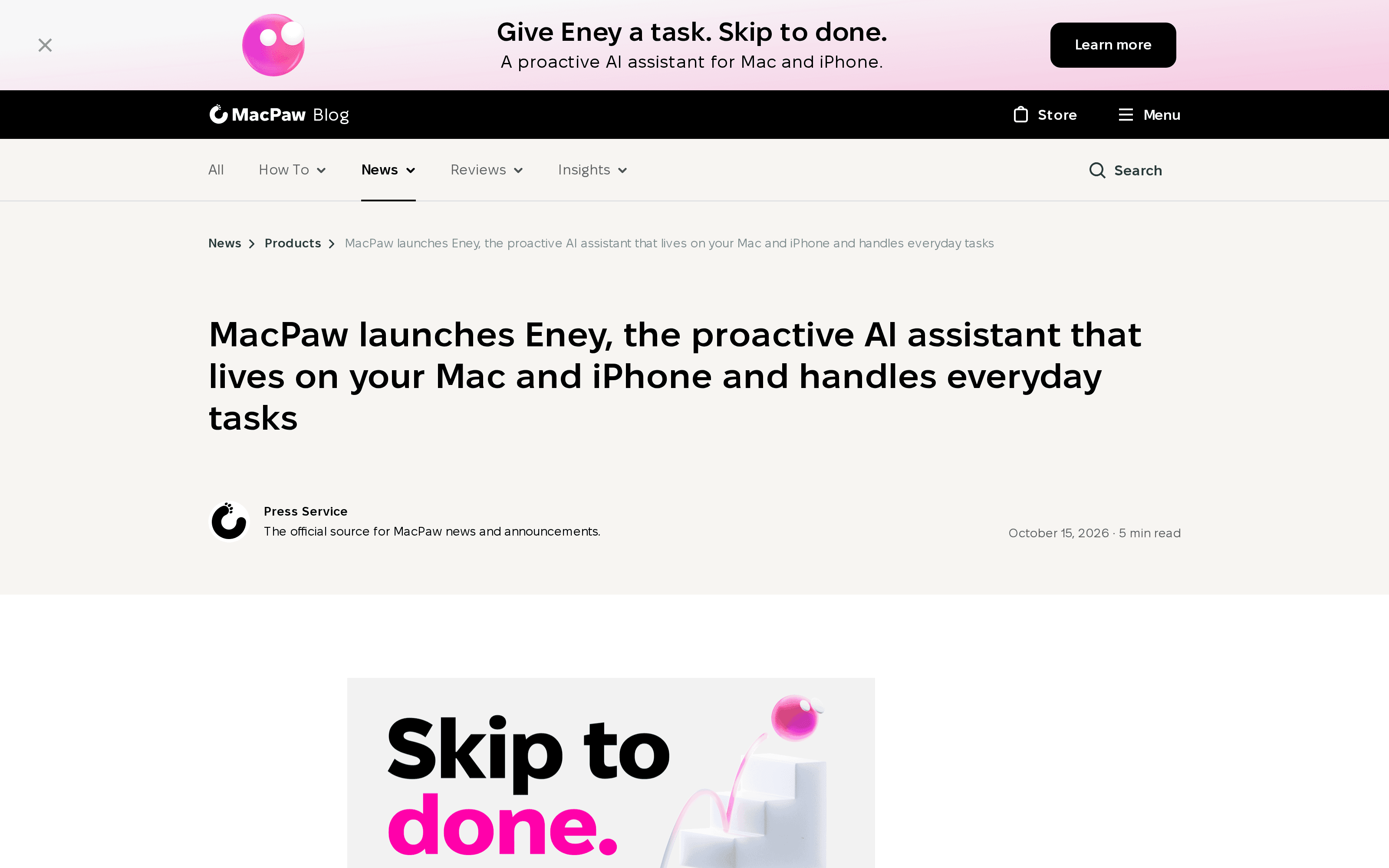
MacPaw, the company behind CleanMyMac, introduced MacPaw Eney in its October 15 launch announcement. The company calls it a proactive assistant that sees relevant context across a Mac, offers a next step and can carry out work in connected apps. That's more specific than a chatbot that waits for a question: Eney's published examples include meeting preparation, organizing Downloads and drafting follow-up messages.
These are MacPaw's claims, not independent tests. For the category, see personal AI agents in 2026.
What does proactive mean for Eney?
A meeting reminder isn't permission to send an invitation. MacPaw Eney can spot a forthcoming call and offer transcription, then prepare follow-up notes, the company says. It lists scheduled workflows too. The official product page describes suggestions and workflows rather than promising that every task runs without intervention.
Imagine your Downloads folder has several near-identical receipts. A suggestion to sort them saves a search; moving the wrong one affects your records. MacPaw says Eney normally requests confirmation before moving files. Its privacy notice adds a qualification: after you grant access, read-only operations need no new prompt, while creating, changing, sending or deleting asks first unless you allow actions for the current chat or in Settings. Check the setting, not the tagline.
Where does Eney run: Mac, iPhone or the cloud?
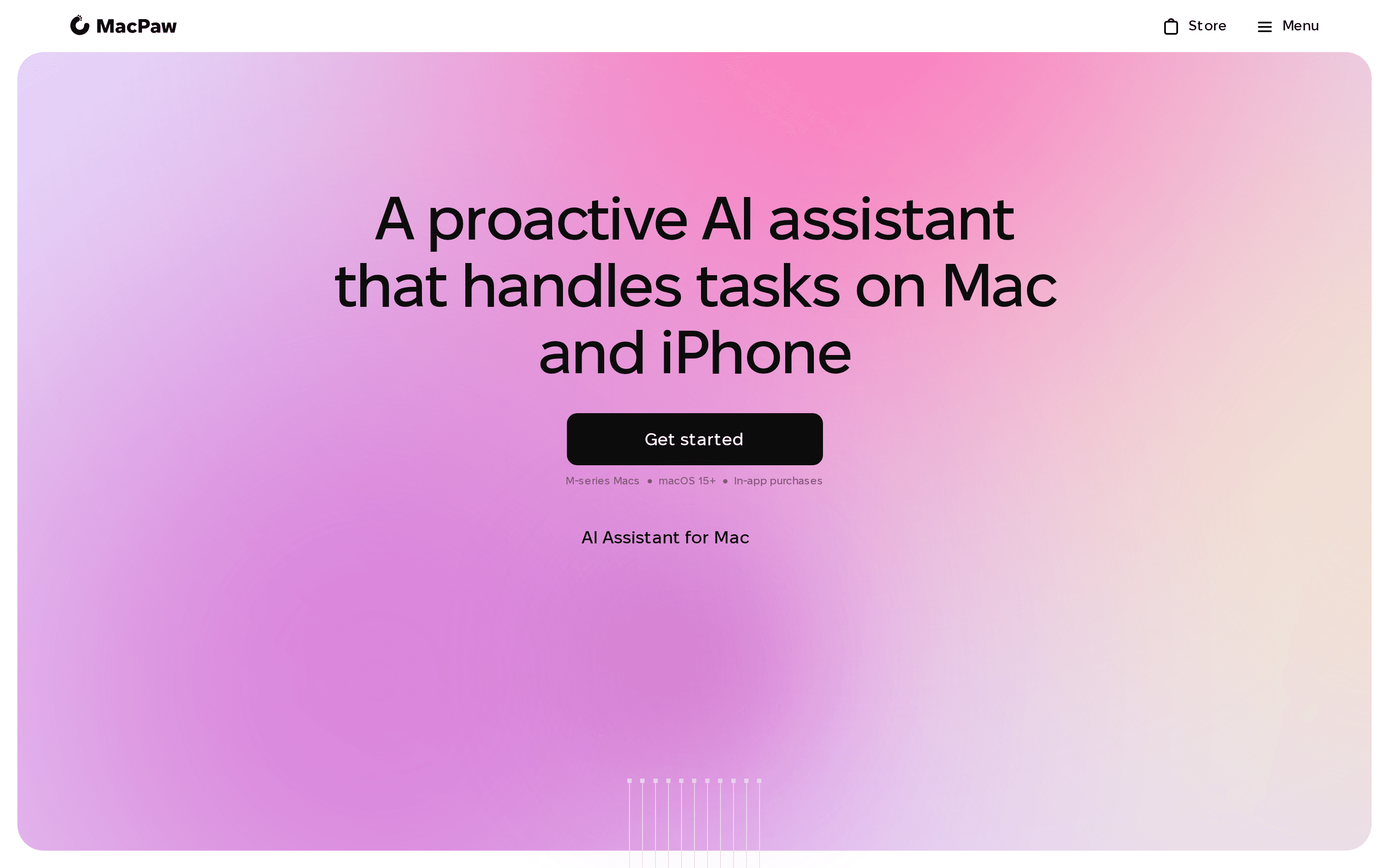
The Mac product page specifies Apple silicon (M-series) and macOS 15 or higher. MacPaw says you can get the iPhone app from the App Store; its terms warn that features and integrations can differ by platform and version. An iPhone download therefore doesn't establish that every Mac file action works on a phone.
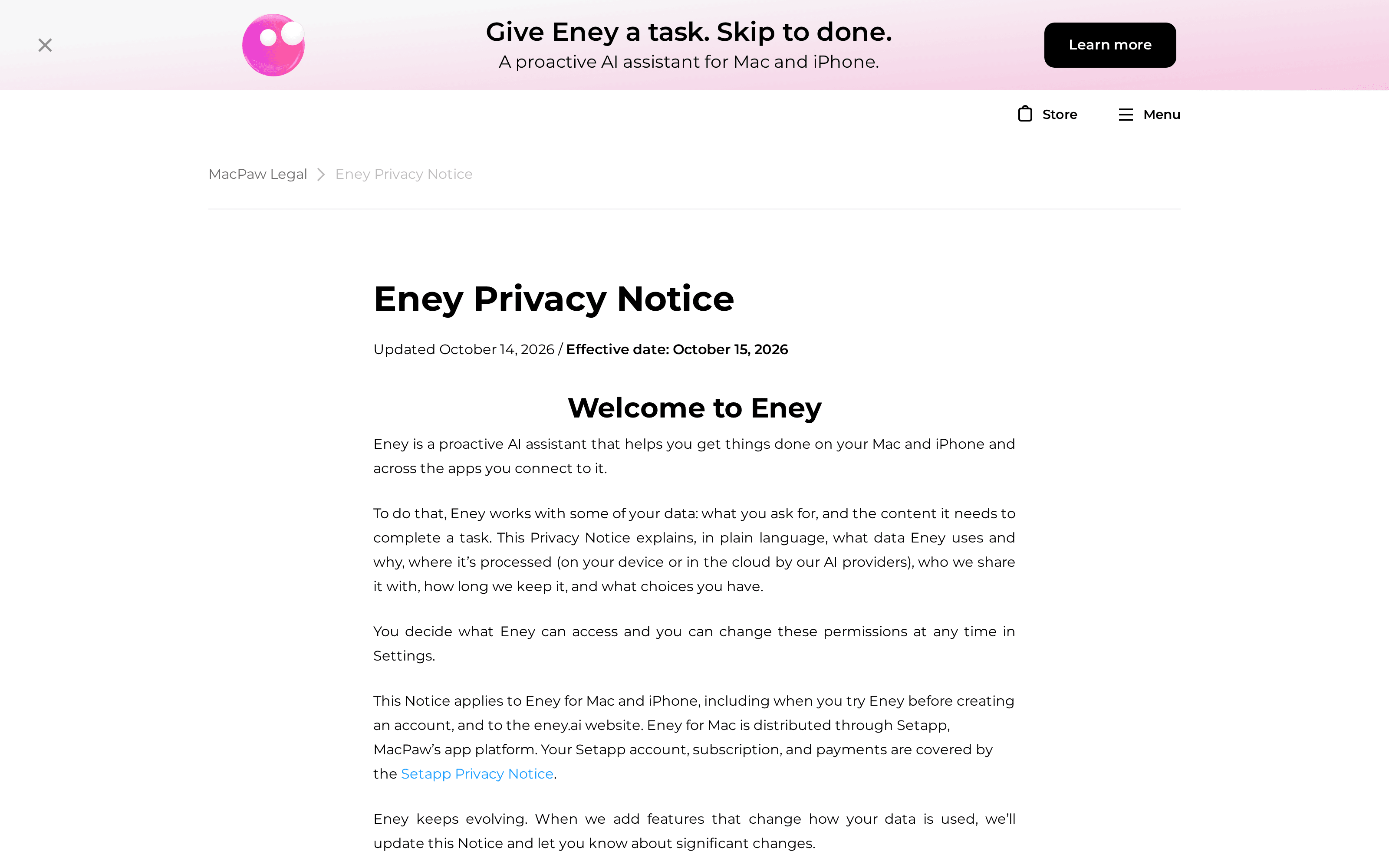
Here's the sharper distinction: the app runs on your device, but its reasoning needn't. MacPaw's privacy notice, effective October 15, says MacPaw Eney does not currently use a local model to answer requests and sends task content through Setapp's AI gateway to external providers. 9to5Mac's launch account discusses local models, but the first-party policy is the safer account of request processing.
Device assistant or always-on workspace: which fits?
Need help with something already on your Mac, such as a file you can't locate before a client call? Eney's access to the computer and its approved apps is the point. If the work must continue while your laptop is shut, ask instead for an always-on workspace and a reviewable handoff. Those are different requirements, not a contest over which assistant has the friendlier name.
Zentor's always-on workspace keeps task work available without your machine running; that doesn't turn it into a replacement for Eney's Mac-level controls. Zentor's workspace memory can also reach other AI through Zentor MCP and remains yours rather than making Eney's device context portable by assumption. For the distinction between a response and a task carried across steps, read personal AI agents explained. Neither option should receive Send or Delete access simply because it can produce a good draft.
For an expiring subscription or an unread school form instead, Mateo from the Zentor team focuses on inbox and calendar follow-through. There is no claimed Eney integration.
What should you check before trusting Eney with real tasks?
Start with a reversible test: let it find a harmless file, then ask it to draft, but not send, a follow-up. Watch whether the approval screen shows the destination and exact change. Revoke a connector and confirm the app stops reading it. MacPaw's privacy notice explains that permission for read-only access persists after the initial grant; approval for writes can change with your settings. It also documents cloud processing, so examine the policy before providing sensitive documents.
As of October 2026, MacPaw's product page advertises a 14-day trial with 10,000 AI credits, followed by paid credit plans, while its terms say the trial can end earlier when credits run out. Confirm taxes and regional eligibility before subscribing; no country-by-country availability list appeared on the checked pages. Zentor's model routing addresses the cost of workspace tasks, but it doesn't answer Eney's local permission question: review both separately.
Need a workspace that keeps going after you close your Mac?
Zentor keeps your workspace memory portable and your task work available while your device is off. Review the output before you act on it.
Get early access →
FAQ
Is Eney free?
It is free to download and try, not indefinitely free for credit-consuming tasks. MacPaw says the trial ends after 14 days or 10,000 credits, whichever comes first; check its current plans before paying.
Does Eney work on iPhone?
MacPaw lists an iPhone app on the App Store. Specific capabilities may differ from its Mac version, and regional store availability needs checking before you rely on it.
How is Eney different from Siri?
Eney advertises multi-step work across your Mac and connected apps, with ready-made workflows and approval options. Apple's Siri guide also documents proactive suggestions and app-access controls, so the difference isn't simply that one assistant can suggest things and the other can't. Compare the particular task, access scope and confirmation screen on your own devices.

Zentor Editorial Zentor editorial team
The Zentor editorial team writes about workflow automation, AI agents, and the tools we build. Default byline for industry overviews, listicles, and collaborative pieces.
Ready to put this into practice?
Zentor runs browser tasks, research, and schedules automatically. Try it free.