Manus 2.0: What Changes for Everyday Work?
Manus 2.0 changes the agent stack, Studio, automations, and Cue. See which updates matter for everyday document and workflow tasks.
Manus 2.0: What Changes for Everyday Work?
Manus 2.0 is Manus's updated agent workspace for connected projects, event-triggered tasks, and editable work across files. For freelancers, the real change is whether a client brief can become a traceable draft without restarting the work at every handoff.
Key Takeaways:
- Cascade keeps project stages connected; its efficiency figures come from one vendor test.
- Automations can start from supported events, not only schedules.
- Studio handles document work; Cue is a separate early-access app.
- Client-facing output still needs source checks and human approval.
What caught my attention was not the video editor. It was the less glamorous handoff between a source folder and a client report. Ascendea used Manus for proposal drafts and weekly reports, with staff keeping final judgment. This Manus-published customer account predates 2.0; it illustrates the work, not the upgrade's results.
Disclosure: Produced by Zentor using Manus's public launch and help materials checked October 1, 2026. This is not a hands-on test.
Quick Answer for Everyday Work
For everyday work, the key 2.0 changes are Cascade's connected project flow, event-triggered Automations, and the upgraded Studio desktop workspace. Cue is a separate early-access app. Cloud Computer remains a paid option for persistent work; Manus introduced it before 2.0. A one-off summary may feel similar, while a proposal that moves through revisions has more to gain.
What Changed in Manus 2.0?
Cascade Keeps Project Work Connected
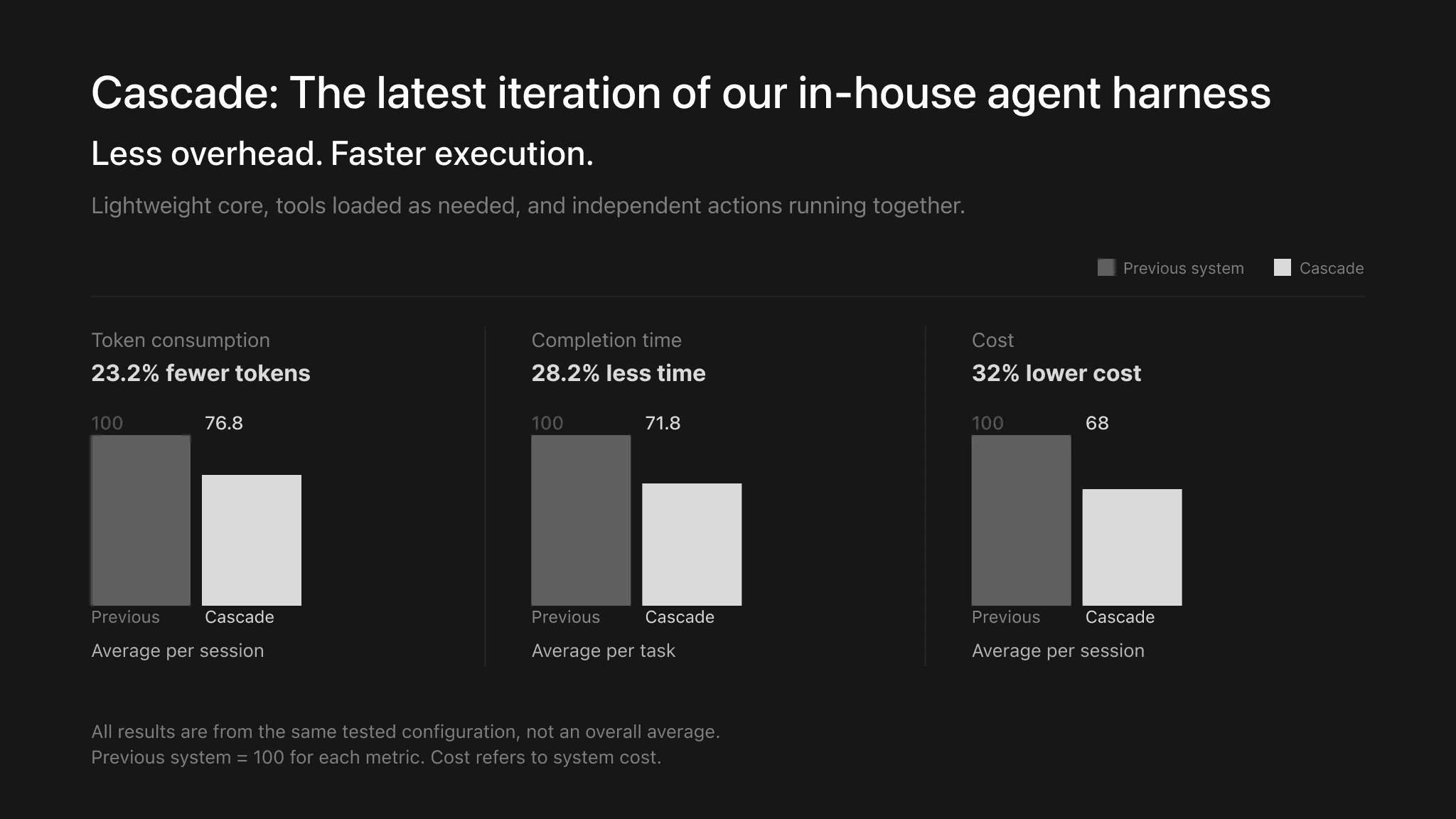
Manus Cascade is the new agent harness. It brings in specialized capabilities when needed while keeping a brief, resulting files, and follow-up work inside one project. In one Manus test configuration, it used 23.2% fewer tokens, finished 28.2% faster, and cost 32% less to run than the previous system. Those vendor results do not predict your bill.
The practical test is whether, after you request a revision, a changed deadline in the source folder appears in the draft without erasing its citations or agreed scope.
Automations Add Event Triggers
Manus Automations can start from supported events such as a new email, calendar event, Slack message, or Notion update. An intake email could start a private checklist. But a message does not prove the sender is authorized or the scope agreed. Keep external sending out of the first run.
Connected services require authorization; check the permissions for the specific account before treating an event as a safe trigger.
Studio and Cue Add New Work Surfaces
Manus Studio updates the desktop workspace for documents, spreadsheets, PDFs, and slides, as well as creative projects. For a consultant, the useful question is whether an editable file survives revision, not whether the product can make a first draft.
Manus Cue is a separate app for personal agents on the same infrastructure. At launch, Cue required an early-access invite, with iOS pending App Store review. Its agent identities and team coordination need a separate evaluation; they are not prerequisites for preparing a client memo.
Which Changes Affect Documents and Client Work?
A credible report needs more than polished prose. Give Manus an approved brief and dated source files, then inspect whether each material claim points back to a file. Keep client facts distinct from recommendations. If a figure has no visible origin, the document is still a draft.
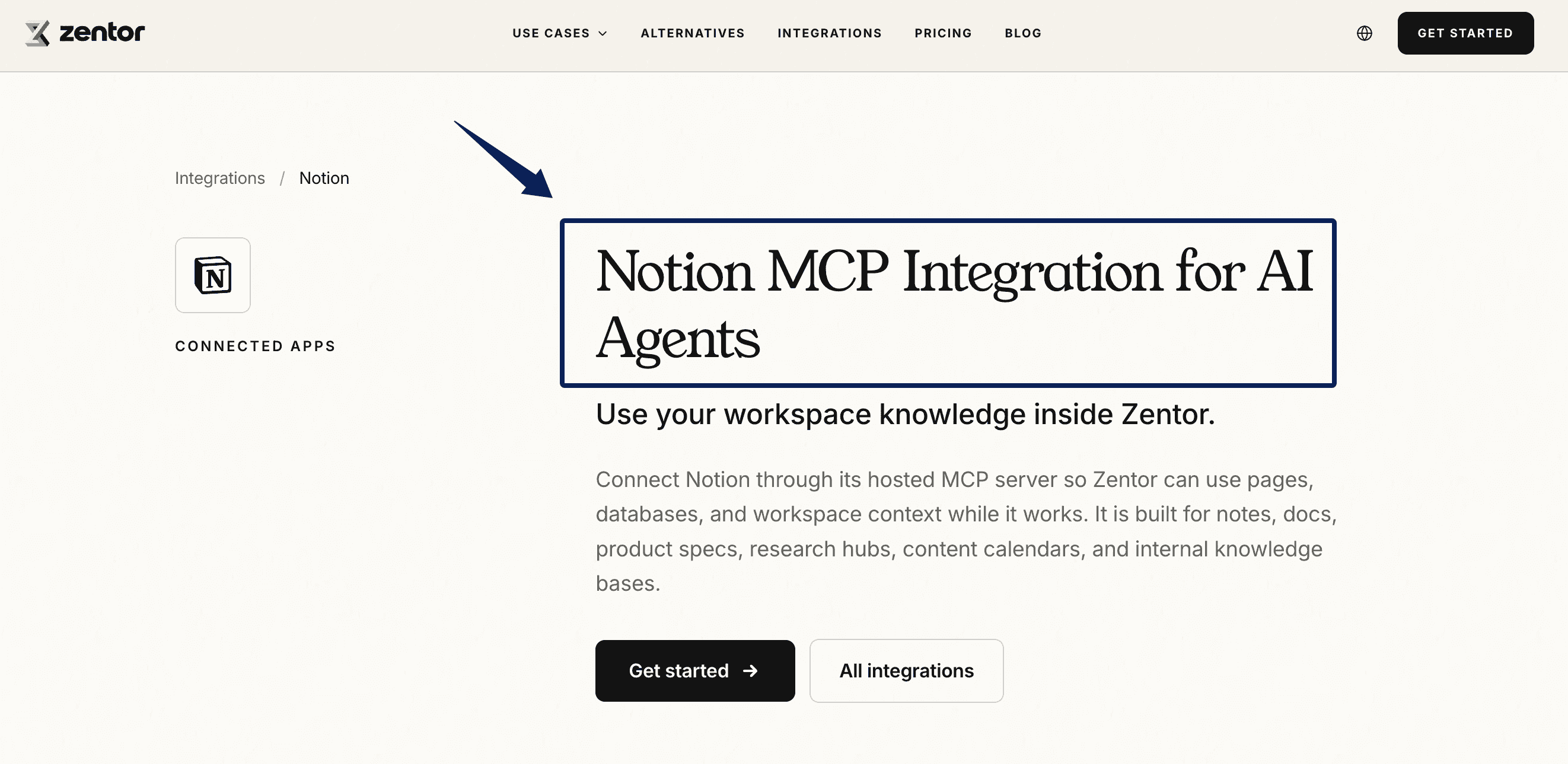
Studio uses authorized files on a connected desktop; Manus Cloud Computer requires a separate purchase for a persistent server. Neither warrants unrestricted access to sensitive folders. If your approved context lives in Notion, Zentor's Notion connection is a separate way to retrieve that workspace knowledge. It is not a Manus integration. Zentor's Notion connection is a separate product example, not a Manus integration.
A Practical Everyday Workflow to Test
Start From a Client Brief and Source Folder
Try one low-risk progress memo with a signed-off brief and three source files. That is a proposed test, not my measured result. Keep copies and identify which file controls dates and prices. Ask for a memo that marks unknowns and names the file behind each claim.
Then change one deadline in the source and request a revision. Did only relevant passages change? Can you tell what was revised? A beautiful document with an invisible source trail fails this test.
Add an Approval Before External Delivery
Before anyone sends the memo, a person checks numbers, confidentiality, promises, and the final version. Record who approved it. The actual bottleneck is often remembering which client rule still applies next month. Zentor's AI workspace approach can retain context for recurring work. In this proposed test, approval remains a human step; Zentor does not share project state with Manus.
Limits to Verify Before You Depend on It
Manus Studio offers macOS (Apple Silicon) and Windows downloads, but local-file access depends on the device and permissions. Back up Cloud Computer files before ending that service.
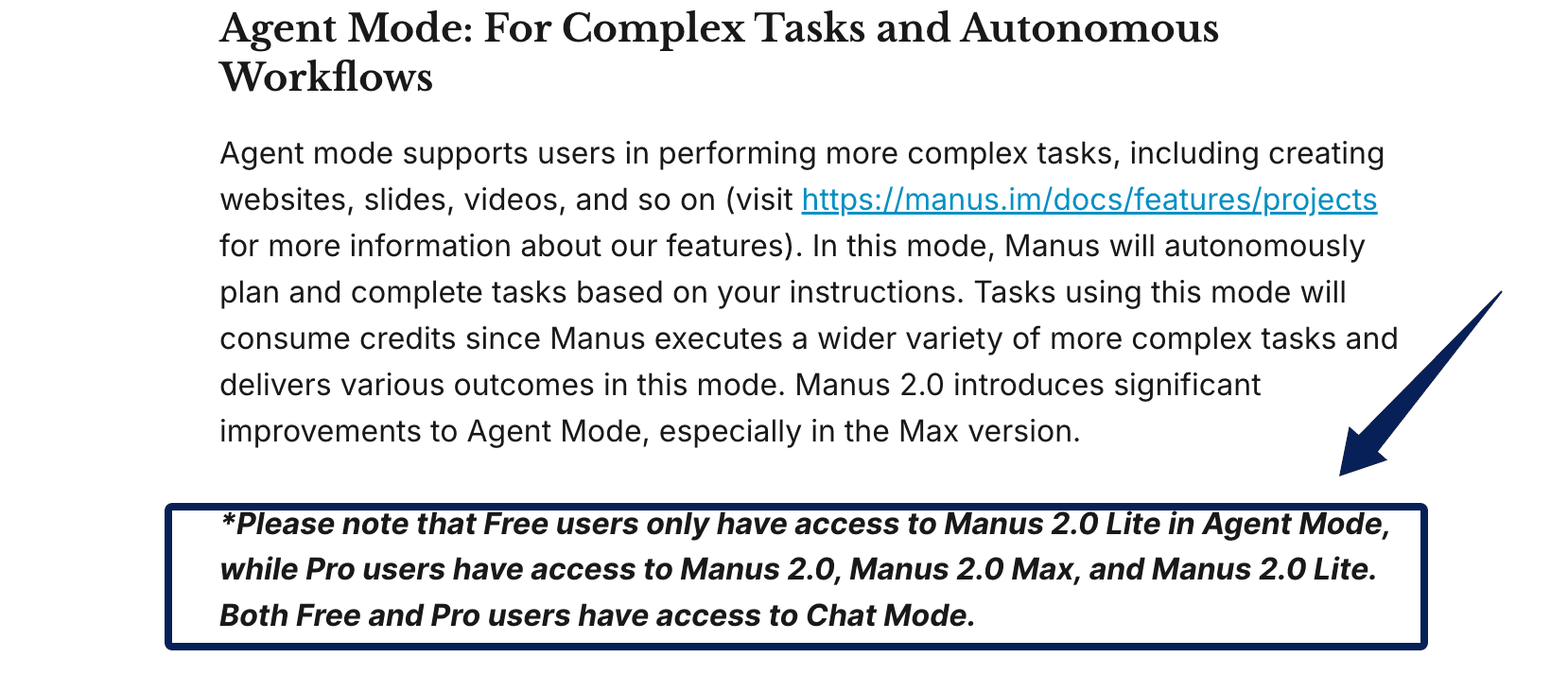
Access also varies by plan: Free users get Manus 2.0 Lite in Agent Mode, while Pro users can access 2.0 and Max. As of October 1, the launch does not establish a universal task cost, a guaranteed approval gate for every action, or a recovery rule for interrupted Automations. Test those boundaries in your own account before connecting live client data.
FAQ
Can Existing Manus Conversations Be Opened in Manus 2.0?
The Manus 2.0 launch does not announce a version-wide conversation migration. A separate August 2026 service change affected some accounts' task data, so check any account notice or restoration status before assuming an old task is still available. Export critical files rather than relying on chat history as your only archive.
Can a Manus Automation Be Paused After a Trigger Fires?
Do not assume disabling a trigger stops an already-running task. The launch describes how tasks start, not a universal mid-run pause. Test stopping a harmless task before granting write access.
Which Desktop Operating Systems Support Manus Studio?
Manus currently lists a macOS download for Apple Silicon and a Windows download; its download page does not list an Intel Mac build. Confirm your device meets the current requirements before connecting local client folders.
Can a Studio Project Be Shared With a Client Who Does Not Use Manus?
The launch does not promise editable Studio access for non-users. Export a standard file and check its links and permissions from the recipient's account before making it the delivery method.
When Manus 2.0 Helps Everyday Work
Manus 2.0 is most relevant when a task crosses files, drafts, and revisions. Judge the source trail and approval handoff on one client memo before expanding into Automations. If those remain unclear, keep the final delivery decision in human hands.

Zentor Research Public data on the AI ecosystem
Zentor Research publishes quarterly data studies on the AI tools ecosystem, drawing on public registries (npm, GitHub, Hugging Face, arXiv, Google Trends). All charts and datasets ship under CC-BY 4.0.
Turn insights into action.
Zentor automates the recurring work your analysis points to. No engineering required.