What Is Meta Muse? Personal AI Agent Explained

What is Meta Muse? Learn how Meta's personal AI agent plans tasks, works in the background, requests approval, and uses a secure cloud computer.
Muse is Meta's personal AI agent, launched in the United States on September 8, 2026, and expanded to Canada on September 18. It turns goals into plans, uses a browser and authorized services, and can continue working after the conversation closes. It is closer to delegating a job than asking a chatbot a question.
Key takeaways:
- Muse can plan and continue multi-step work in the background.
- The Muse Secure VM provides a persistent browser and isolated credential handling.
- Sensitive actions such as emails and purchases can pause for approval.
- Muse is now available in the United States and Canada, although platform access, pricing, and capabilities may vary.
Axios reporter Ina Fried gave Muse a wonderfully ordinary test: alert her when the Golden State Valkyries' first playoff time was announced. The update was waiting the next morning. The task survived the chat, watched for a change, and returned later. That small handoff explains the product better than a futuristic demo.
This is a post-launch explainer, not a hands-on verdict from a private account. I reviewed Meta's launch, product, security, and September 29 small-business announcement on September 30, 2026, then compared them with named early-user reports.
Quick Answer: Muse Is Meta's Personal AI Agent
Muse is an action-oriented assistant for goals requiring steps, tools, and time. Meta's September 8 launch introduced Muse as an agent that can open a browser, fill forms, use connected services, and return when it needs input.
That separates the Muse AI agent from ordinary Meta AI chat. Meta AI answers, recommends, creates, and converses. Muse adds a persistent work environment and task state, so the output can be a completed job rather than another reply.
How Muse Moves From Goals to Actions
Plans, Browser Work, and Background Tasks
Muse turns an outcome into an action plan, then advances the steps it has enough information and permission to handle. Its browser can navigate sites and fill forms, while connected services provide approved access to data such as email or calendars.
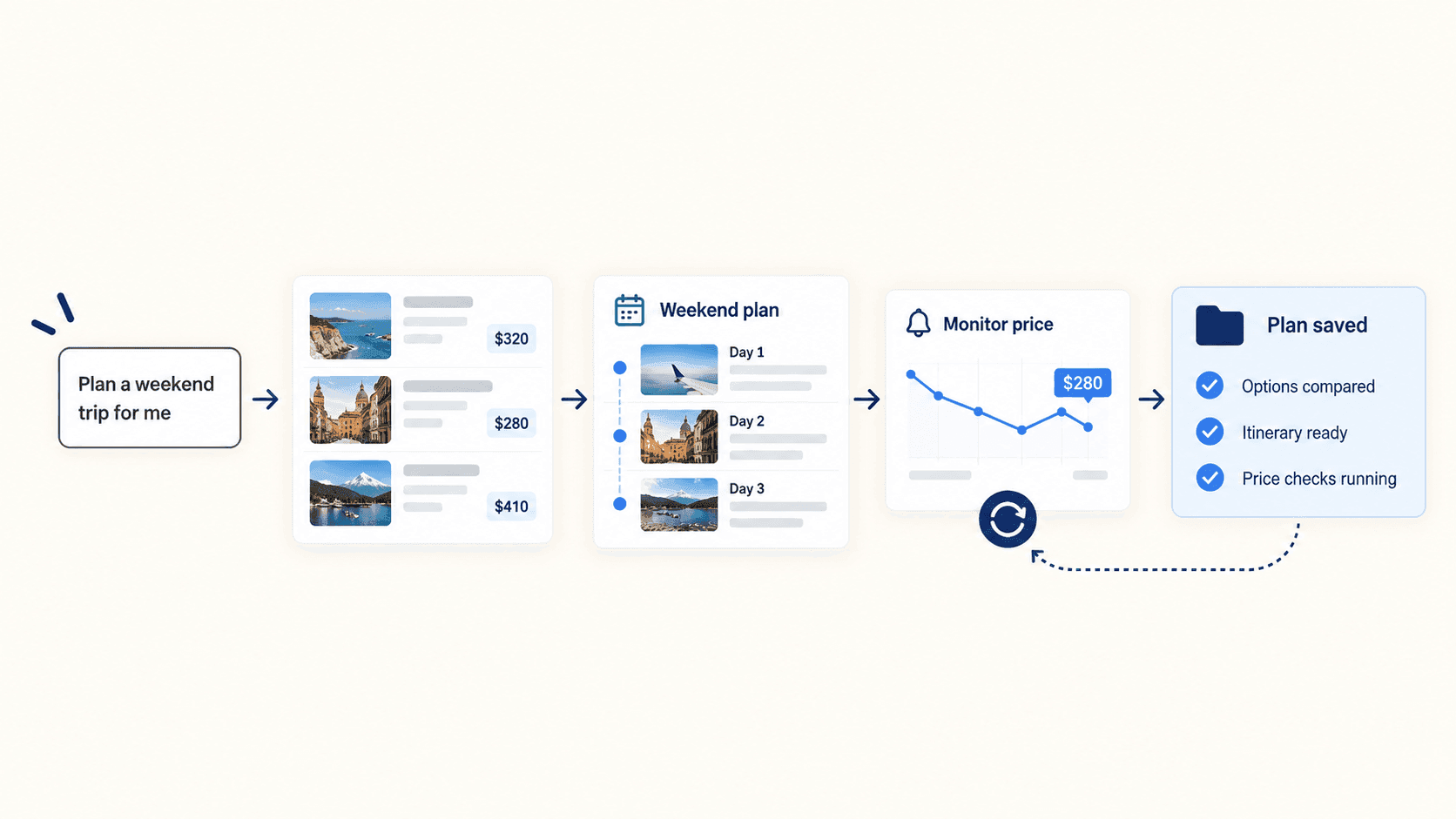
Ask it to organize a weekend trip, for example, and it could compare options, assemble an itinerary, and keep checking a price. This does not guarantee a correct booking. It means the plan has somewhere to persist.
Zentor's guide to personal AI agents for real work explains the broader pattern: task state, tools, files, schedules, and reviewable outputs matter more than conversational polish. The products are independent and no integration is implied.
Approvals Before Sensitive Actions
Muse pauses before selected actions with an external consequence. Meta names sending an email and making a purchase as examples. Users choose connected services and can distinguish, for email, between permission to read and permission to send.
The approval screen is where the user checks recipients, amounts, items, and assumptions. Meta also describes a separate Sentinel process that evaluates network activity, rather than leaving every decision to the main agent.
What the Muse Secure VM Changes
The Muse Secure VM is a persistent, isolated Linux computer with a browser, storage, CPU, and memory. The current Muse product experience lets users watch its browser and intervene, which matters when a site is unfamiliar or the agent chooses the wrong route.
Credentials sit outside the agent's runtime, allowing Muse to use them without reading the raw password. Meta also describes an audit trail, disconnectable services, and user access to stored files and memory.
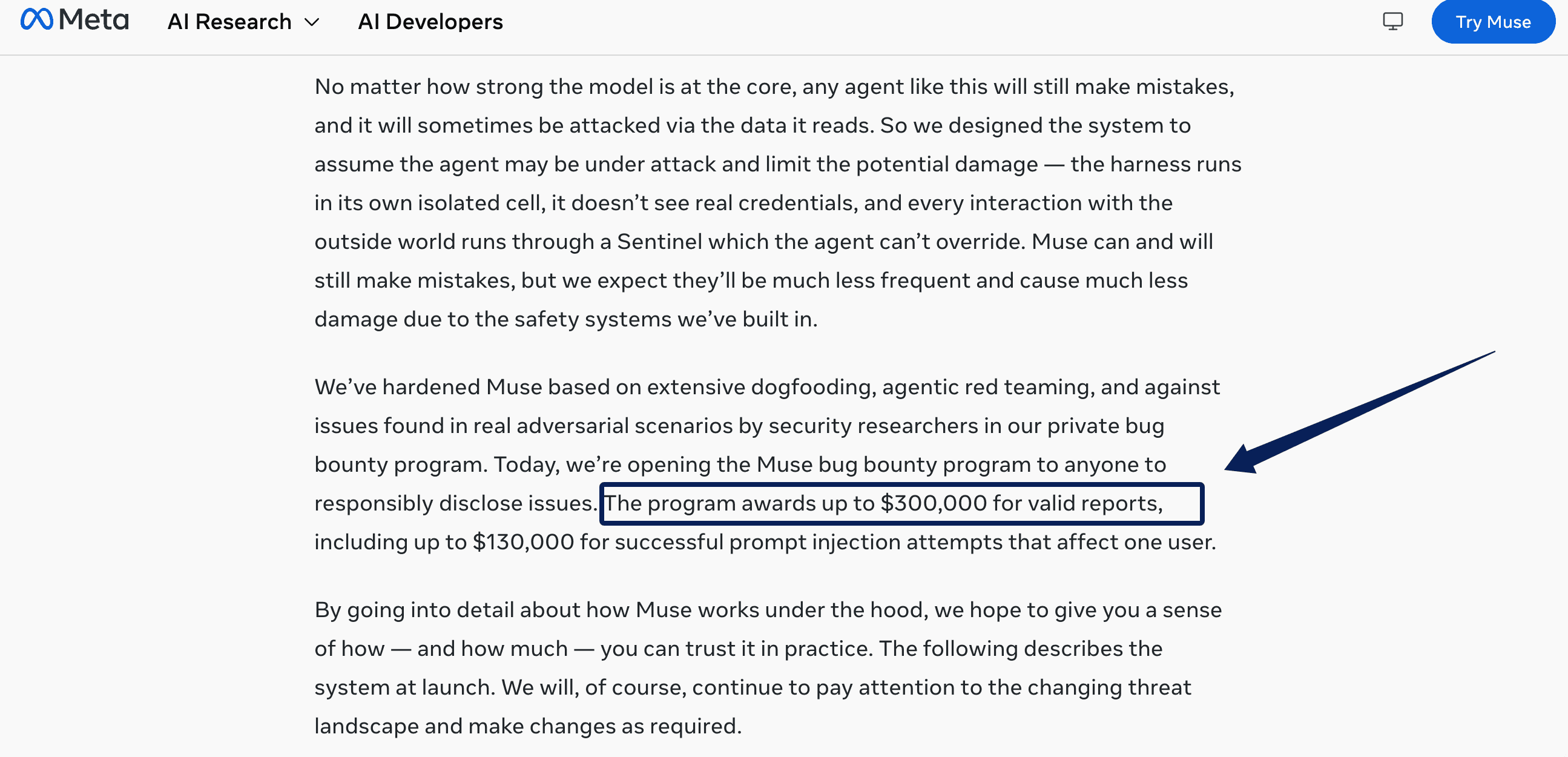
These controls reduce risk; they do not remove it. Meta can still access current VM data when needed to operate, secure, or support the service. The stronger Confidential VM, intended to prevent even Meta from accessing that data, was still forthcoming. Meta offers up to $300,000 for qualifying security reports, which shows testing investment rather than proof of perfect protection.
Where Muse Fits Everyday Work
Muse fits clear jobs with several inconvenient steps: monitoring schedules, preparing travel options, finding purchases, organizing files, or drafting messages from connected context. Begin with something reversible and easy to inspect.
On September 29, Meta expanded that work layer with Muse for Small Business. The release added connections to services including Shopify, Slack, Dropbox, Notion, QuickBooks, Canva, and Stripe. Meta states that nothing publishes, sends, or spends without approval. These connectors broaden the context Muse can use, but they do not prove that every integration is equally mature or should replace the controls inside each source platform.
Limits to Check Before You Depend on Muse
Meta launched Muse in the United States on September 8 across iOS, Android, and the web, then expanded access to Canada on September 18. Canadian access currently covers iOS, web, and WhatsApp, while Android support is arriving later. Muse is also available through its Mac app, but platform support can differ by country. Meta has not announced release dates for other regions.
Check each connector separately. Reading email, sending messages, browser login, and payment approval are different permissions. Review what Muse remembers and remove stale or unnecessary details.
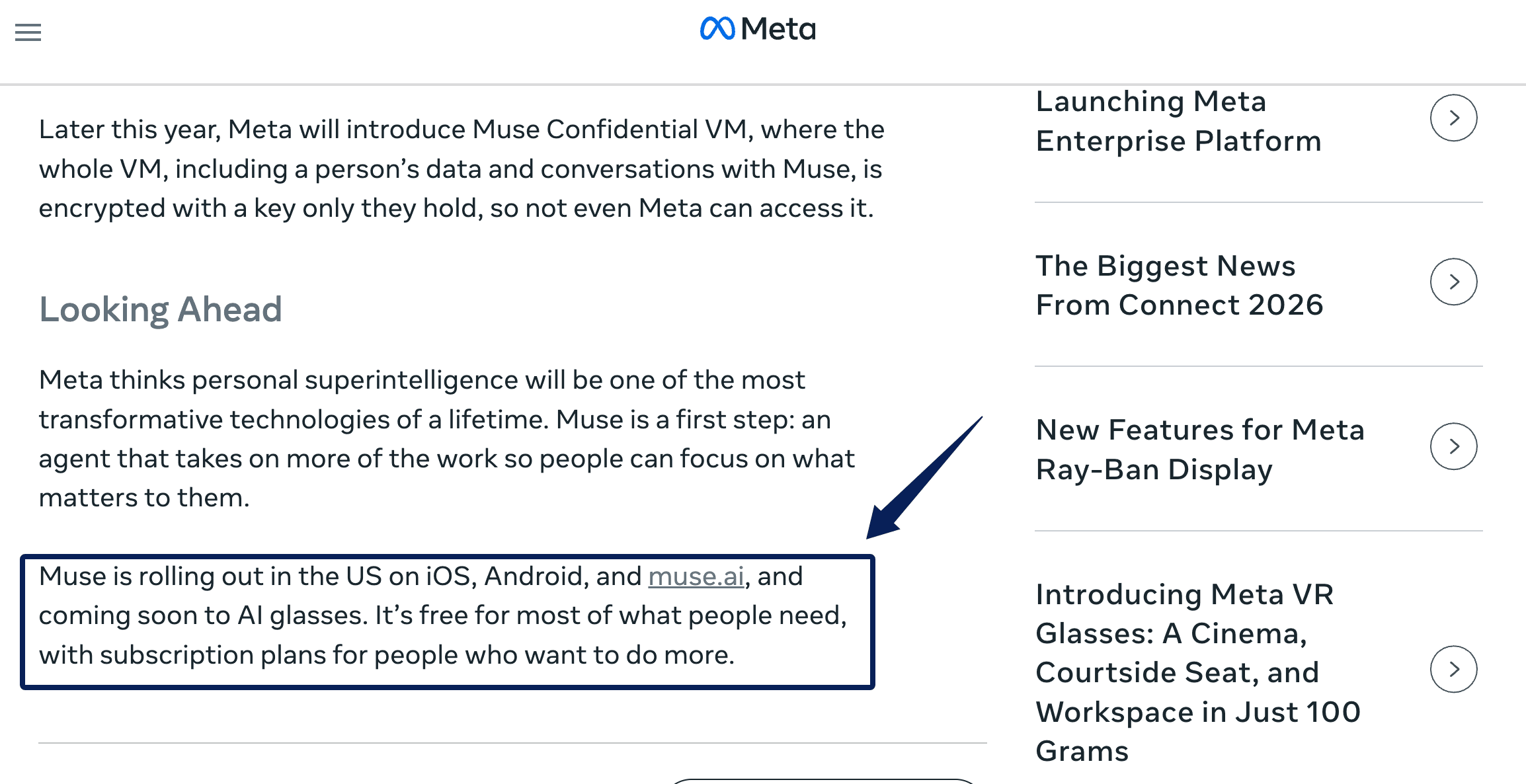
Meta says everyday use is generally free and heavier use has subscriptions. Its public launch and product pages do not currently provide one universal price or exact free allowance, so verify both inside the account before relying on recurring work.
FAQ
Is Meta Muse free to use?
Yes, at a base level. Meta describes the Muse app as free and says most everyday needs should fit without payment. The official pages reviewed here do not publish a universal subscription price or allowance.
Where is Meta Muse available?
Muse is available in the United States and Canada. It launched in the United States on September 8, 2026, and expanded to Canada on September 18. Canadian access currently covers iOS, web, and WhatsApp, with Android support following later. Meta has not announced availability dates for other countries.
How is Meta Muse different from Meta AI?
Meta AI mainly assists inside a conversation. Muse receives a goal, keeps task state in its Secure VM, uses authorized tools, and can continue in the background.
What devices can you use Meta Muse on?
Meta currently supports access through iPhone, Android, the web, WhatsApp, and its Mac app, but availability differs by country. In Canada, the current rollout covers iOS, web, and WhatsApp, with Android arriving later. Mac and AI glasses availability should be checked for the user's region before either becomes part of a workflow.
Does Meta Muse need access to your accounts to complete tasks?
Only when a task requires private data or account actions. Public research may need no connection; email, calendar changes, and purchases require relevant authorization. Grant the narrowest access that completes the job.
What Meta Muse Changes About Personal AI
Muse makes the personal-agent idea tangible: give a job to a persistent cloud computer, let it handle the quiet middle steps, and bring consequential actions back for approval. Its value will depend on whether ordinary tasks finish accurately, permissions stay understandable, and users can reconstruct what happened when they do not.

Zentor Editorial Zentor editorial team
The Zentor editorial team writes about workflow automation, AI agents, and the tools we build. Default byline for industry overviews, listicles, and collaborative pieces.
Ready to put this into practice?
Zentor runs browser tasks, research, and schedules automatically. Try it free.