AI Knowledge Management: Keep Context Usable
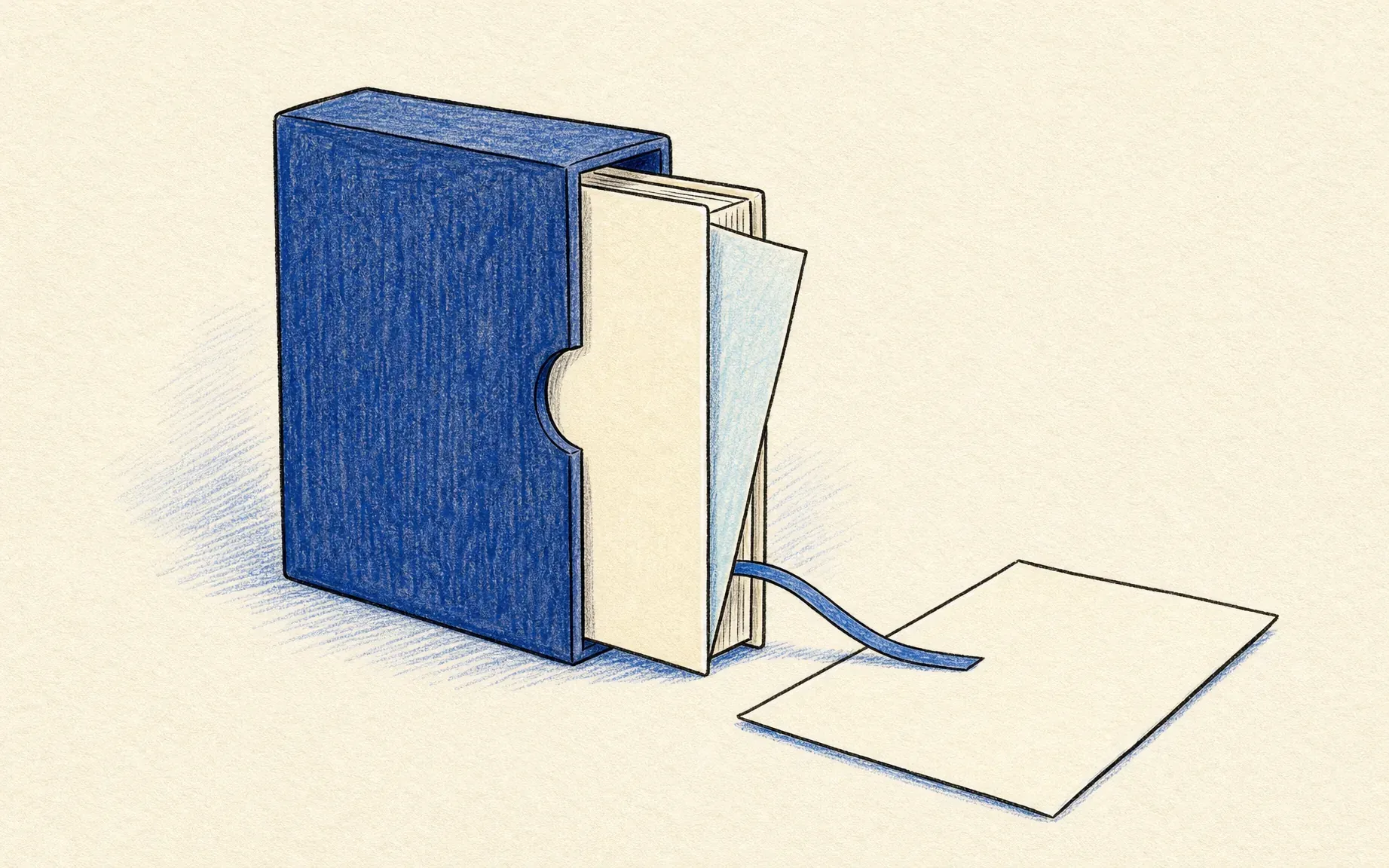
AI knowledge management for recurring client reports starts with trusted sources, assigned owners, review dates, access limits, and traceable answers.
AI knowledge management is the practice of keeping work facts organized, current, and retrievable so an AI tool can use the right context for a specific task. For a consultant preparing a monthly client report, that means finding the approved scope and latest decisions, then tracing each claim to its source.
Key Takeaways:
- Keep records tied to a named client task.
- Track a source, owner, date, and review trigger for each changing fact.
- Check permissions and claims before a draft leaves the workspace.
For illustration, suppose you are preparing a report for a hypothetical client. The report needs approved scope, current milestones, open blockers, accepted changes, and decisions due this month. An unconfirmed call note may say a milestone is due November 14, 2026; an approved change may move it to November 21, 2026. These dates are synthetic, not a client case. The report uses the approved date, with the conflict traceable.
What Should AI Knowledge Management Preserve?
Not every file deserves equal attention. For this hypothetical monthly report, you need the approved project scope, current milestones, outstanding blockers, accepted changes, and decisions waiting on the client. An old meeting transcript may still be useful, but it shouldn't overrule a later approved decision.
That's where client context management becomes more specific than simply storing documents. AI knowledge management in a workspace knowledge base should help someone find the records that matter to a particular deliverable and understand which ones are still valid. Zentor lists Notion among its workspace connectors; its Notion integration page describes using pages and databases as context. Check which pages your connection can access before relying on it for a client's report. Notion's own sharing and permissions guide distinguishes page access from a filtered view.
Keep the client report tied to the right records
Ask Zentor to prepare work from your workspace context, then review the claims against your approved client records.
Get started →
Choose the Records That Can Be Trusted
For each report claim, identify the record that controls it. The signed statement of work may govern scope; an approved change order may replace it; a project board may show milestone status. A source of truth is selected for a particular fact, not assigned to one app for the entire account.
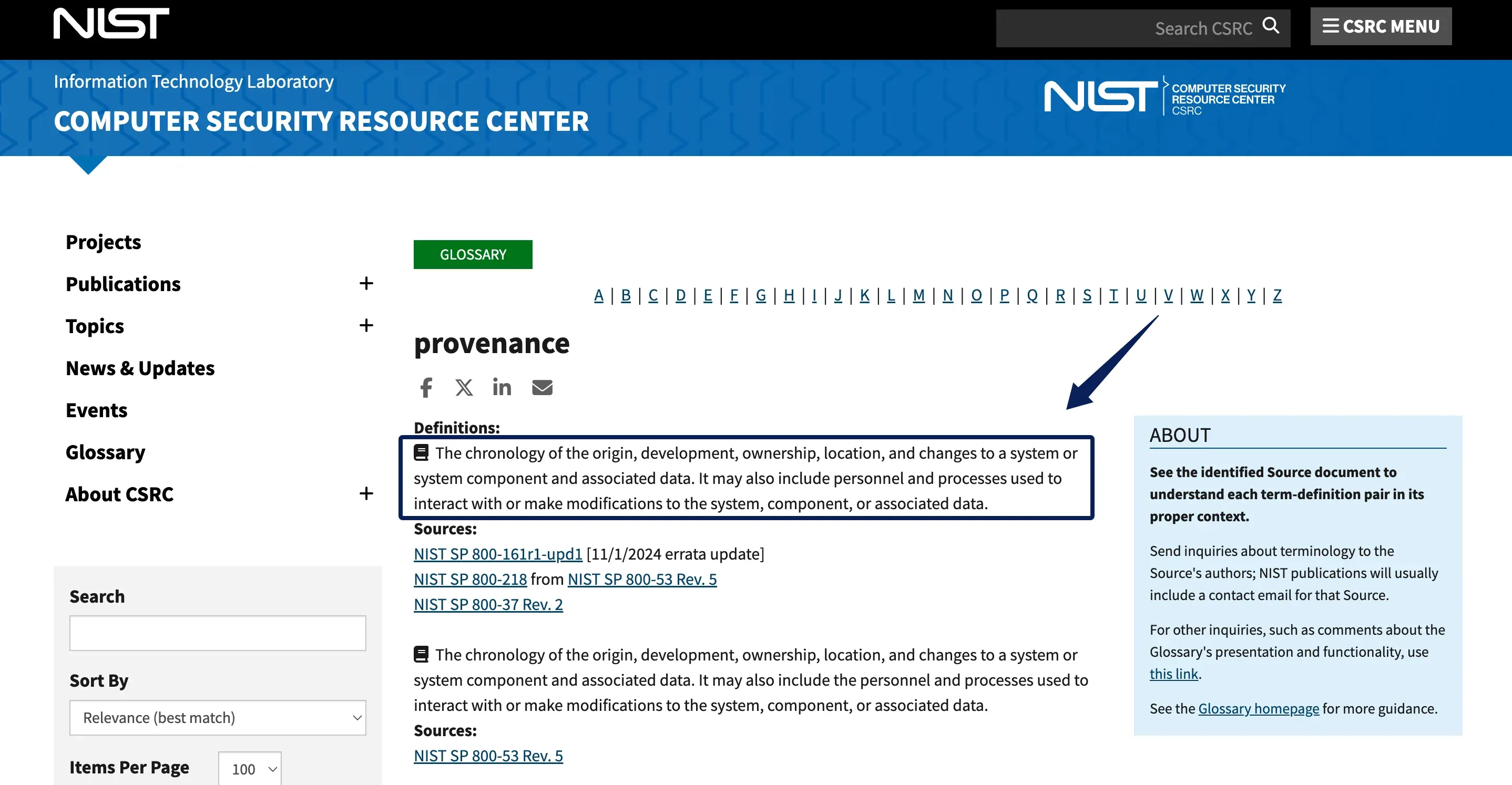
Keep a short record for every changing fact: the fact itself, a link to the source, the effective date, who owns it, what should trigger a review, and its current status. That small card is usually enough for someone else to notice when something has gone stale. NIST calls this kind of trail provenance: the chronology of origin, development, ownership, location, and changes. The card only captures part of the story; it doesn’t prove the claim is actually true.
Separate Source Material From Working Summaries
In AI knowledge management, a summary makes a long project history easier to use. It can also hide the exact detail that matters.
Imagine a handover note that says, "The June milestone is on track." Without a source or an update date, the next consultant can't tell which deadline that statement refers to.
Keep source material available and label working summaries as derived records. A useful summary should identify its purpose, supporting sources, author or reviewer, date, and unresolved questions. When new information arrives, update the summary without erasing the history behind the earlier version.
NIST's Generative AI Profile uses "confabulation" for confidently stated erroneous or false content. Treat a citation in an AI draft as a pointer to check, not proof that the linked record supports the sentence. Open the record and compare it with the claim before reusing the wording.
Set Owners and Review Dates for Changing Facts
For AI knowledge management, assign a person to maintain each changing category, such as scope, rates, deadlines, and client preferences. Add an "as of" date and a review trigger. A signed change, client correction, or month-end close may require an earlier check.
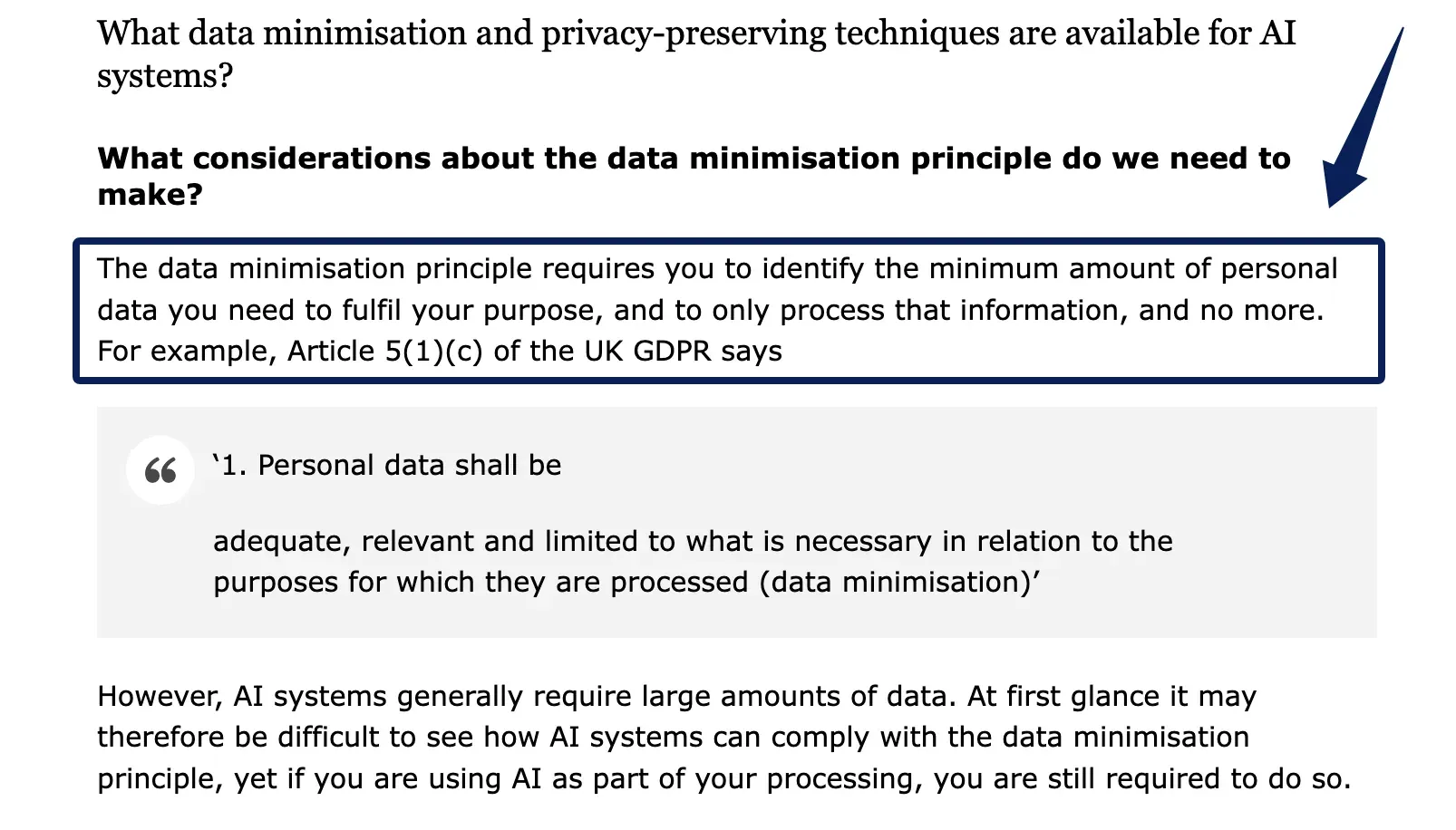
A knowledge refresh should leave a small trail: verify the source, resolve conflicts, update the summary, mark the replaced version, and record who reviewed it. Before collecting another field, ask which task needs it. The ICO's UK GDPR AI guidance on data minimisation says to identify and process only the personal data needed for a purpose. The guidance is under review, and legal duties depend on jurisdiction and circumstances.
Use Retrieved Context in a Recurring Client Task
For the hypothetical month-end report, the AI knowledge workflow starts with the approved scope, latest change, milestone status, and decisions due. Retrieve records for that client and reporting period, draft each milestone with a date and source, then flag missing or conflicting evidence for a person to resolve.
You check the draft against the records before approving it. Log accepted corrections with their source, owner, and effective date. For recurring reports, Zentor can deliver completed work into Notion or Airtable; that destination does not replace your review of client-specific source records. For the difference between stored context and a conversation transcript, see agent memory vs chat history.
Review Access and Answers Before They Leave the Workspace
For AI knowledge management, limit each user and process to the client records needed for its assigned task. NIST defines least privilege as restricting access to the minimum necessary for that task. Review who can read source files, search notes, generate drafts, and edit summaries, especially when a contractor joins or leaves.
Before delivery, check the client, recipient, period, dates, amounts, commitments, links, and citations against current records. If a client allows notes in search but not in draft generation, test those paths separately in the selected system. A prompt that says "do not use this note" is not an access rule.
Test Stale, Missing, and Conflicting Records
Test the workflow with synthetic records before relying on it: an expired deadline beside a newer approved date, a missing owner, conflicting versions, and similar client names. Expected behavior should be explicit. The system should surface the approved source, identify uncertainty, request a human decision, and keep one client's material out of another client's result.
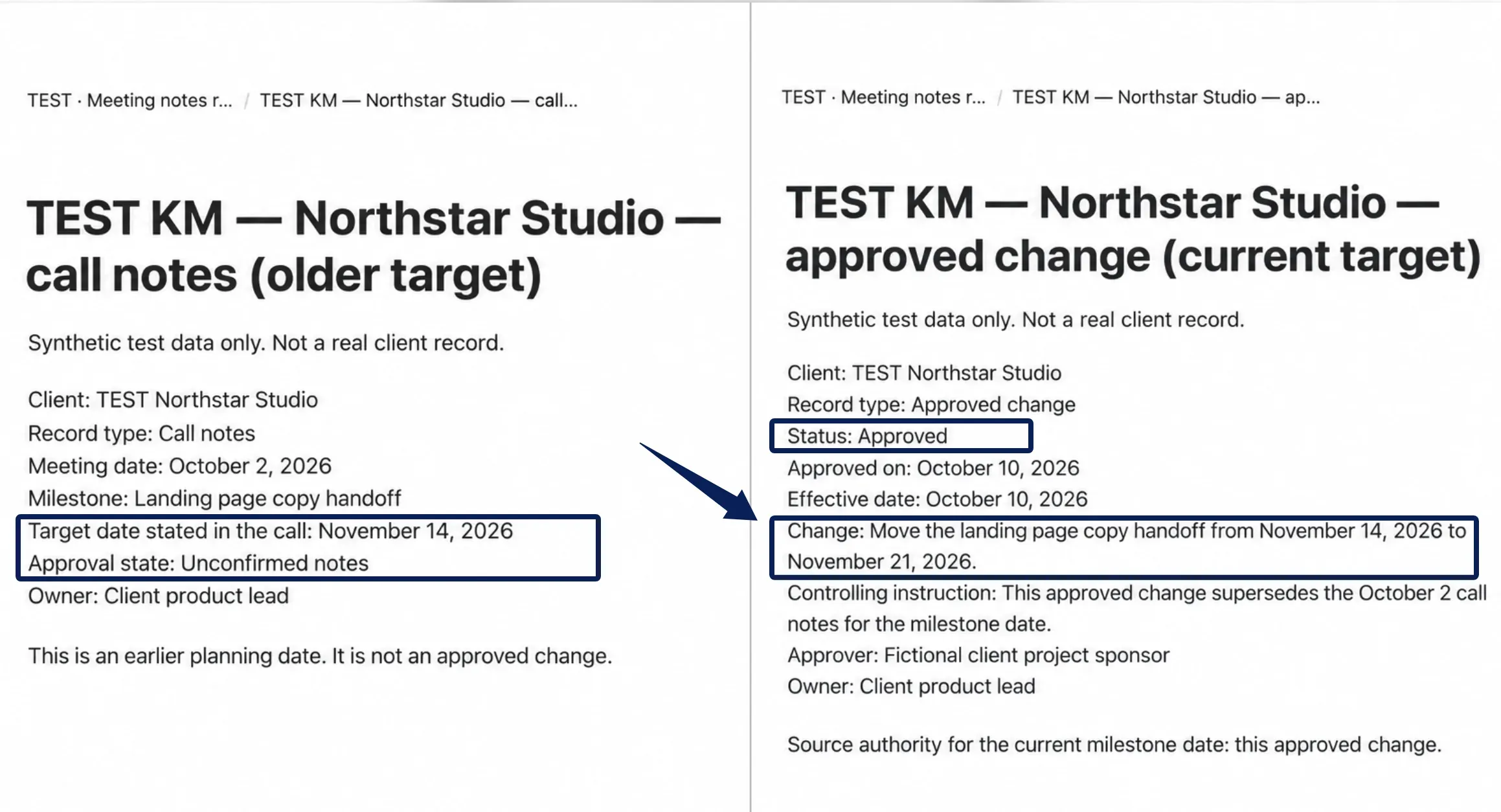
Correct one record and repeat the task. Check whether the summary changed and whether its source trail remains visible. Also inspect export, deletion, and retention behavior; removing a note from the active view may leave copies in other systems. The ICO's UK GDPR guidance on storage limitation recommends setting retention periods, reviewing stored personal data, and erasing or anonymising it when no longer needed. That guidance is under review and does not set one schedule for every record.
FAQ
Can a former client request an export of their project context?
Possibly. It depends on the contract, the rules that apply, and who actually controls each record. Confirm the exact scope and format first, pull only that client's material (and clearly separate anything shared or third-party), then keep a simple handoff log of what you delivered and why anything was left out.
What should be handed over when a contractor leaves?
Hand over the current sources, owners, review dates, open decisions, and any known conflicts. Keep the change history intact, walk the new owner through it once, then revoke access. Store passwords and recovery codes in the company credential manager, not in a personal note.
What if a client allows stored notes for search but not for draft generation?
Keep search and drafting access separate in the selected system, and check the actual permissions rather than relying on a filtered view alone. Test with a synthetic note marked "search only": if its content appears in a draft, stop that workflow and adjust its access path before using client records.
When should superseded draft notes be deleted?
Delete or anonymise personal data when it is no longer needed for the agreed purpose, subject to any justified retention duty. Mark a superseded note first so it cannot override an approved record; review backups and other copies under your retention policy. The ICO storage-limitation guidance does not set one deletion date for every project.
Can one client correct a shared summary without seeing another client's records?
Yes, if the workspace access controls really separate client records. Use a client-scoped submission channel rather than treating a filtered view as a permission boundary. Log who submitted the change, check it against the source, and test that the client cannot open other accounts' notes or version history.
Make Client Context Ready for the Next Decision
AI knowledge management for the next decision doesn't require a perfect system. Pick one recurring report and the handful of records that actually matter for it. Decide the controlling source, the owner, and the review trigger for each changing fact. If the draft can't point to current evidence, leave the gap visible and hand it to a person before anything goes out the door.

Zentor Editorial Zentor editorial team
The Zentor editorial team writes about workflow automation, AI agents, and the tools we build. Default byline for industry overviews, listicles, and collaborative pieces.
Ready to put this into practice?
Zentor runs browser tasks, research, and schedules automatically. Try it free.