Gmail AI Inbox: What It Does for Paid Workspace Users

Gmail AI Inbox now reaches eligible paid Workspace users in the US. Check rollout dates, to-dos, limits, draft replies and what still needs your review.
Gmail AI Inbox is Gmail’s priority briefing: it pulls suggested to-dos and summaries of topics from your mail. Google announced its expansion to eligible paid Workspace users on October 15, 2026, but availability is limited to US users whose language is EN-US, and a rollout start date does not mean every account can see it yet. Google’s Workspace update describes the new audience, not an autonomous email-sending service.
Mateo· built by the Zentor team
Need the follow-up handled, not another inbox list?
Mateo checks your inbox and calendar, finds the trial, the refund and the form you forgot, and handles them. Works in any browser, anywhere.
Ask Mateo →
Free in early access
Key Takeaways:
- AI Inbox collects suggested actions and topic summaries; it does not independently complete the work or send mail.
- The October Workspace release covers specified paid editions, in the US and EN-US only, with separate Rapid and Scheduled rollout dates.
- Google’s Help Center says its suggestions exclude several kinds of mail, including attachments and delegated inboxes. Check the original thread before treating a due date as settled.
- A draft suggestion is not an approved reply. If you need a multi-step task across apps, decide who may act and where the review happens.
What is Gmail AI Inbox?
Think of it as a second view over a mailbox, not a replacement for your ordinary inbox. Google’s announcement names two sections: Suggested to-dos for actions and deadlines mentioned in conversations, and Topics to catch up on for concise updates across threads. The January Gmail introduction says Gmail uses signals such as frequent correspondents and contacts to judge priority; that is Google’s description of its own system, not a measured accuracy claim.
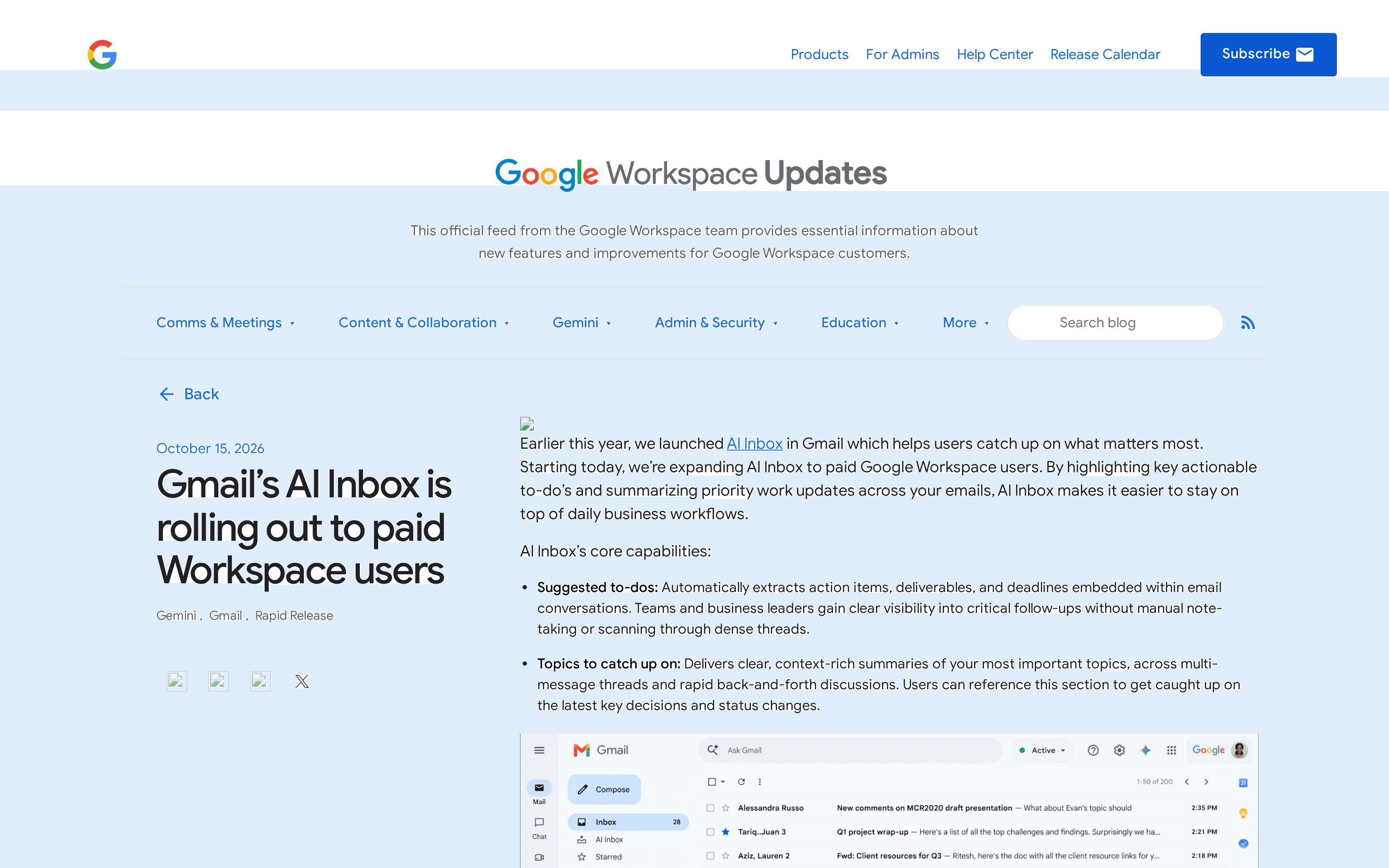
This is Google’s public announcement, not a signed-in inbox. Its Gmail Help instructions cover the interface; for spotting a buried request, the native view may suffice.
Who can get AI Inbox in Workspace right now?
As of October 2026, Google lists Business Starter, Standard and Plus; Enterprise Starter, Standard and Plus; AI Pro for Education; and Frontline Plus. The same post also says a later rollout is planned for “Starter and Education editions.” That wording overlaps with its listed Starter editions, so do not interpret the future-rollout note as withdrawing its explicit current eligibility list. Check your own account rather than trying to infer an unlisted entitlement from the shorthand.
Rapid Release began a gradual rollout on October 12, 2026; Scheduled Release starts October 26, 2026. Google allows up to 15 days for visibility in each case. The country and language restriction is explicit: US, EN-US. Google says eligible users can open AI Inbox in the Gmail desktop client or mobile app menu. The Help Center requires smart features and says the first items may take seven days to appear; an empty view does not prove ineligibility.
What do suggested to-dos and catch-up topics extract?
Suggested to-dos pull actions, deliverables and due dates out of conversations. Topics condense status changes and decisions across messages. Suppose you sell services and a client first asks for a draft on Thursday, then moves it to Friday in a later reply. A to-do could direct you to the thread, but the newest message is the date to verify before you change your schedule. Google has not published a recall rate for missed requests in the cited release.
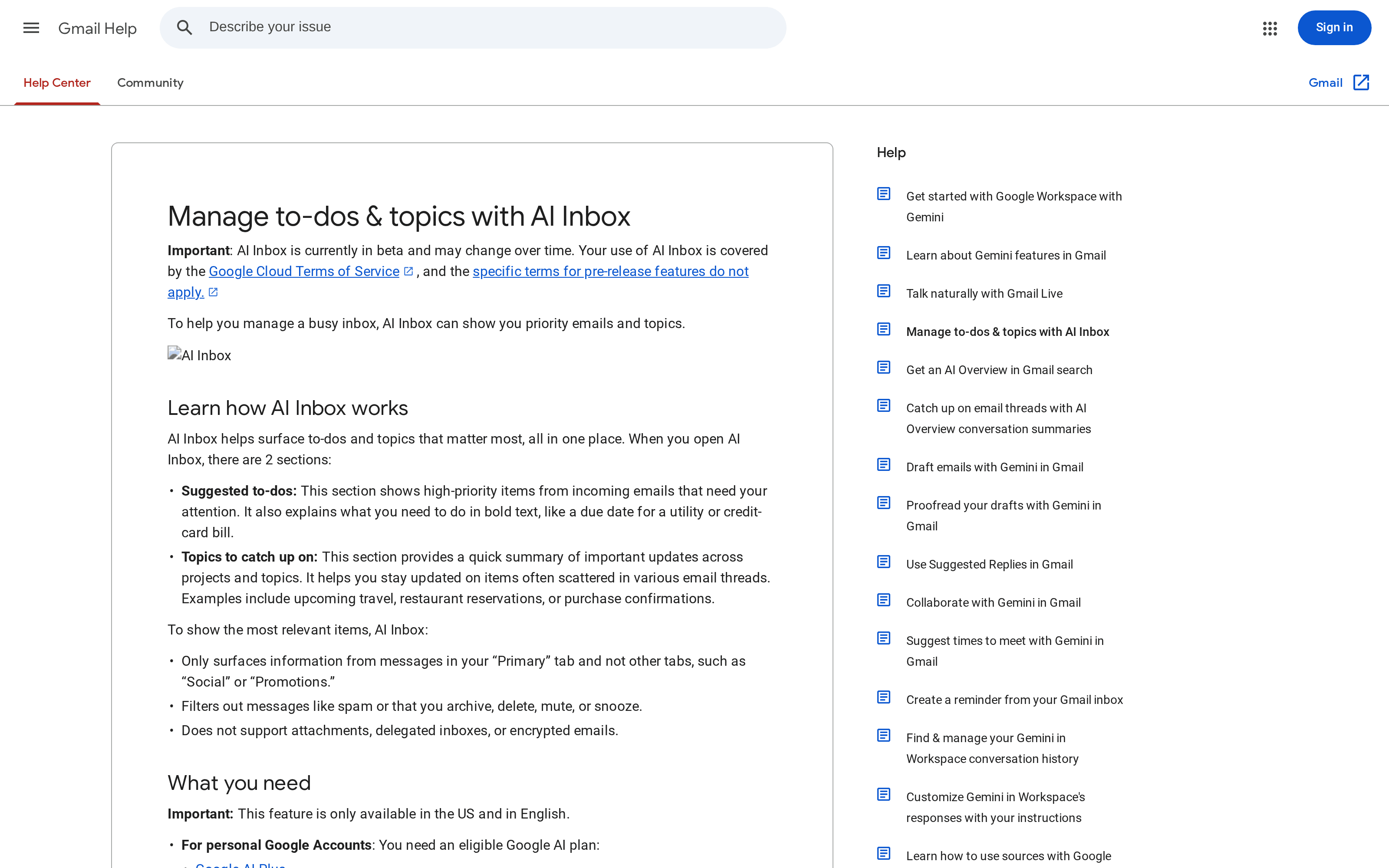
Google’s Help Center coverage rules are unusually useful here: the feature surfaces information from the Primary tab, not Social or Promotions; it filters spam and archived, deleted, muted or snoozed mail; and it does not support attachments, delegated inboxes or encrypted mail. If the deadline lives only in a PDF attachment, this view is the wrong place to declare the task found. Open the source item; on the web, “View all” can show generated items not displayed in the main AI Inbox.
Gmail AI Inbox vs Gemini Spark and Ask Gemini
AI Inbox shows priorities. Ask Gemini / AI Overviews in Gmail search answers questions about mail, as Google explains in its Gmail overview. Gemini Spark is a separate connected-app agent under the user’s direction; Google’s May announcement discussed a coming business preview, not general Spark access with the October AI Inbox rollout. See our Gemini Spark inbox review for a different monitoring test.
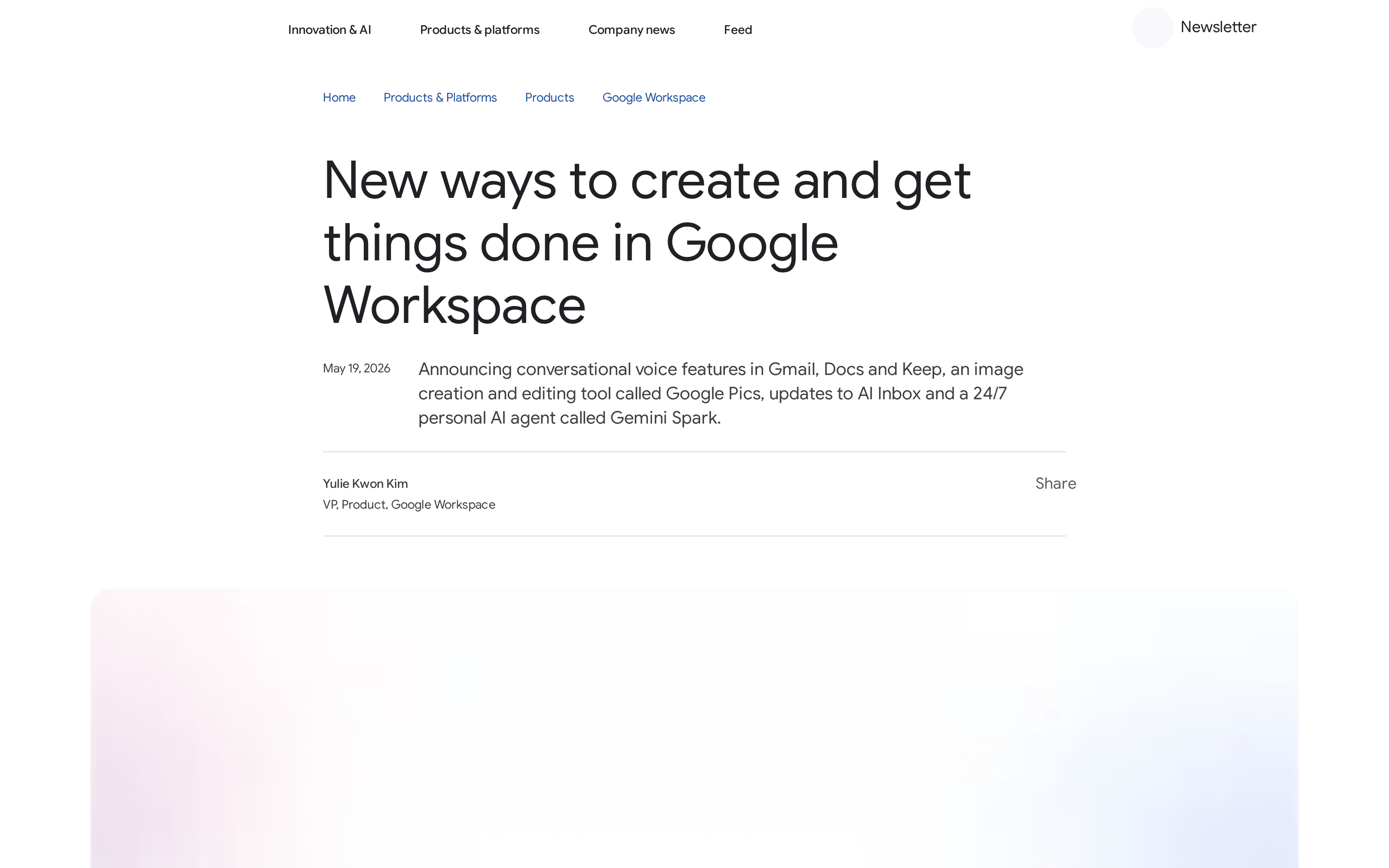
One wrinkle matters: Google’s May post also describes personalized draft replies inside AI Inbox, for the user to review and respond. So “AI Inbox cannot draft” would be wrong; “the October announcement does not authorize automatic sending” is the useful distinction. A separate October 15 Gmail Live update describes low-latency, inbox-aware voice search on Android and iOS, also US/EN-US only. Voice search is not the AI Inbox to-do view; Gmail Live has different admin behavior, so do not borrow its controls for AI Inbox.
Limits to check before trusting the priority list
Open the source mail and check the latest date and any attachment. Search outside Primary for missing context. Marking a topic’s messages read also changes their read state in Gmail; it is not a private checkmark.
Administrators should distinguish a missing dedicated admin control from a user’s setting. The October post says there is no admin control for AI Inbox; the Help Center documents a per-user “Show AI Inbox” checkbox on desktop and the smart-features prerequisite. Google labels AI Inbox beta and says it may change. We did not test a live Workspace account or independently benchmark extraction accuracy, so the workflow advice here is a review method, not a performance guarantee.
When work crosses the inbox boundary
A priority list does not reconcile a changed meeting time against your calendar or prepare a document from an attachment. Imagine checking a customer’s request, finding the file and leaving a proposed reply in Drafts. Our email-agent guide separates draft and send permissions.
Zentor’s Gmail integration describes a Gmail MCP connection that can search threads and prepare drafts for review, depending on the OAuth scopes you grant. Its broader workspace-memory approach keeps working context portable through Zentor MCP instead of making an inbox summary the sole record. The product’s always-on workspace is useful when an approved task must stay available after your laptop closes; neither that nor memory grants permission to send. The personal-agent safety guide shows how to start with a reversible task.
The personal version of this problem takes a different turn. If the message is about a forgotten trial, refund or form and your calendar is part of the answer, Mateo, built by the Zentor team, focuses on handling those life-admin follow-ups rather than returning another list. Check its proposed action before treating an inbox inference as a fact. For either product, start with one thread whose outcome you can verify.
Turn inbox findings into drafts you can review
Connect Gmail through scoped access, inspect the thread and keep sending in your hands.
Get early access →
FAQ
Is there an admin control for Gmail AI Inbox?
Google’s October 15 Workspace announcement says there is no dedicated admin control for this feature. Eligible users can find it in Gmail; the Help Center describes an individual display setting and smart-features requirement.
Is Gmail AI Inbox available outside the US?
No, not under the October 2026 availability Google published: it specifies users in the US with EN-US as their language. Recheck the official update before relying on this answer later.
Does Gmail AI Inbox reply for me?
It can suggest a contextual draft for you to review, according to Google’s May 2026 announcement. That is not the same as independently sending a message. Confirm what your own account offers and inspect the recipient and source thread before sending.

Zentor Editorial Zentor editorial team
The Zentor editorial team writes about workflow automation, AI agents, and the tools we build. Default byline for industry overviews, listicles, and collaborative pieces.
Ready to put this into practice?
Zentor runs browser tasks, research, and schedules automatically. Try it free.