Best AI Scheduling Assistants for 2027

Compare the best AI scheduling assistant options for time blocking, changing priorities, and calendar control in 2027. See which tool fits your week.
The best AI scheduling assistant for a freelancer makes room for client work alongside the meetings already on the calendar. Motion schedules individual tasks around priorities and deadlines, Reclaim.ai protects time and recommends work for it, and SkedPal places tasks within the hours you prefer for each kind of work. This comparison uses product documentation available on November 22, 2026 to help you choose for 2027; it is not a hands-on test of a future release.
Key Takeaways:
- Choose Motion when every deliverable needs a named block on the calendar that can move as priorities change.
- Choose Reclaim 2.0 when meetings compete with focus time and you want to choose from recommended tasks during the time it protects.
- Choose SkedPal when the right hour matters as much as the available hour. Its Time Maps let you give client work and admin different windows.
- Judge the plan after a change. A block you move by hand, an immovable appointment, and a new deadline show how much control each tool gives you.
Suppose you work weekdays from 9 a.m. to 5 p.m. Your product page takes three hours and is due Thursday at noon. Tuesday's kickoff is fixed from 10 to 11 a.m., and you have 30 minutes of admin due by 5 p.m. At 11 a.m., a one-hour image revision arrives, due Wednesday at 10 a.m. You enter it at Low priority, then raise it to High without moving the deadline.
What kind of scheduling assistant do you need?
Start with the work that needs a place on your calendar. A meeting booking tool coordinates a time for several people. An AI task scheduler finds time for work you do between those meetings. For this comparison, the kickoff is already booked. The best AI scheduling assistant here is the one that keeps the promised cutoff visible when the image revision becomes urgent.
Choose the unit you want on the calendar. A named task block tells you what to do at 2 p.m. A protected work block tells you you're free to do focused work at 2 p.m., with the task choice still in your hands. An automatic time blocking app that uses work categories lets you decide in advance which hours are appropriate for client delivery or admin. The distinction matters when a gap opens late in the day and you need an uninterrupted stretch for drafting.
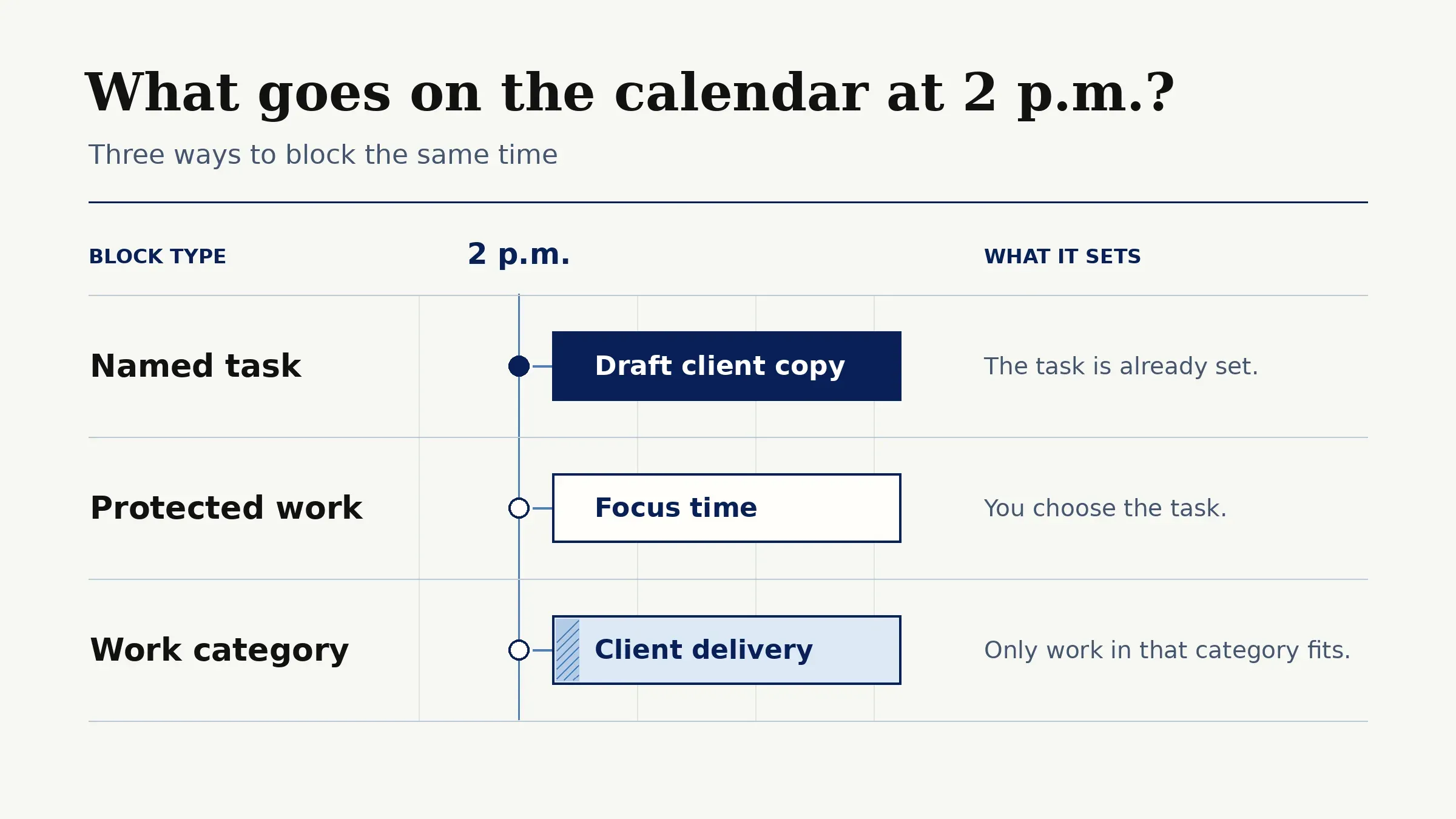
Related reading. Moving an existing workweek out of Motion covers transferring tasks and commitments to another planner.
Keep the client promise beside the schedule
Zentor can find the client thread in Gmail and draft a reply for your review. Use your calendar planner to decide when the work fits.
Start free trial →
How do we compare automatic planning and user control?
Use the same week in each app, with all times local. Start the page at Medium priority and keep admin at Low. Where the task field accepts a date only, write the exact cutoff in the task notes and use it when you count available time. Compare what the tool places or recommends before the client deadline, including what happens when you raise the revision's priority. This is a repeatable test to run, not a claim that the three apps produced identical results in our accounts.
| Tool | What it puts on the calendar | How you steer the plan | Public US starting point |
|---|---|---|---|
| Motion | Blocks for individual tasks | Set estimates, priorities and deadlines, or fix a task at a specific time | Individual pricing was not reliably displayed in the public view; confirm the current offer before purchase |
| Reclaim 2.0 | Flexible Focus Time and Habit events, with task recommendations for protected time | Set Focus and Habit rules, then preview proposed changes | Lite is free; Starter is $10 per seat per month billed annually, or $12 monthly |
| SkedPal | Task blocks or bundled tasks within planned windows | Set Time Maps and task plans, then update the schedule or pin a block | Core is $9.95 per month billed annually; confirm monthly billing at checkout |
Features and public US prices shown above were checked against the vendors' documentation and pricing pages on November 22, 2026. Plans and availability may change before 2027.
1. Motion: task-led calendar replanning
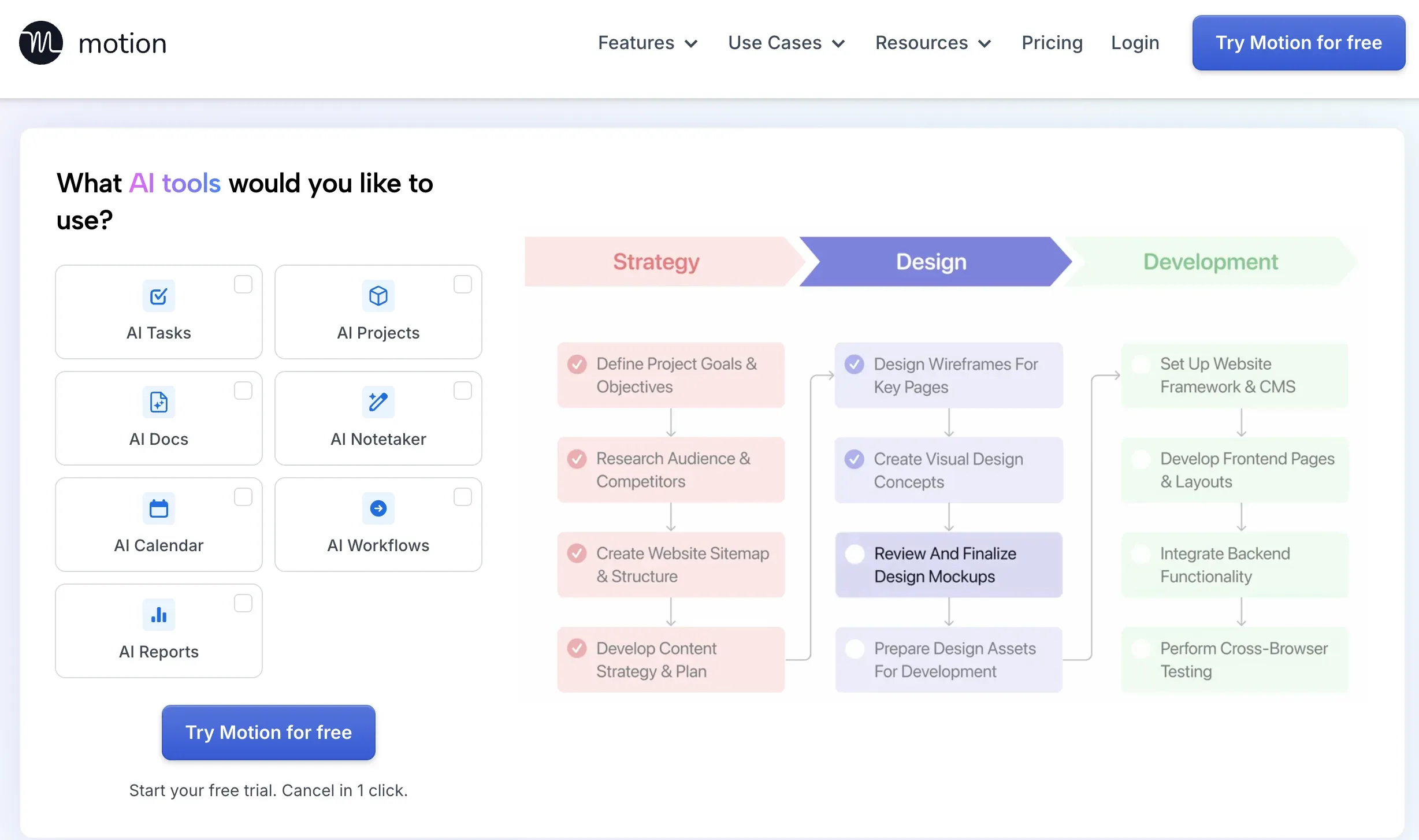
Motion suits a week in which each client task needs calendar space of its own. Use the shared working hours and enter the page and admin tasks with their estimates and deadlines. Mark the kickoff Busy on a calendar Motion checks. Add the revision at Low, then switch it to High with the due time unchanged. Motion's auto-scheduling guide describes how hours, priorities and deadlines set placement.
A task can move when a new meeting or higher-priority work changes the day. You can create a fixed-time task for work you want to keep in a particular slot. Let the draft move while you reserve the exact time for a final review. Make such edits in Motion so they update the task itself.
Motion's scheduling fit and limits
Keep the task in Motion as the working copy. A hard deadline can place work outside normal working hours when there is no suitable slot within them. Keep hard deadlines for commitments that warrant that tradeoff; Motion documents the exception.
2. Reclaim.ai: flexible time protection
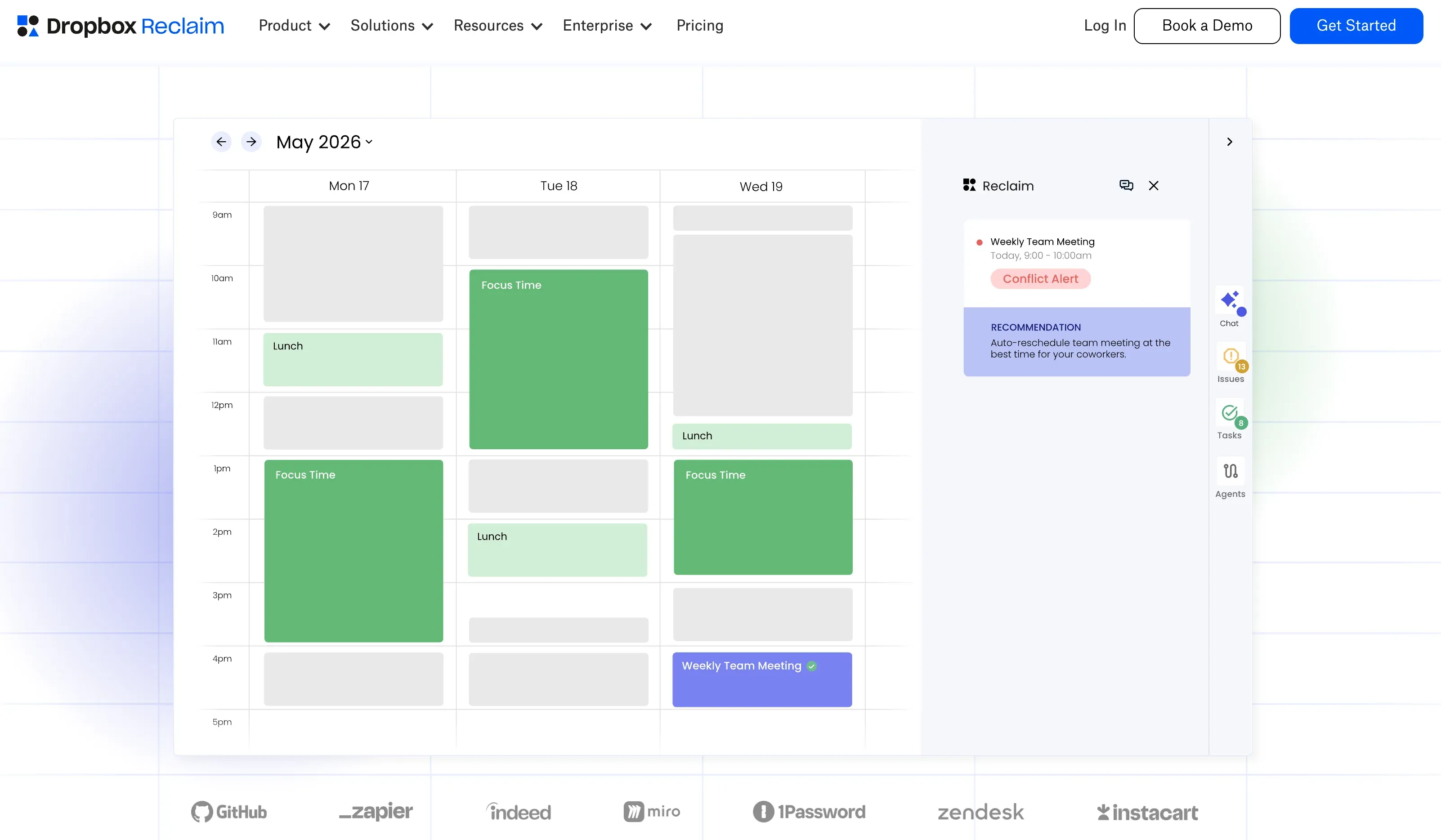
Reclaim 2.0 is an AI calendar assistant for a week where you need to preserve space for work and routines. Focus Time arranges work blocks around calendar commitments. The page and revision can both be Tasks. Reclaim recommends work for the time it protects, and you decide which item to start.
Use the same working hours and kickoff, and enter the page and admin as Tasks. Add the revision with the shared estimate and cutoff, then raise its priority from Low to High. Compare the recommendations and Focus Time available before Wednesday at 10 a.m.
Reclaim's scheduling fit and limits
The current version works with Google Calendar and Outlook. Choose it when you want a weekly focus goal and recurring Habits that can move within their rules. Reclaim 2.0 replaced the dedicated task blocks of 1.0 with task recommendations during Focus Time. A manually fixed review can live as an ordinary event on the source calendar.
3. SkedPal: preference-led task blocking
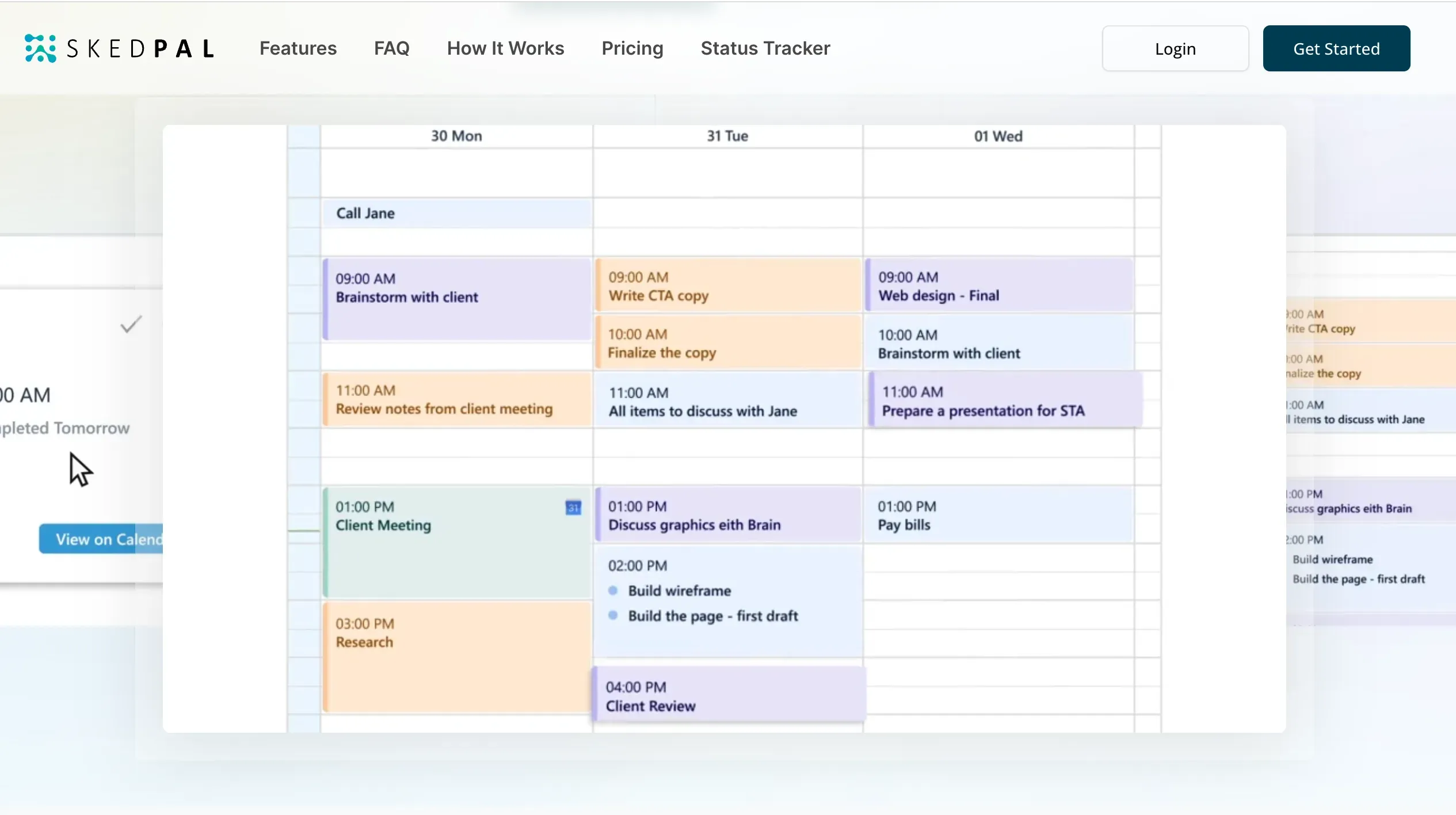
SkedPal suits a week with distinct windows for distinct kinds of work. Start with the shared work hours in a Time Map. Give the page a plan through Thursday and restrict its Thursday hours to before noon. Plan admin through Tuesday at 5 p.m. Give the revision a plan through Wednesday, with Tuesday after the kickoff and Wednesday from 9 to 10 a.m. as its eligible hours. Run Update Schedule at Low and again at High. SkedPal supports Google Calendar, Office 365 and iCloud calendar connections.
SkedPal's scheduling fit and limits
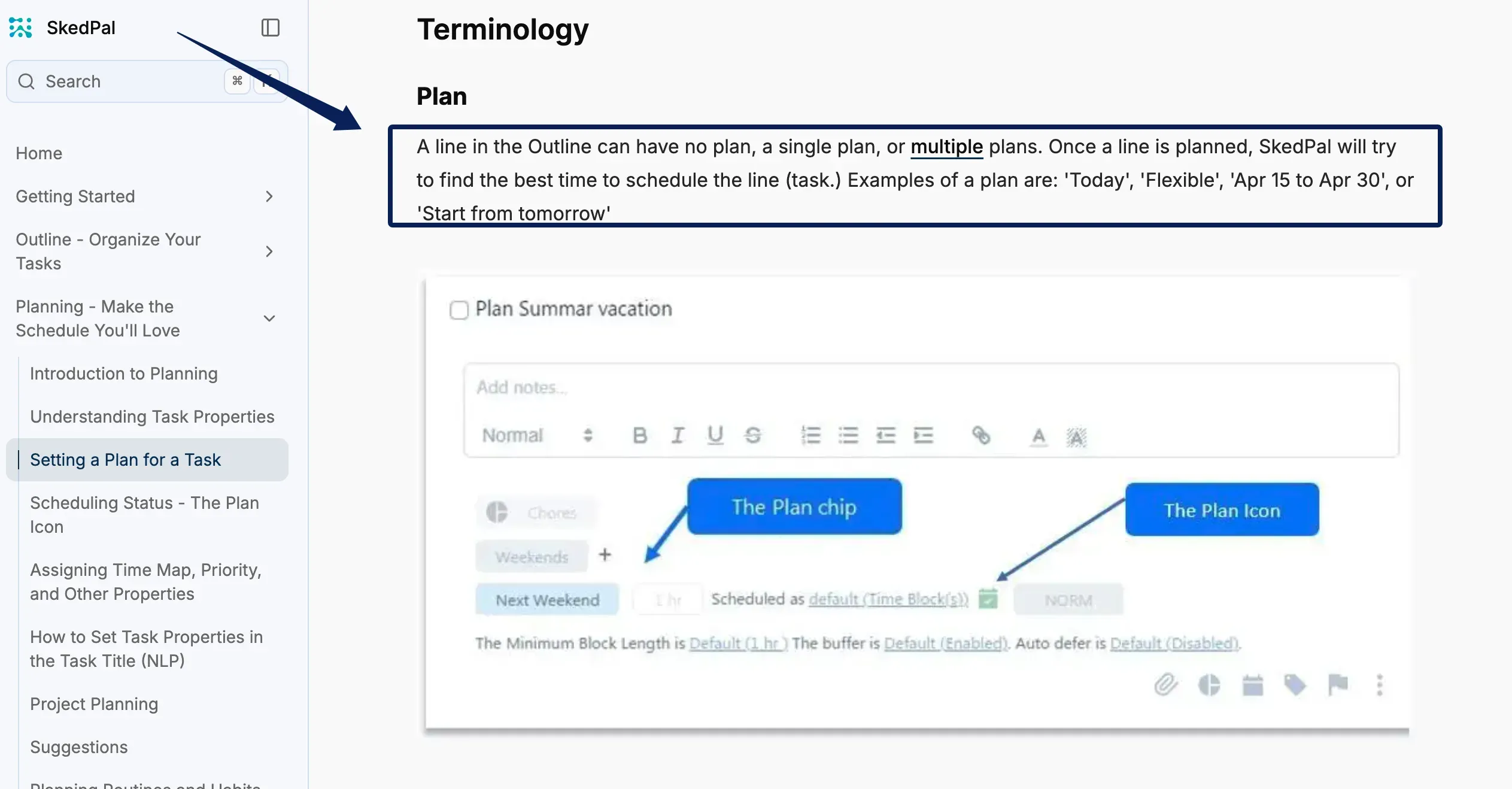
In SkedPal, the plan sets the scheduling window and the due date records the deadline. Changing the deadline on a task that already has a plan leaves the plan date as a separate setting, so update the plan when the client moves delivery. Check the resulting block against the exact hour promised to the client.
How can you test schedule changes for one week?
On Monday, set aside three hours for the product page and 30 minutes for admin, and mark the kickoff as fixed. Save the initial plan.
When a client sends an urgent revision, check whether it changes the delivery time you've already promised. If that promise is buried in a long Gmail thread, Zentor's AI email assistant can help you find the original message. Zentor drafts replies for your approval rather than changing the calendar plan; once the deadline is clear, you can see how each planner makes room for the new work.
Run the same Tuesday test in Motion, Reclaim, and SkedPal. At 11 a.m., add the one-hour revision at Low priority, due Wednesday at 10 a.m. Save the updated plan, then raise the revision to High without changing its duration or deadline. Record what moves, how much time remains before each cutoff, and which tasks still have no calendar block.
On Wednesday, hold 2 to 2:30 p.m. for the final review. Use a fixed task in Motion, an ordinary calendar event alongside Reclaim, or a pinned block in SkedPal. Refresh the schedule as needed and record whether the review stays put. Keep the approved brief and delivery date with the project; Zentor can retain working context, but it does not schedule those blocks.
FAQ
Can Motion import recurring tasks from another planner?
Motion documents creating recurring tasks, but its documentation checked here does not establish a direct import preserving another planner's recurrence rules and history. Recreate one series with the original timing and duration, then compare the next two occurrences before moving the rest.
Can Reclaim distinguish personal habits from client deadlines?
Yes. In Reclaim 2.0, a recurring personal routine belongs in a Habit, while a client deliverable belongs in Tasks with its own due date and priority. Give a routine a window you are willing to move within. That lets you keep a flexible lunch without treating it as a delivery commitment.
Can SkedPal schedule a task around a collaborator's availability?
SkedPal schedules around busy events it can read from selected connected calendars. For work that requires a collaborator, put an agreed meeting on a connected calendar or reflect their available hours in a Time Map. That gives the planner a usable constraint while you coordinate the actual appointment with the collaborator.
Which option can explain why a task moved to another day?
The public documentation for these three tools does not establish a complete explanation for every move. SkedPal's Plan icon can show why work did not fit. Motion surfaces scheduling issues. Reclaim 2.0 flags at-risk tasks and previews proposed moves. These signals can help you spot a busy event or a short work window.
What happens to time blocks when a connected calendar is disconnected?
Reclaim says events it created may remain after you revoke calendar permissions. Disconnecting a calendar in the app and revoking access at the provider are separate actions. Cleanup in Motion and SkedPal is not established by the documentation checked here. Save the planner's task list and inspect the future blocks on the destination calendar after the switch.
Choose the Best AI Scheduling Assistant for Your Client Workweek
Choose Motion when you want an estimated client task to become a calendar block that can move with the rest of your week. Choose Reclaim when you already know what work is due and need to defend hours for it. Choose SkedPal when work needs to land in a particular kind of window. Start with the next deliverable and one immovable appointment. The AI planning assistant that gives you a workable plan when that week changes is the one to keep.

Zentor Editorial Zentor editorial team
The Zentor editorial team writes about workflow automation, AI agents, and the tools we build. Default byline for industry overviews, listicles, and collaborative pieces.
Choosing between tools? Let Zentor run the work.
An always-on AI assistant that does the work. No switching required, no setup.